 NEWS
NEWS
Apple Pay Tipped to Launch in Belgium on Wednesday
 11/28/2018
 2869
2869
Seemingly confirming reports from October that there would be an expansion into Belgium, BNP Paribas Fortis is reportedly preparing to demonstrate the service to the media on Wednesday. Sources of De Tijdadvise the bank's customers will be the first to gain access to the payment platform, and it is likely consumers will be able to start using it at the same time as the demonstrations.
It is believed Apple Pay will be limited to Visa and Mastercard customers of BNP Paribas Fortis, as well as subsidiaries Hello Bank and Fintro, at launch. Customers of other banks are likely to have to wait several months before Apple Pay is made available at other financial institutions.
It is unclear if Apple Pay Cash, Apple's person-to-person transfer service, will launch at the same time in the country.
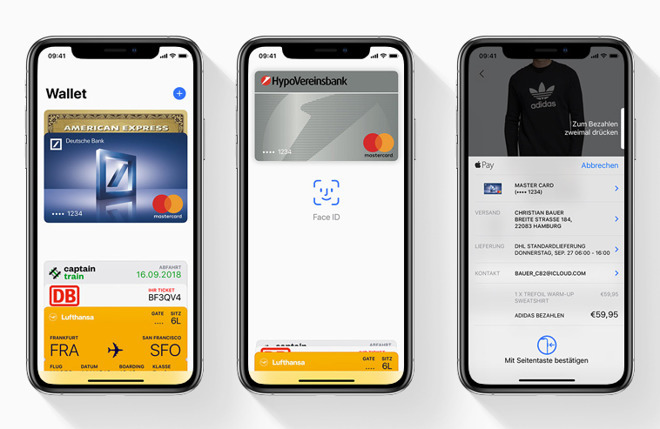
The launch in Belgium is is anticipated to be followed by similar availability in Germany, which was previously advised would happen sometime before the end of 2018. Considered continental Europe's biggest economy, Apple Pay's unavailability in the region has been notable, with Apple and financial institutions in discussions for well over a year, most likely over transaction fees that Apple takes a fractional cut from, which impacts a bank's revenues.
The gradual rollout in Europe has also been hampered by allegations of collusion between banks in Switzerland actively boycotting Apple Pay and Samsung Pay, in favor of supporting national payment system TWINT. Five financial institutions are currently under investigation by the Swiss competition commission COMCO over the matter.
Apple Pay continues to be growing, with Apple advising during its most recent quarterly results that transaction volumes tripled year-on-year. Approximately 60 percent of all U.S. retail shops support Apple Pay, including 71 percent of the top 100 chains, though the two biggest chains Walmart and Target both actively avoid using third-party mobile payment platforms.
Source: appleinsider










