 NEWS
NEWS
Apple Highlights How iPhone Allows Blind Veteran and Surfboarder Scott Leason to Live Independently
 11/12/2018
 2978
2978
Apple shared a story about how the iPhone's accessibility features enable blind veteran and surfboarder Scott Leason to live independently.
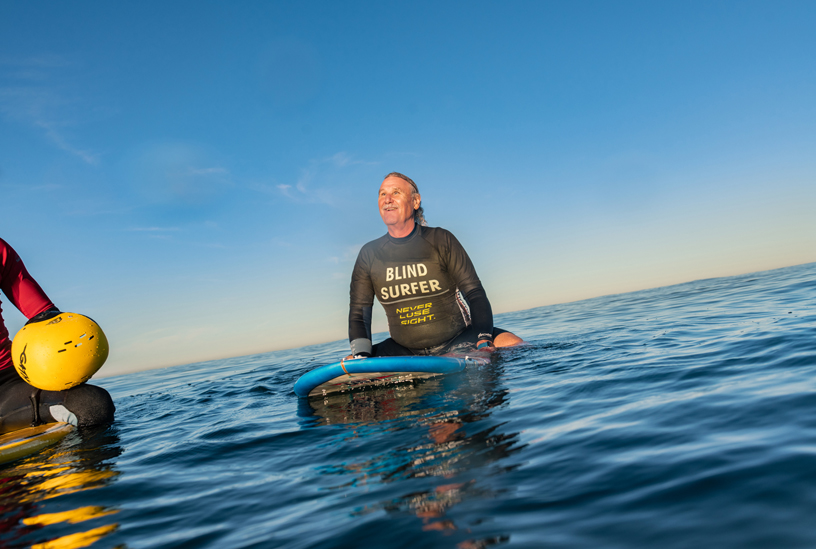
A veteran of the U.S. Navy, Leason was blinded in 1993 after seven years of service. After years of adapting to his new normal, he received an iPhone 5 in 2012, along with training from Sarah T. Majidzadeh, assistant chief of blind rehabilitation at the Tibor Rubin VA Medical Center in Long Beach, California.
Leason is one of many individuals who are blind or have low vision who rely on the iPhone's built-in VoiceOver screen-reading software for daily tasks.
"It's a lot easier to navigate with the phone," Leason told Apple for its story. "I think a lot of the visually impaired prefer the iPhone because they can do everything on it. And VoiceOver works pretty darn good."
VoiceOver is a gesture-based reader introduced on iPhone in 2009, which made it the world's first fully accessible smartphone user interface for the blind, according to Apple. 76 percent of blind and low-vision people using a mobile screen-reading platform choose VoiceOver, per a December 2017 survey by WebAIM.
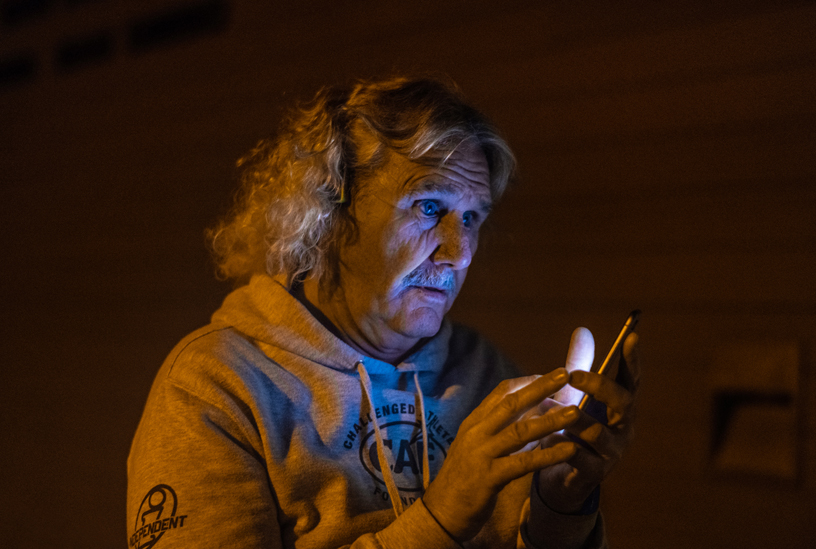
A competitive surfboarder, Leason has since upgraded to an iPhone XR, which he uses to review the day's surf reports via the Surfline app to prepare for the day's ride, typically at Mission Beach in San Diego. He also wears an Apple Watch Series 4 to track his surfing workouts in the water and at home.
"It's amazing how long ago 10 years feels in the world of technology," said Kevin Waldick, assistant director at the Mission Bay Aquatics Center. "He was not very technologically savvy at all, but when he got his iPhone he was like 'I can just do it. This is amazing.' And so Apple does a really amazing job of making that accessible."
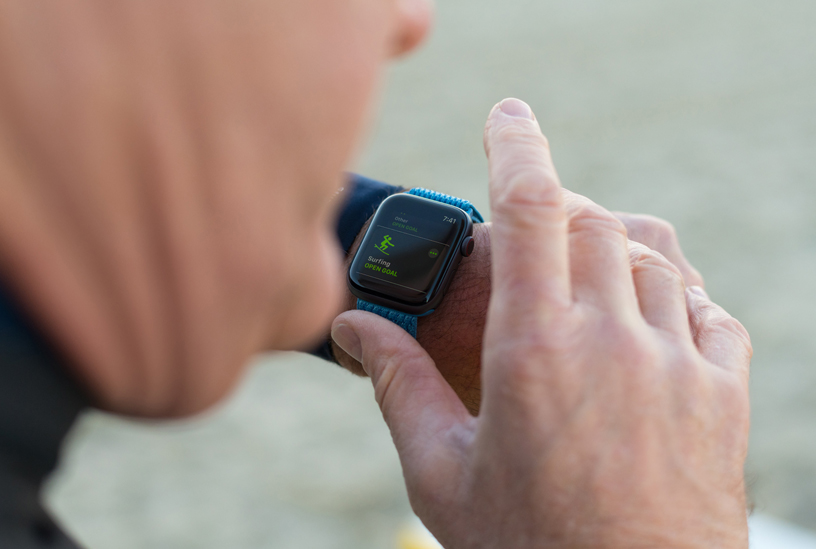
Leason was the first blind champion at the USA Adaptive Surfing Championships at Oceanside Harbor North Jetty in June 2016. The same year, he won second place in men's tricks at the USA Water Ski competition in Harmony, North Carolina. In 2018, he competed in seven competitions in four different sports.
"I'm independent," Leason concluded. "That's the best way to describe the iPhone: independence."
Source: macrumors










