NEWS

AirPods Update Appears Closer as New Model Receives Bluetooth SIG Certification

11/06/2018

2644

AirPods Update Appears Closer as New Model Receives Bluetooth SIG Certification


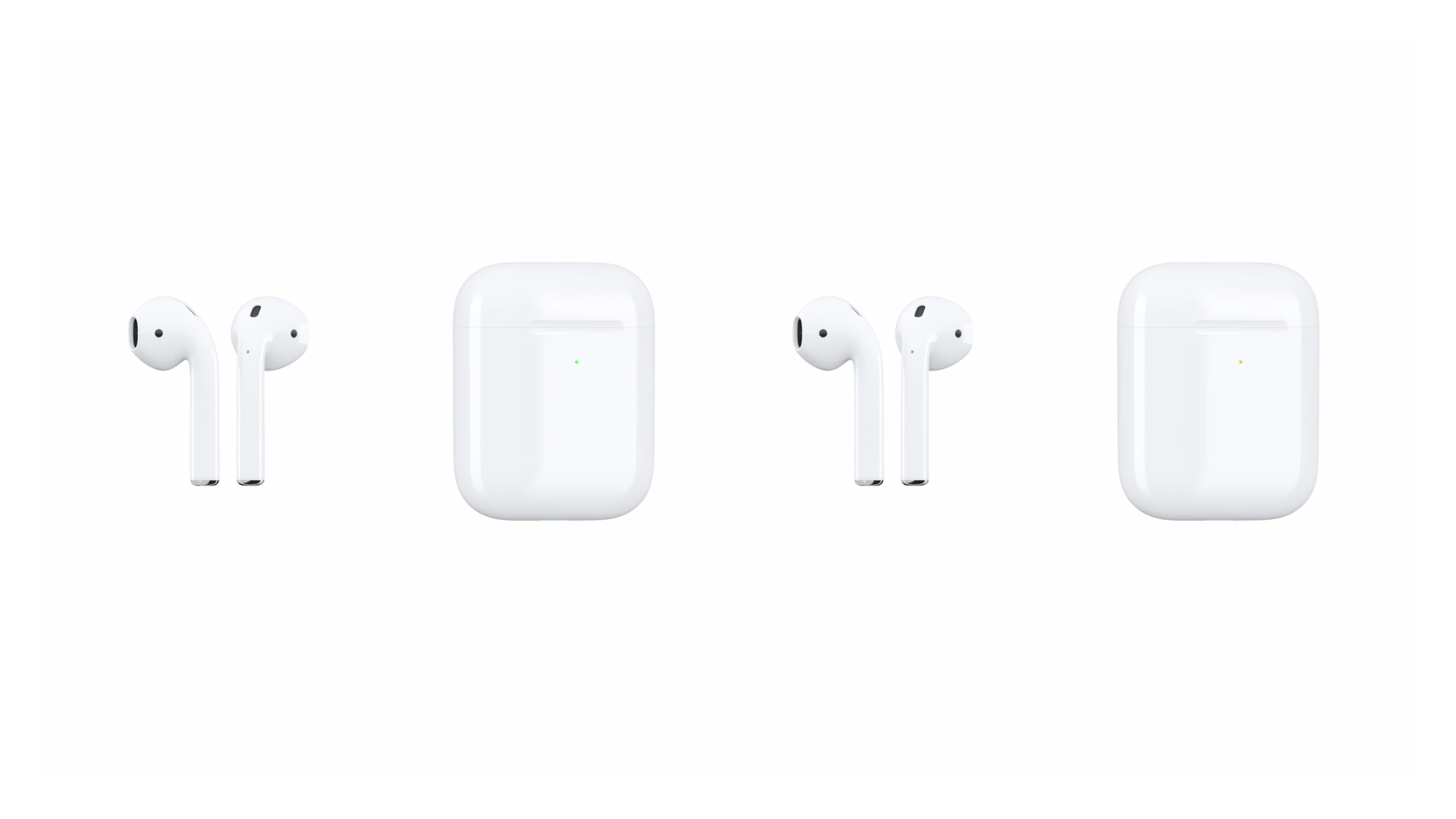
Apple’s October event came and went without mention of an updated AirPods wireless charging case or AirPower. Both products were originally announced back in 2017 during the iPhone X launch event. While we haven’t seen either product come to life, it does seem like Apple may be looking to releasing an AirPods update altogether, which may include that AirPods wireless charging case.


As reported by MySmartPrice, AirPods have just received the mandatory Bluetooth SIG certification, getting the green light from the agency. The certification details new information regarding the Bluetooth headset such as new health sensing technologies and updated Bluetooth protocols.


Two new listings today, which have model numbers A2031 and A2032 mention that the AirPods will be receiving a much-welcomed Bluetooth 5.0 update. Unlike previous filings for various other products, this mentions AirPods by name.


While this isn’t any indication of a release anytime soon, it does indicate ongoing work for a revision of the super-popular AirPods. At the very least, it does indicate that we’ll be getting an updated Bluetooth radio. Bluetooth 5.0 doesn’t bring much benefit in terms of audio, it does extend the range and likely improve battery life.


Previous reports have indicated that Apple is working on some new health features for AirPods. This includes possibly tracking and recording heart rate data. We’re expecting updated AirPods to be released sometime in 2019.


Source: 9to5mac

Windows
Mac OS
iOS
Linux
3uTools
Win 64-bit For this device
V9.01 2025-12-27
Download
Win 32-bit For this device
V9.01 2025-12-27
Download
3uTools
Intel Chip How to Identify Chip Type
V9.01 2025-12-31
Download
Apple Silicon
V9.01 2025-12-31
Download
How to Identify Chip Type
1.  Click the Apple icon in the top-left corner of the screen and select About This Mac.
2.  Check the Processor or Chip field to determine if it is "Intel" or "Apple".
Please use the 3uTools PC client to install the iOS client:
1、 Install either the Windows or Mac version of 3uTools on your computer
2、 Open the PC client and connect your device to the computer via USB cable
3、 After the connection is successful, wait for the computer to automatically install the mobile app for the device, or locate “Install Mobile App” on the computer and manually click to install.
3uTools
deb file
V3.01 2025-11-20
Download
rpm file
V3.01 2025-11-20
Download
Windows
Windows
iOS
iOS
Android
Android
TV
TV
3uAirPlayer
Win 64-bit For this device
V6.0.2 2025-11-19
Download
Win 32-bit For this device
V6.0.2 2025-11-19
Download
iOS Device Mirroring (No App Required)
1、 Install 3uAirPlayer on the Windows PC
2、 Open Control Center and select Screen Mirroring
3、 From the list, choose your PC to start mirroring
4、 Or connect your iOS device to the PC via USB to begin mirroring
Scan to get "3uAirPlayer" App
3uAirPlayer TV V1.0.18
2025-11-28
TV System Requirements: Android 7.0 or later
Download the TV installation package, copy it to a USB drive, insert it into your TV or set-top box, then select the file from the home screen to install.