 NEWS
NEWS
Upgraded Face ID Coming to 2019 iPhone, New iPads to Arrive by Early 2020, Says Kuo
 11/02/2018
 2571
2571
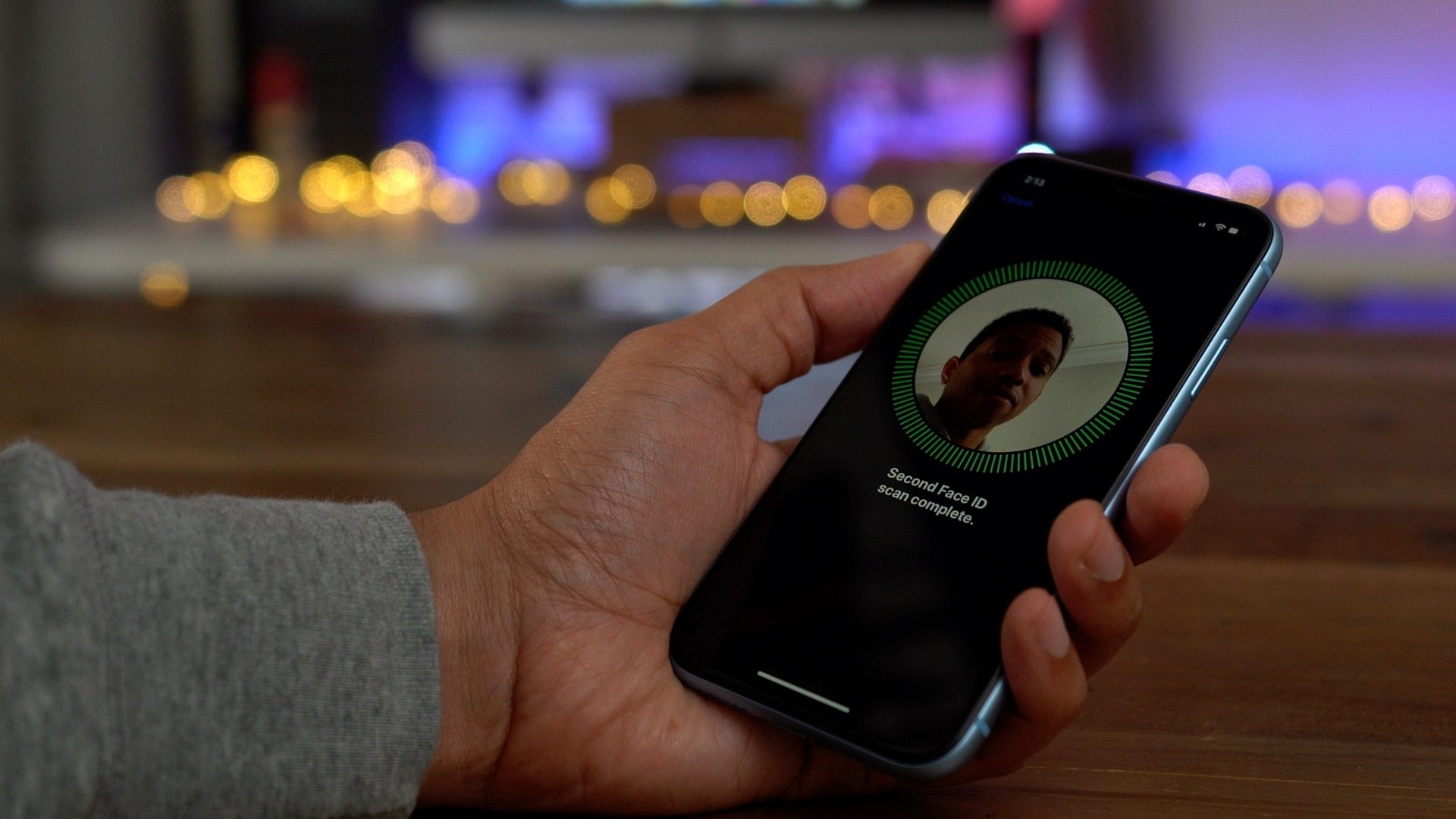
A new note from reliable supply chain analyst Ming-Chi Kuo of TF International Securities today includes the prediction that next year’s iPhone lineup will bring upgrades to Face ID. He also includes a forecast for the next round of iPads — before the newly announced iPads even reach customers.
Kuo believes that the 2019 iPhone models will arrive with an upgraded Face ID experience. Specifically, he says that Apple will increase the power of the flood illuminator which will help reduce the potential for environmental light to interfere with Face ID. For users, that should mean fewer failed unlocks when using facial recognition to unlock the iPhone.
The note says that Apple’s vendors such as IQE, Lumentum, and Win Semi will all benefit from the Face ID enhancements in the future as the primary suppliers of Face ID hardware.
Kuo also says that we should expect the next iPad release to be in Q4 2019 or Q1 2020 which could include Apple’s new 3D modeling tech “Time of Fly” (ToF) in the camera. He says that the feature will likely come to the 2020 iPhone after arriving first on the next-gen iPad.
The analyst previously predicted that TrueDepth IR features would not be coming to the rear camera on the iPhone in 2019, adding today that it is likely destined for the iPad first then the iPhone a generation later. Bloomberg previously reported last year that Apple is developing a new 3D camera system for the rear camera on the iPhone.
Kuo has also previously predicted that the 2019 iPhone lineup will echo the three models we see in 2018: two OLED models and one LCD model. The analyst also expects a new low-priced iPad mini to replace the iPad mini 4 sometime in the near future, although that product isn’t expected to have Apple’s new 3D camera features.
The new upgraded camera Kuo predicts should dramatically improve Portrait mode photography for users.
Source: 9to5mac










