
NEWS

AT&T Says it Will Launch 5G Mobile Service in the US in the Coming Weeks

10/25/2018

2430

AT&T previously announced half of the 12 cities that will be getting 5G mobile service before the end of 2018. Now, the company’s CEO has shared that it will be the first US carrier to offer standards-based 5G by launching the service “in the next few weeks.”


Spotted by Phone Scoop (via The Verge), AT&T CEO John Donovan shared the news in the company’s earnings call today.
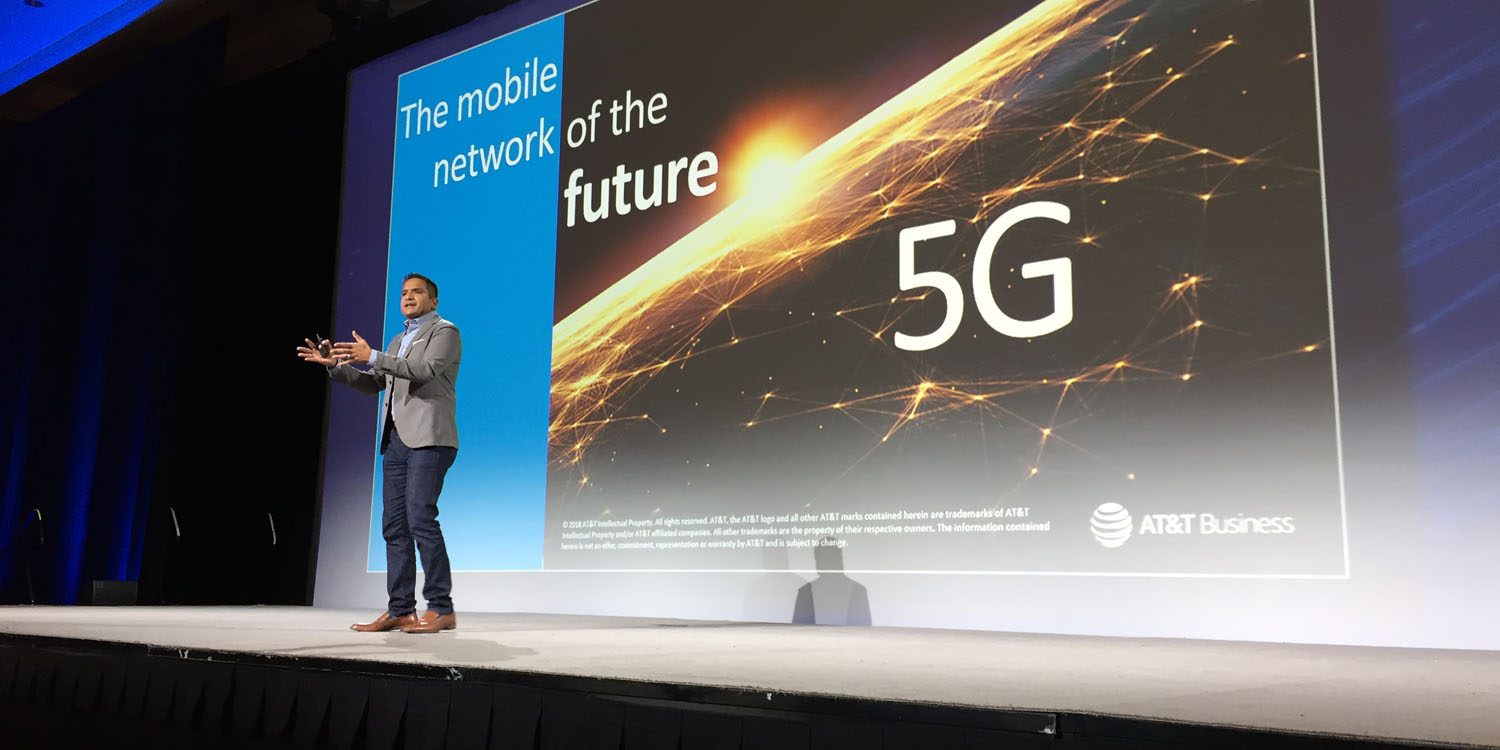

AT&T Says it Will Launch 5G Mobile Service in the US in the Coming Weeks


AT&T is on track to be the first wireless carrier to introduce mobile 5G services in the United States in the next few weeks. This will be standards-based 5G.


Donovan made the distinction about it being a 3GPP standards-based 5G mobile rollout for AT&T as Verizon launched its 5G home internet service earlier this month, but it’s not a quite a true 5G service. The company is planning to upgrade its next-gen cellular home internet with the 5G NR system in the future that’s backed by the mobile standards group 3GPP.


AT&T’s true 5G mobile service rollout should start in the coming weeks and includes Dallas, Atlanta, Waco, Charlotte, Raleigh, and Oklahoma City. Six more cities remain unnamed for now that will also see 5G in the next two months.


While AT&T will likely win the race to launch the new cellular service, there are hardly any smartphones that can use it (no support on iPhone XS or XR). Verizon, T-Mobile, and Sprint are all expected to launch their mobile 5G coverage next year.


Source: 9to5mac


Windows
Mac OS
iOS
Linux
3uTools
Win 64-bit For this device
V9.01 2025-12-27
Download
Win 32-bit For this device
V9.01 2025-12-27
Download
3uTools
Intel Chip How to Identify Chip Type
V9.01 2025-12-31
Download
Apple Silicon
V9.01 2025-12-31
Download
How to Identify Chip Type
1.  Click the Apple icon in the top-left corner of the screen and select About This Mac.
2.  Check the Processor or Chip field to determine if it is "Intel" or "Apple".
Please use the 3uTools PC client to install the iOS client:
1、 Install either the Windows or Mac version of 3uTools on your computer
2、 Open the PC client and connect your device to the computer via USB cable
3、 After the connection is successful, wait for the computer to automatically install the mobile app for the device, or locate “Install Mobile App” on the computer and manually click to install.
3uTools
deb file
V3.01 2025-11-20
Download
rpm file
V3.01 2025-11-20
Download
Windows
Windows
iOS
iOS
Android
Android
TV
TV
3uAirPlayer
Win 64-bit For this device
V6.0.2 2025-11-19
Download
Win 32-bit For this device
V6.0.2 2025-11-19
Download
iOS Device Mirroring (No App Required)
1、 Install 3uAirPlayer on the Windows PC
2、 Open Control Center and select Screen Mirroring
3、 From the list, choose your PC to start mirroring
4、 Or connect your iOS device to the PC via USB to begin mirroring
Scan to get "3uAirPlayer" App
3uAirPlayer TV V1.0.18
2025-11-28
TV System Requirements: Android 7.0 or later
Download the TV installation package, copy it to a USB drive, insert it into your TV or set-top box, then select the file from the home screen to install.




