 NEWS
NEWS
Happy 17th Birthday to Apple's Original iPod
 10/24/2018
 3197
3197
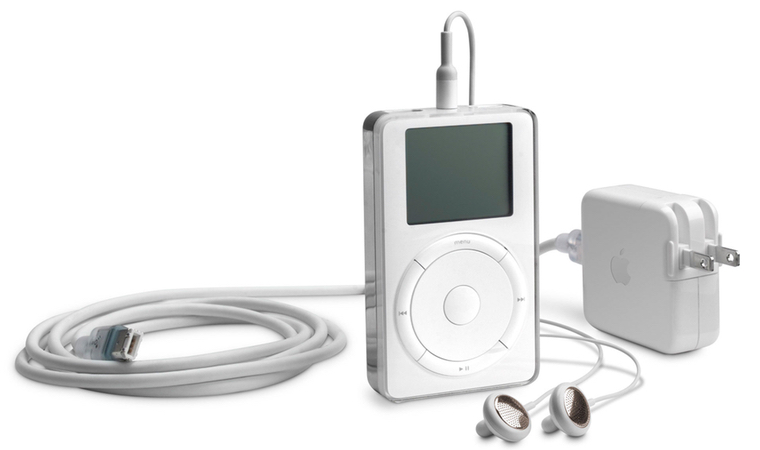
17 years ago today, then Apple CEO Steve Jobs stood on stage at the Apple Town Hall in Cupertino, California and showed off the very first iPod, a palm-sized device that held an entire music library and helped bring Apple back to profitability.
As Jobs introduced the first iPod, he called it a quantum leap forward in technology and outlined its three major breakthrough features: ultra-portability, Apple's legendary ease of use, and auto-sync with iTunes.
"How many times have you gone on the road with a CD player and said 'Oh God, I didn't bring the CD I wanted to listen to.' To have your whole music library with you at all times is a quantum leap in listening to music. The coolest thing about iPod is that your whole music library fits right in your pocket. Never before possible."
The first-generation iPod was advertised as the device that put "1,000 songs in your pocket," with the music stored on its 5GB 1.8-inch hard drive. Priced starting at $399, the first iPod lasted for 10 hours before needing to be recharged.
Apple's original iPod featured a black and white LCD and Apple's first click wheel, a simple, intuitive mechanical scrolling interface designed to let users quickly scroll through long lists of music.
The click wheel, which became an iconic feature of Apple's iPod lineup, included easy access buttons for playing, pausing, rewinding, and fast forwarding through music content.
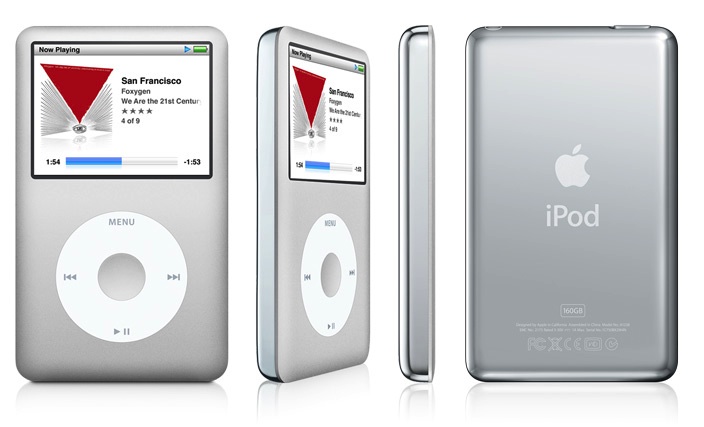
Following the launch of the first iPod, new versions followed on a yearly basis.
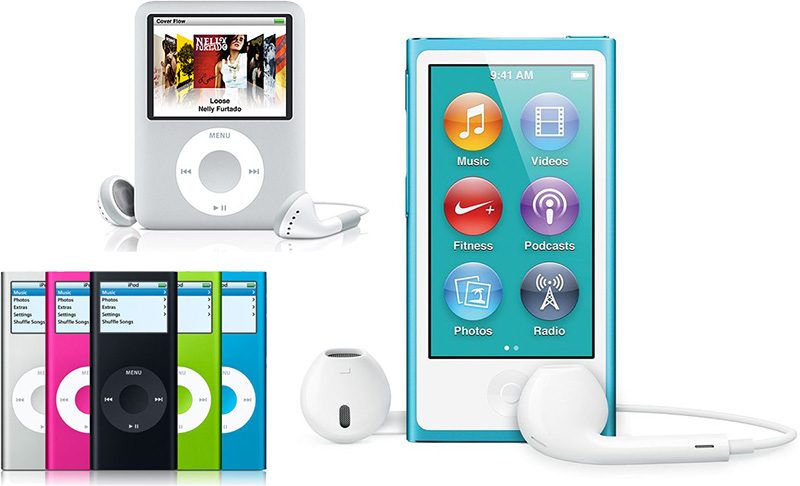
Other notable updates included the iPod Photo in 2004, which had the first color display; the smaller iPod mini, which also came in 2004; the smaller and more portable iPod nano, introduced in 2005; the tiny iPod shuffle, even smaller than the nano, which came in 2005; the third-generation iPod nano "fatty" with a wider, squatter body, introduced in 2007; and the first iPod touch, also released in 2007.
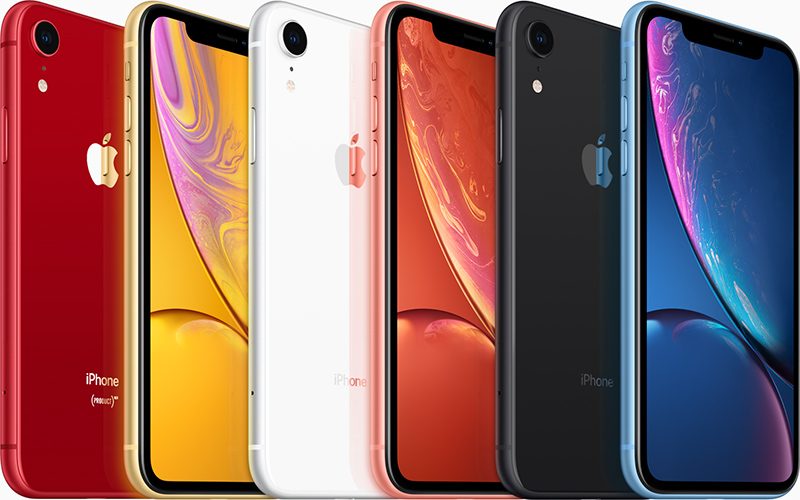
Today, the iPod has been largely replaced with the iPhone, which was first introduced in 2007. Today's iPhone XS, XS Max, and XR feature music storage and Apple Music, along with messaging and calling capabilities, a full App Store, and so much more.
Apple retired the iPod nano and the iPod shuffle in July of 2017, and has slimmed down the iPod lineup to a single iPod -- the iPod touch. Apple has not updated the iPod touch since 2015, and it's likely that at some point, the entire iPod lineup may be put to rest for good.
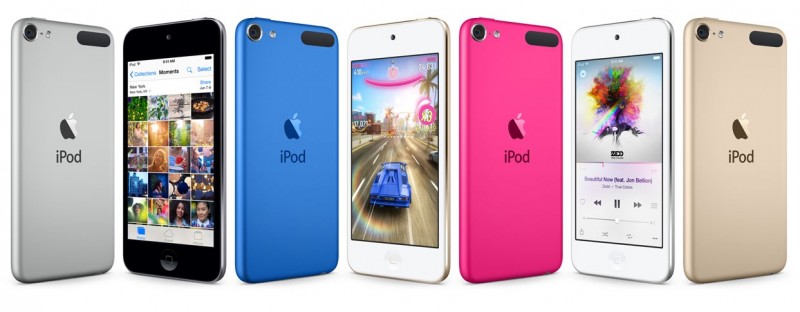
It's not clear when that might happen, and for now, the iPod touch remains available for sale. It can be purchased from Apple for $199 for 32GB of storage or $299 for 128GB of storage.
Unfortunately, there have been no rumors of an update, so Apple's future plans for the iPod remain up in the air.
Source: macrumors










