
NEWS

Apple Pushes GiveBack Program With Trade-ins

08/10/2018

2588

Apple pushes GiveBack program with trade-ins now worth instant credit toward new iPhone, iPad, Apple Watch, Mac.


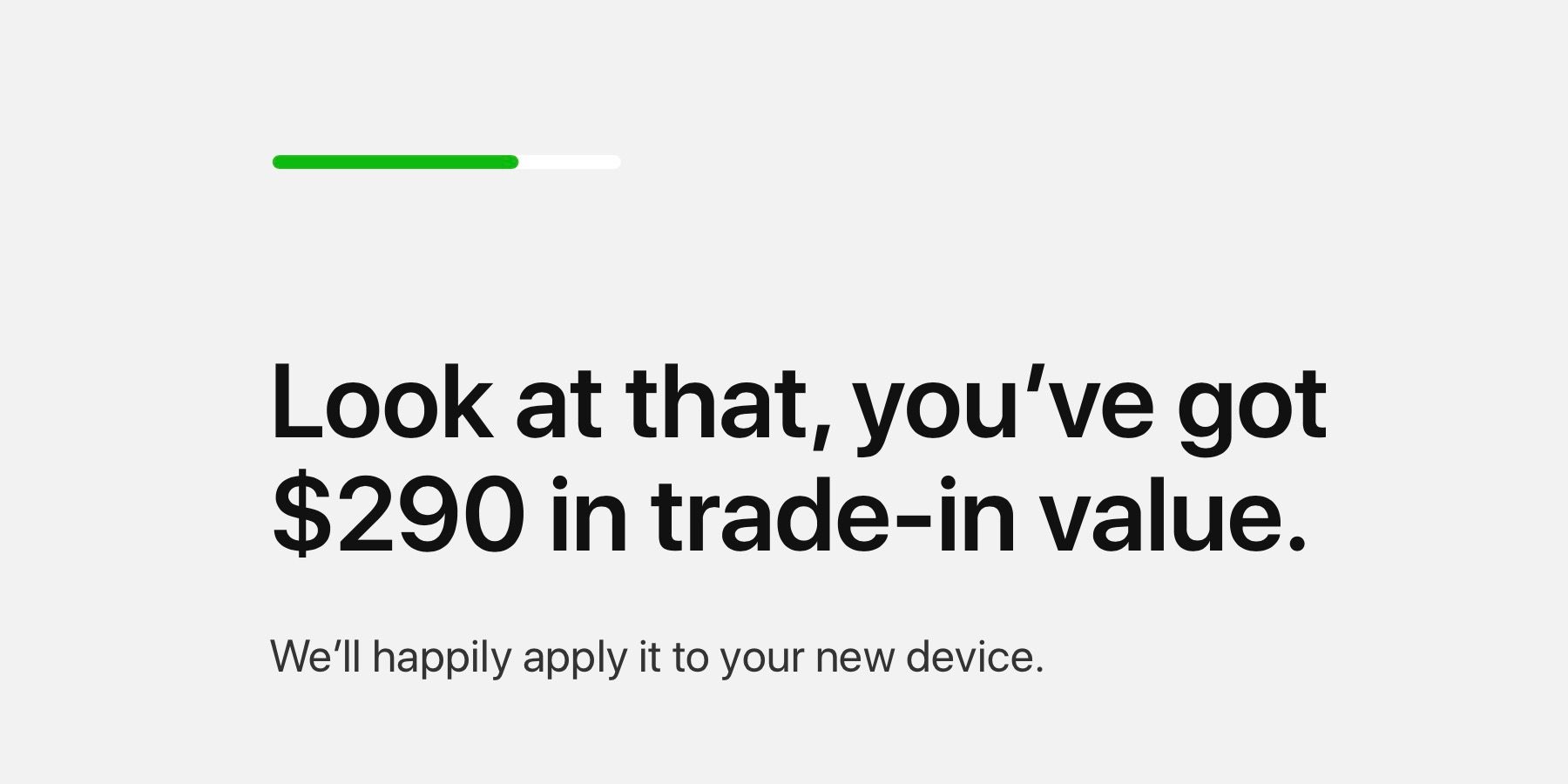
Apple rebranded its reuse and recycling trade-in program earlier this year as “Apple GiveBack.” Now, customers buying new devices on Apple’s website can use a trade-in to instantly offset the cost.

Apple Pushes GiveBack Program With Trade-ins


Previously, using Apple’s trade-in program online meant shipping off your device and waiting for an Apple gift card or debit card with the corresponding value.  To receive a credit that could be applied against the new purchases immediately meant visiting an Apple Store.


Now, ahead of its iPhone event next month, Apple has updated its website with a new GiveBack interface to make upgrading devices easier than ever. Located on the “Buy” pages for all of its products, customer will now see a prompt and a link asking if they have a device to trade in.


You’ll also see the links for Apple GiveBack as you’re selecting the specific model of iPhone, iPad, Apple Watch, or Mac before you check out. The new interface uses a large, bold font in a pop-up window. You can quickly get a value for your potential trade-in, although you’ll need to have your serial number handy to go through with it all.


Apple is currently accepting iPhone 7 and 7 Plus as the newest devices for GiveBack. However, it will likely soon offering values for the 8, 8 Plus, and X soon.


Source: 9to5mac


Windows
Mac OS
iOS
Linux
3uTools
Win 64-bit For this device
V9.01 2025-12-27
Download
Win 32-bit For this device
V9.01 2025-12-27
Download
3uTools
Intel Chip How to Identify Chip Type
V9.01 2025-12-31
Download
Apple Silicon
V9.01 2025-12-31
Download
How to Identify Chip Type
1.  Click the Apple icon in the top-left corner of the screen and select About This Mac.
2.  Check the Processor or Chip field to determine if it is "Intel" or "Apple".
Please use the 3uTools PC client to install the iOS client:
1、 Install either the Windows or Mac version of 3uTools on your computer
2、 Open the PC client and connect your device to the computer via USB cable
3、 After the connection is successful, wait for the computer to automatically install the mobile app for the device, or locate “Install Mobile App” on the computer and manually click to install.
3uTools
deb file
V3.01 2025-11-20
Download
rpm file
V3.01 2025-11-20
Download
Windows
Windows
iOS
iOS
Android
Android
TV
TV
3uAirPlayer
Win 64-bit For this device
V6.0.2 2025-11-19
Download
Win 32-bit For this device
V6.0.2 2025-11-19
Download
iOS Device Mirroring (No App Required)
1、 Install 3uAirPlayer on the Windows PC
2、 Open Control Center and select Screen Mirroring
3、 From the list, choose your PC to start mirroring
4、 Or connect your iOS device to the PC via USB to begin mirroring
Scan to get "3uAirPlayer" App
3uAirPlayer TV V1.0.18
2025-11-28
TV System Requirements: Android 7.0 or later
Download the TV installation package, copy it to a USB drive, insert it into your TV or set-top box, then select the file from the home screen to install.




