
NEWS

Apple Watch Users on China's Mainland to Enjoy Cellular Services

03/06/2018

2470

Apple Watch users on the Chinese mainland will be able to enjoy cellular services from tomorrow, according to a China Unicom source.


Apple and its partner China Unicom will debut the new eSIM service tomorrow, which allows Watch users to access Internet services independently, Shanghai Daily learned today. Shanghai, Tianjin, Guangzhou, Shenzhen, Zhengzhou and Changsha will be first batch of cities offering the service. A ceremony will be held in Shanghai tomorrow to welcome the service, the source said.
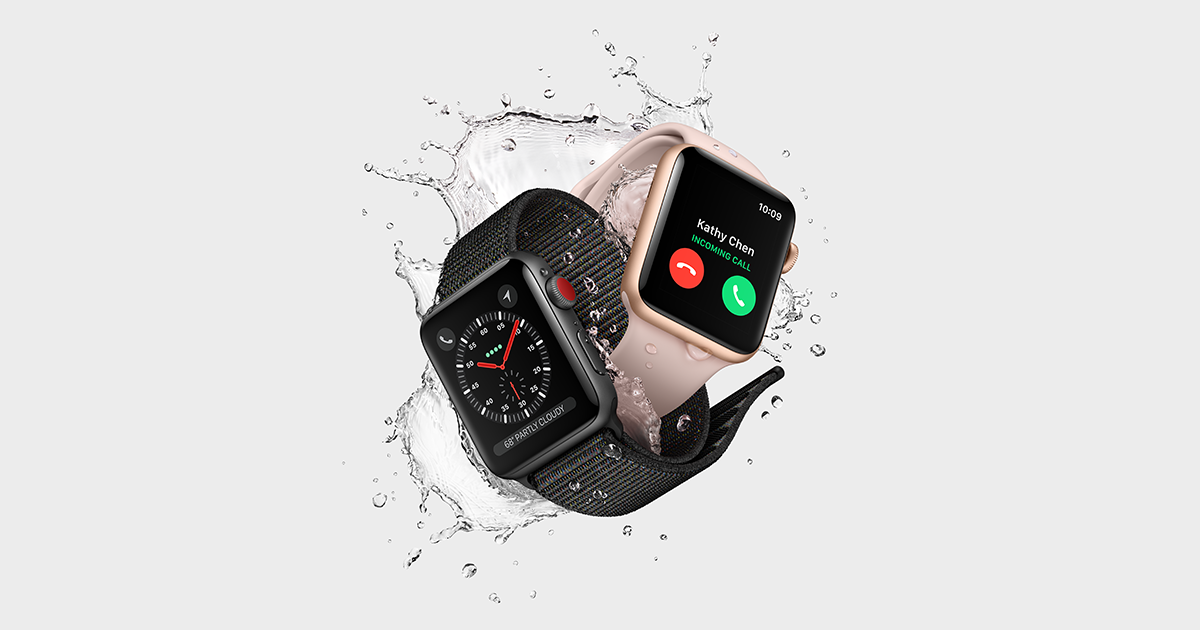

Apple Watch Users on China's Mainland to Enjoy Cellular Services


Apple Watch users can access cellular services in “selected cities” initially and nationwide later this year, said Apple China website.


A cellular connection or eSIM technology is the biggest new feature on the latest Apple Watch, which allows people to use the Watch independently of the iPhone. The eSIM tech marks one of the most important tech upgrades and and is a major selling point of the device.


But no China's telecommunication carriers have supported the service since its debut in September. In the United States and other regions, the service is supported by various carriers.


Source: shine

Windows
Mac OS
iOS
Linux
3uTools
Win 64-bit For this device
V9.01 2025-12-27
Download
Win 32-bit For this device
V9.01 2025-12-27
Download
3uTools
Intel Chip How to Identify Chip Type
V9.01 2025-12-31
Download
Apple Silicon
V9.01 2025-12-31
Download
How to Identify Chip Type
1.  Click the Apple icon in the top-left corner of the screen and select About This Mac.
2.  Check the Processor or Chip field to determine if it is "Intel" or "Apple".
Please use the 3uTools PC client to install the iOS client:
1、 Install either the Windows or Mac version of 3uTools on your computer
2、 Open the PC client and connect your device to the computer via USB cable
3、 After the connection is successful, wait for the computer to automatically install the mobile app for the device, or locate “Install Mobile App” on the computer and manually click to install.
3uTools
deb file
V3.01 2025-11-20
Download
rpm file
V3.01 2025-11-20
Download
Windows
Windows
iOS
iOS
Android
Android
TV
TV
3uAirPlayer
Win 64-bit For this device
V6.0.2 2025-11-19
Download
Win 32-bit For this device
V6.0.2 2025-11-19
Download
iOS Device Mirroring (No App Required)
1、 Install 3uAirPlayer on the Windows PC
2、 Open Control Center and select Screen Mirroring
3、 From the list, choose your PC to start mirroring
4、 Or connect your iOS device to the PC via USB to begin mirroring
Scan to get "3uAirPlayer" App
3uAirPlayer TV V1.0.18
2025-11-28
TV System Requirements: Android 7.0 or later
Download the TV installation package, copy it to a USB drive, insert it into your TV or set-top box, then select the file from the home screen to install.




