 NEWS
NEWS
Apple CEO Tim Cook: Hardware and Software Integration Will Set HomePod Apart From Competitors
 01/25/2018
 2911
2911
Apple CEO Tim Cook is spending some time in Canada this week, and yesterday he attended a hockey game and visited the Eaton Centre Apple Store in Toronto.
Cook today stopped by the offices of Canadian e-commerce platform Shopify, where he spoke to the Financial Post about augmented reality apps and the HomePod. 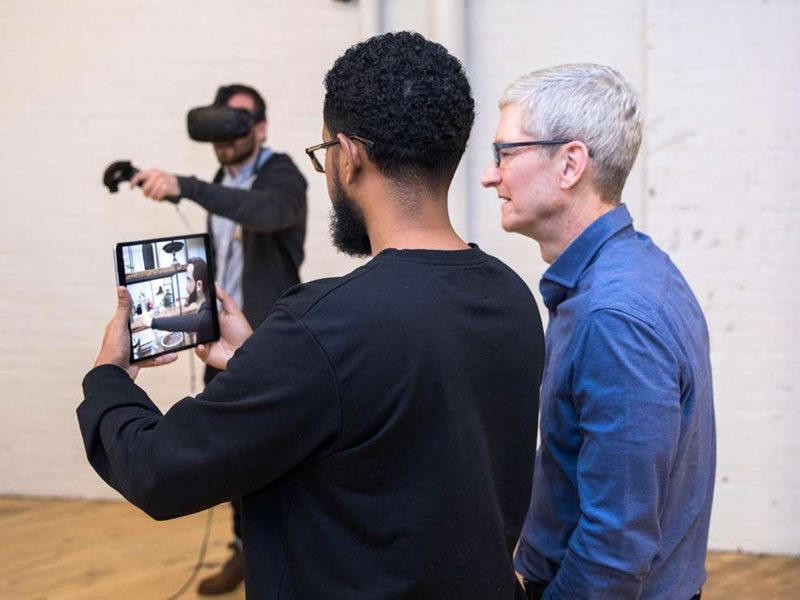
On the topic of the HomePod, Cook said that Apple's deep integration between hardware and software will help to differentiate the smart speaker from competing products like Amazon's Alexa and the Google Home.
"Competition makes all of us better and I welcome it," Cook said. "(But) if you are both trying to license something and compete with your licensees, this is a difficult model and it remains to be seen if it can be successful or not."
Cook also said a quality, "very immersive audio experience" was one thing missing from the smart speaker market, which Apple is aiming to fix. "Music deserves that kind of quality as opposed to some kind of squeaky sound," he said.
The HomePod, which, at $349 in the United States is more expensive than competing products, features a 7 tweeter array, an Apple-designed 4-inch upward-facing woofer, and spatial awareness, all of which is designed to provide the best possible sound.
During his interview with the Financial Post, Cook also spoke about augmented reality, a topic he's covered many times in the past. Cook said AR is "the most profound technology of the future" that's able to amplify human experience instead of substitute it.
Cook said developers across Canada are adopting AR at a "very fast rate" and that he "couldn't be happier" with developer interest in ARKit.
Source: macrumors










