 NEWS
NEWS
Visa Dropping Signature Requirement for Chip Cards and Apple Pay Starting in April
 01/15/2018
 2902
2902
Visa today announced it will eliminate its signature requirement for EMV payments beginning April 2018 in the United States and Canada. 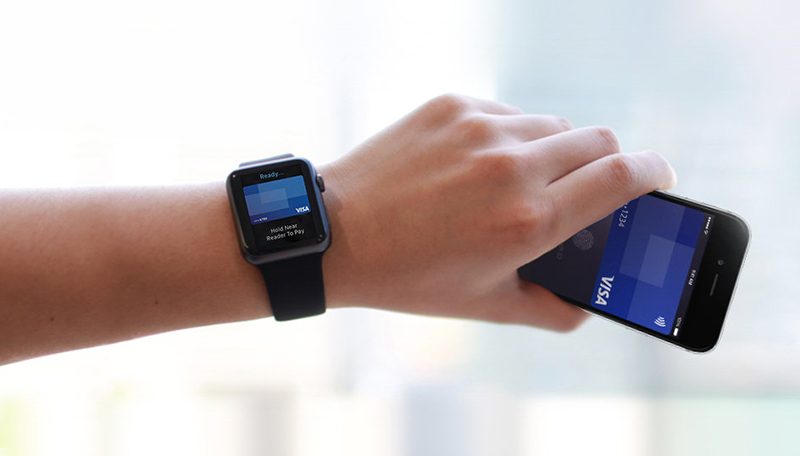
The change will apply to both chip-and-signature credit and debit cards, and contactless payment solutions like Apple Pay when linked to a Visa credit or debit card. The change is designed to allow for a more consistent, streamlined, and quicker checkout experience for both merchants and cardholders.
For years, customers have been required to sign the receipt when making a purchase to verify they own the debit or credit card they are attempting to use. A cashier is supposed to match the signature on the receipt against the one on the back of the card, but in reality, this process is often skipped nowadays.
Currently, even when using Apple Pay, a signature can be required on occasion for purchases over $25 made with a Visa card in the United States. But with EMV technology and other modern safeguards, Visa is now moving to fully eliminate this requirement, in line with Mastercard, American Express, and Discover.
The signature requirement is already much less common in Canada, where customers insert their chip card into a payment terminal and verify ownership by entering a four-digit PIN. You also can't use contactless payments for transactions over $100 in Canada(update: excluding American Express — thanks Gary Ng!)
Visa says its partners have deployed EMV-chip enabled readers at more than 2.5 million locations around the world. Less than two years since the technology launched in the United States, counterfeit fraud declined 66 percent at EMV-chip enabled merchants, according to the company.
Merchants will remain able to collect signatures if required to do so by an applicable law in a particular jurisdiction.
Source: macrumors










