 NEWS
NEWS
Apple Now Requires Games with Loot Boxes to Disclose Odds
 12/22/2017
 3539
3539
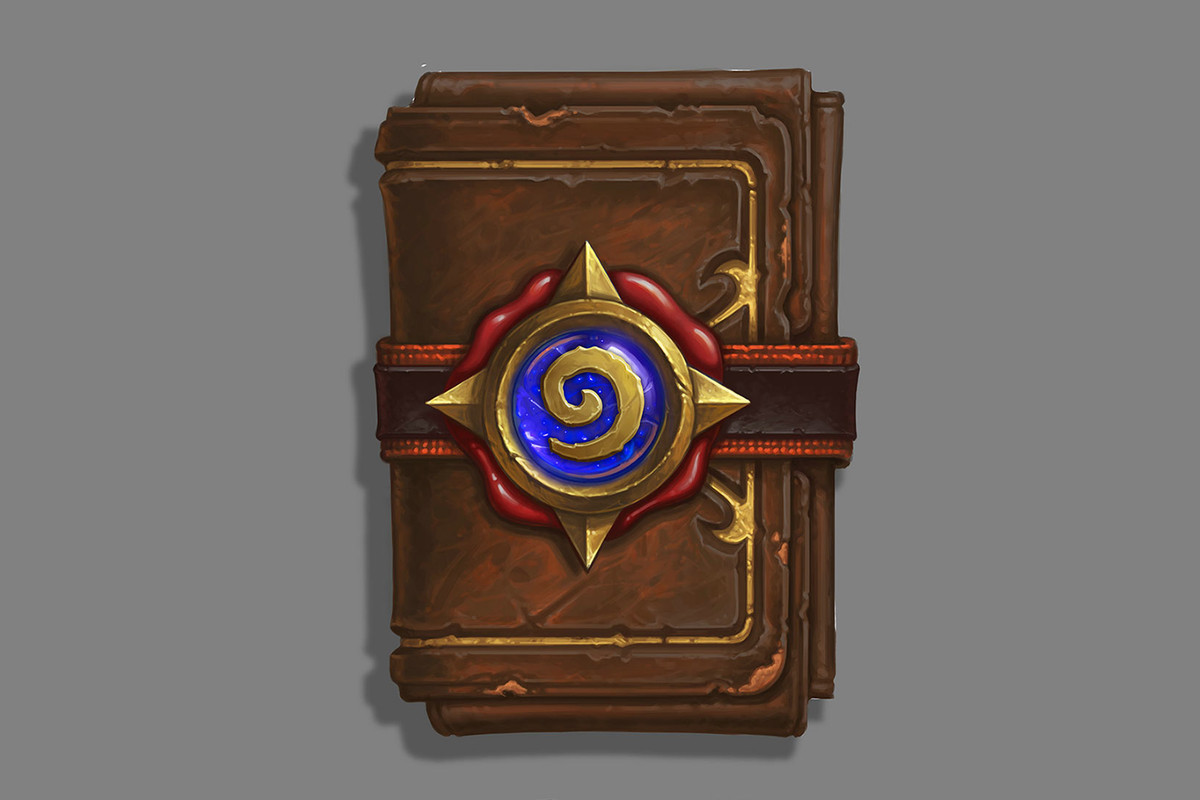
Apple is now requiring that any apps on the App Store that offer loot boxes must disclose the odds of the likelihood of players getting different types of items, according to a report fromPolygon.
The change comes from Apple’s official developer guidelines, which now state that “Apps offering ‘loot boxes’ or other mechanisms that provide randomized virtual items for purchase must disclose the odds of receiving each type of item to customers prior to purchase.”
Loot boxes have become a contentious issue in video games this year, and there’s now an ongoing debate over whether or not the popular microtranscation scheme — which awards players random digital items in purchasable loot crates — should be considered gambling.
Earlier this year, China’s Ministry of Culture released new rules governing randomized loot boxes that required developers to explicitly reveal the probability of getting specific items from loot boxes, forcing games like Dota 2 and League of Legends to reveal the exact numbers behind loot drop rates for the first time — at least for the localized Chinese versions of the games.
But Apple’s new policy marks the first time a major US company has required a similar disclosure from developers. And while iOS may not have titles like Battlefront 2 or Destiny 2, both of which have drawn fire from gamers for loot crate tactics over the past few months, Apple’s policy would seem to include popular games like Hearthstone, with its randomized card packs that players can buy as in-game purchases.
The new rule probably won’t change anything about loot box culture in games directly — the microtransations are far too profitable for game makers to stop now — but at least customers will be able to get a better idea of just what their odds are before they hit the purchase button on their next loot box.
Source: the verge










