 NEWS
NEWS
Apple let a fake $5 Cuphead game into the App Store
 12/19/2017
 3894
3894
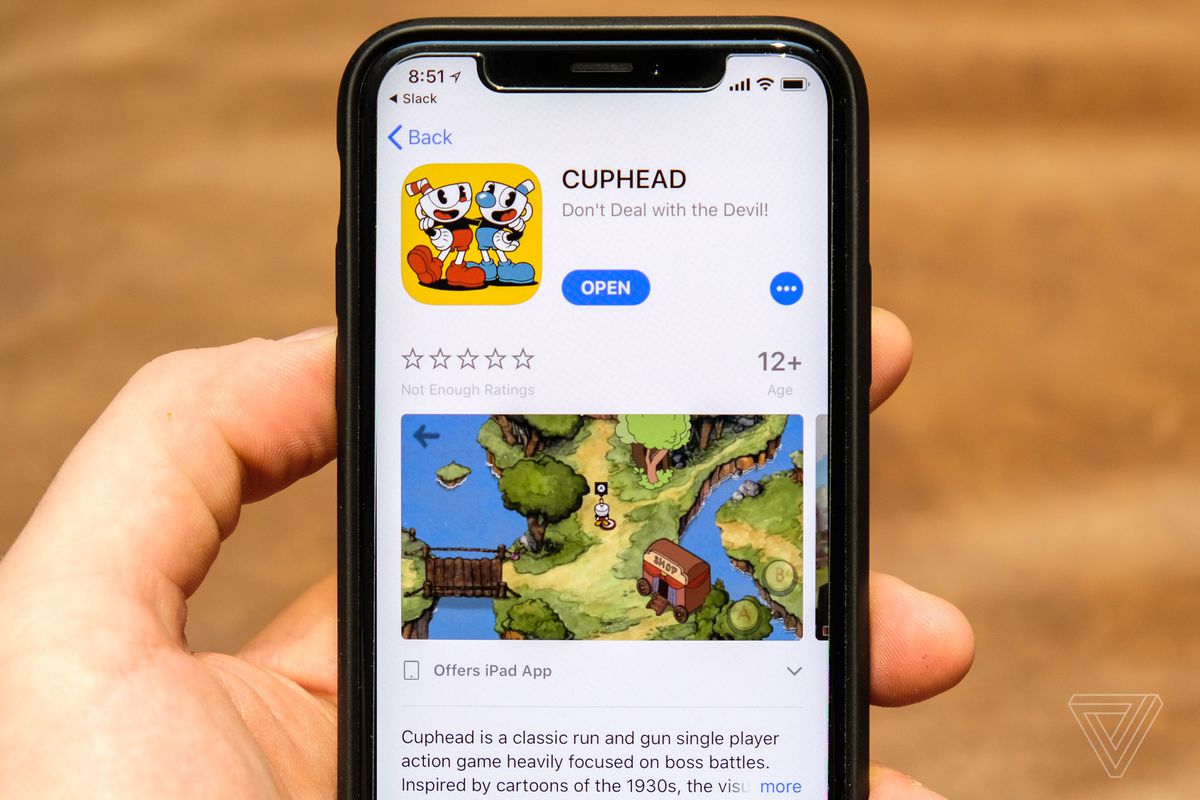
A version of run-and-gun game Cuphead unexpectedly showed up on iOS — but it’s a scam.
TouchArcade reported that an iOS version had been published today, linking to what seems like a legitimate App Store app. It’s got real game screenshots, and it lists the seller as Cuphead developer StudioMDHR. But the support page links to “studiomdhrgames.com,” instead of StudioMDHR’s actual site, “studiomdhr.com.” If you buy the game, you’ll see an incorrect name as well: “StudioMDHR Entertainment Inc.”
The site “studiomdhrgames.com” is registered to someone named Walter Gregor, who isn’t listed as a StudioMDHR employee and apparently lives in the city of “Wasinghton, Wasinghton.” (StudioMDHR’s real site is using a privacy-guarding service — as you’d expect from a serious company.) It would also be weird for the studio to quietly break its highly publicized exclusivity deal with Microsoft, especially only a couple of months after release. One Twitter user posted a screenshot that shows StudioMDHR confirming it’s a scam, and StudioMDHR confirmed to us as well. “Fake as hell. We are working on having it removed,” director of experience Ryan Moldenhauer told The Verge.
There is a Cuphead imposter app on the iOS store -- this is a scam. We are working on removing the fraudulent app ASAP!
— Studio MDHR (@StudioMDHR) December 18, 2017
You actually can play this version of Cuphead using touch controls, but it’s... a little off. The backgrounds look low-resolution, the animation is primitive. Some basic elements don’t seem adapted to a touchscreen: its menu screen still tells you to “push any button,” for instance.
It’s not too surprising that somebody would try to rip off Cuphead for a platform like iOS. But it’s surprising that Apple would let it slip through its generally tough submission process, when its legitimacy falls apart under basic investigation — especially because Cuphead was one of the most highly anticipated games of the year. The game’s tagline is “Don’t deal with the devil,” but Apple doesn’t seem to have gotten the message.
Update 9:50AM ET: Apple has pulled the app; we’ve got an archived version of the App Store page here. Apple didn’t immediately reply to a request for more details about the submission, or whether buyers’ money will be automatically refunded.
Source: the verge










