
NEWS

WatchOS 4.2 for Apple Watch Now Available with Apple Pay Cash Support

12/06/2017

2507

Apple has released watchOS 4.2 for Apple Watch. The latest software update is available for all Apple Watch models and includes support for Apple Pay Cash.


After setting up Apple Pay Cash on iPhone with iOS 11.2, Apple Pay Cash becomes an option in watchOS 4.2 in the Messages app and Wallet app on Apple Watch. Apple Pay Cash also works with Siri.


In Messages, Apple Pay Cash is a new quick action below Scribble that you see when replying to an iMessage. This lets you send up to $3,000 to friends with Apple Pay Cash. In Wallet, Apple Pay Cash lets you pay in stores and in apps on Apple Watch using the service’s virtual debit card. Siri can be used to both send and request payments with contacts.
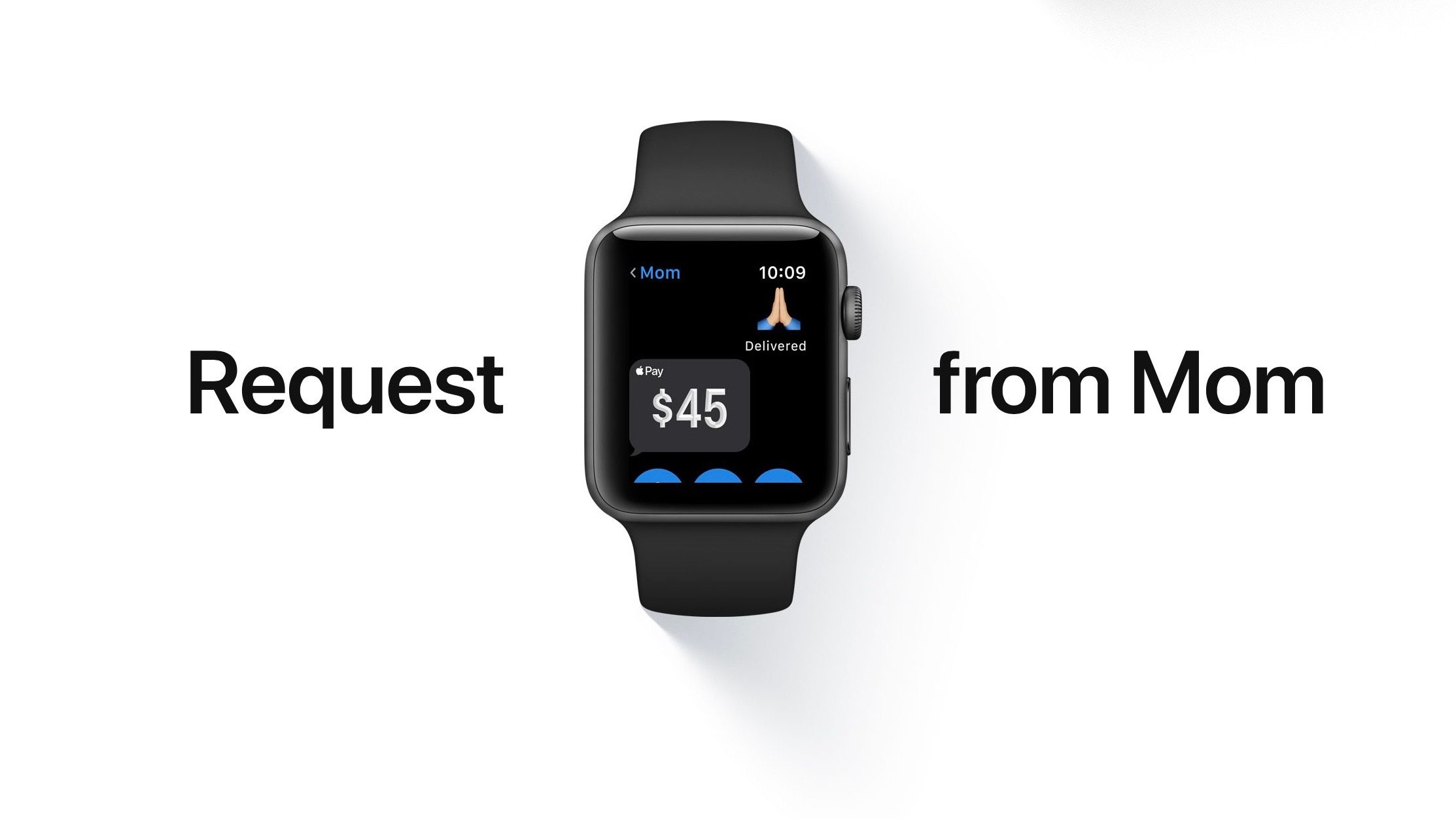

WatchOS 4.2 for Apple Watch Now Available with Apple Pay Cash Support

Apple Pay Cash is also available on iPhone and iPad through iOS 11.2 for customers in the United States with Apple Pay compatible iOS devices.


Prior to watchOS 4.2, Apple brought Apple Music streaming over Wi-Fi and cellular and iCloud Music Library to Apple Watch with watchOS 4.1.


Source: appleinsider

Windows
Mac OS
iOS
Linux
3uTools
Win 64-bit For this device
V9.01 2025-12-27
Download
Win 32-bit For this device
V9.01 2025-12-27
Download
3uTools
Intel Chip How to Identify Chip Type
V9.01 2025-12-31
Download
Apple Silicon
V9.01 2025-12-31
Download
How to Identify Chip Type
1.  Click the Apple icon in the top-left corner of the screen and select About This Mac.
2.  Check the Processor or Chip field to determine if it is "Intel" or "Apple".
Please use the 3uTools PC client to install the iOS client:
1、 Install either the Windows or Mac version of 3uTools on your computer
2、 Open the PC client and connect your device to the computer via USB cable
3、 After the connection is successful, wait for the computer to automatically install the mobile app for the device, or locate “Install Mobile App” on the computer and manually click to install.
3uTools
deb file
V3.01 2025-11-20
Download
rpm file
V3.01 2025-11-20
Download
Windows
Windows
iOS
iOS
Android
Android
TV
TV
3uAirPlayer
Win 64-bit For this device
V6.0.2 2025-11-19
Download
Win 32-bit For this device
V6.0.2 2025-11-19
Download
iOS Device Mirroring (No App Required)
1、 Install 3uAirPlayer on the Windows PC
2、 Open Control Center and select Screen Mirroring
3、 From the list, choose your PC to start mirroring
4、 Or connect your iOS device to the PC via USB to begin mirroring
Scan to get "3uAirPlayer" App
3uAirPlayer TV V1.0.18
2025-11-28
TV System Requirements: Android 7.0 or later
Download the TV installation package, copy it to a USB drive, insert it into your TV or set-top box, then select the file from the home screen to install.




