 NEWS
NEWS
iPhone Users Suffering from Random Reboots & Crashes Due to Date/Time Bug Affecting Notifications
 12/03/2017
 3226
3226
Just days after the huge root security flaw on macOS earlier this week, a growing number of iPhone and iPad users are reporting serious reboot and respring issues. The problem, detailed in a growing Reddit thread and on Twitter, seems to stem from apps that use local notifications, such as reminder applications like Headspace and Calm…
According to affected users, the issues first began when the time turned to 12:15AM on December 2nd in their area. Once that time struck, their iPhone began “respringing” nearly instantly.
Respringing is when the iPhone essentially goes through a soft reboot. It never fully shuts down, but the Home screen is reloading itself. In other cases, however, users report that their device fully shuts down and reboots.
One Reddit user claims to have spoken with a senior Apple representative who informed him that the company is working on a fix.
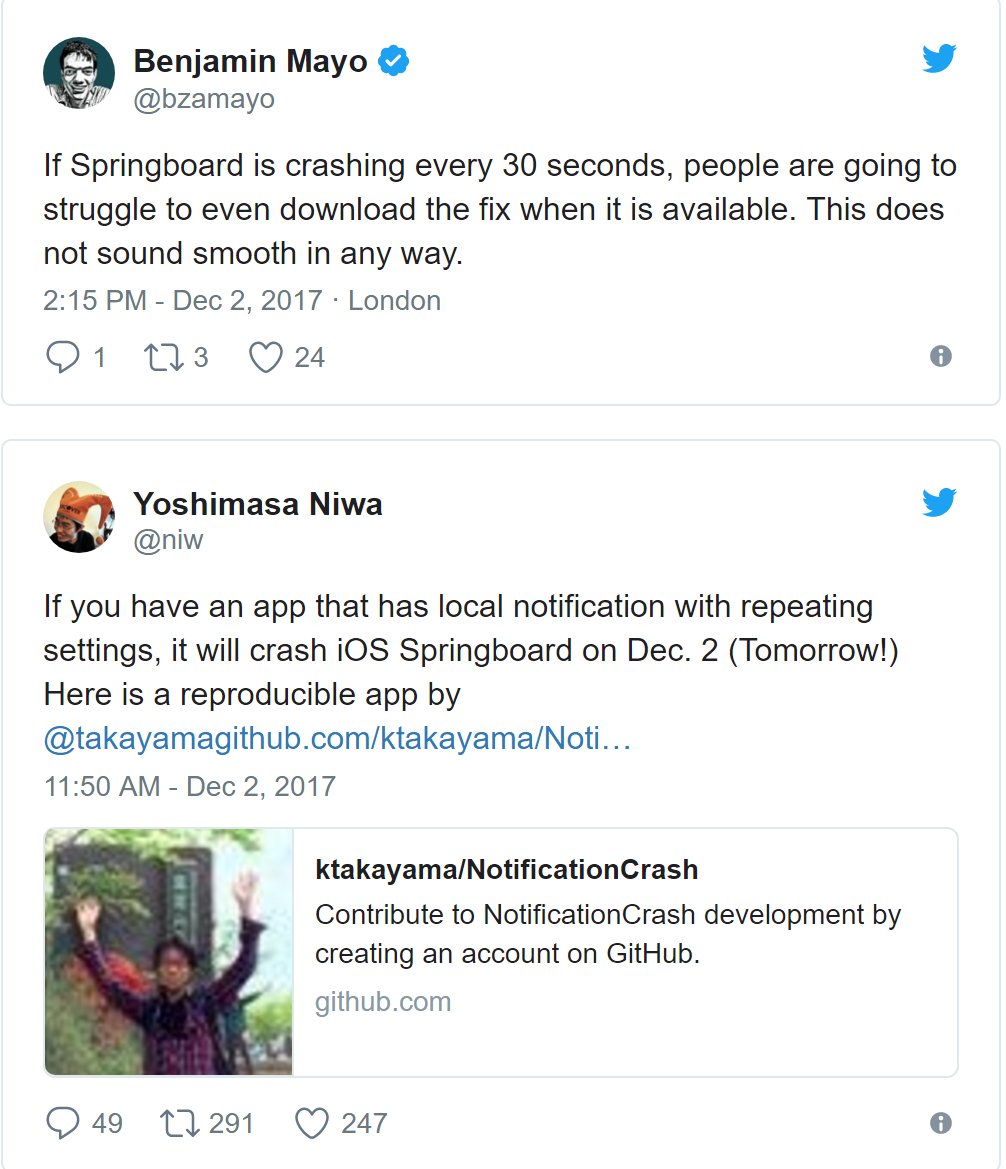
The issue seems to stem from applications that use the local notification system and how that relates to the iPhone’s date/time system. This includes apps such as Headspace and Calm, which send daily reminders for things such as meditation and mindfulness.
Apple is currently recommending that affected users set their device’s date back by one day. Here’s how to do that:
* Open Settings
* Select ‘General’
* Scroll to ‘Date & Time’
* Disable ‘Set Automatically’
* Use the slider to turn the date back to December 1st
Of note, there are other issues that can stem from incorrect date and time, including alarms not working properly and authentication errors in Safari with SSL-enabled websites.
Other suggestions for fixing include disabling all notifications for the affected applications. Here’s how to do that:
* Open Settings
* Select ‘Notifications’
* Choose the app in question
* Disable ‘Allow Notifications’
Source: 9to5mac










