
NEWS

AirPods and iPads Top This Year’s Most Sought Gadgets for Cyber Monday

11/29/2017

2484

Adobe today released its annual report on Black Friday and Cyber Monday that includes a bunch of interesting details, including the fact that iPads and AirPods were some of the best selling gadgets.


Cyber Monday this year seems to have been a success, coming in as the largest online sales day in history and bringing in more than $6.59 billion in sales.


When it comes to what products were best-selling, iPads and AirPods were on the list along with Samsung tablets, Google’s Chromecast and Sony’s Playstation VR. The biggest discounts were for toys, TVs and computers.
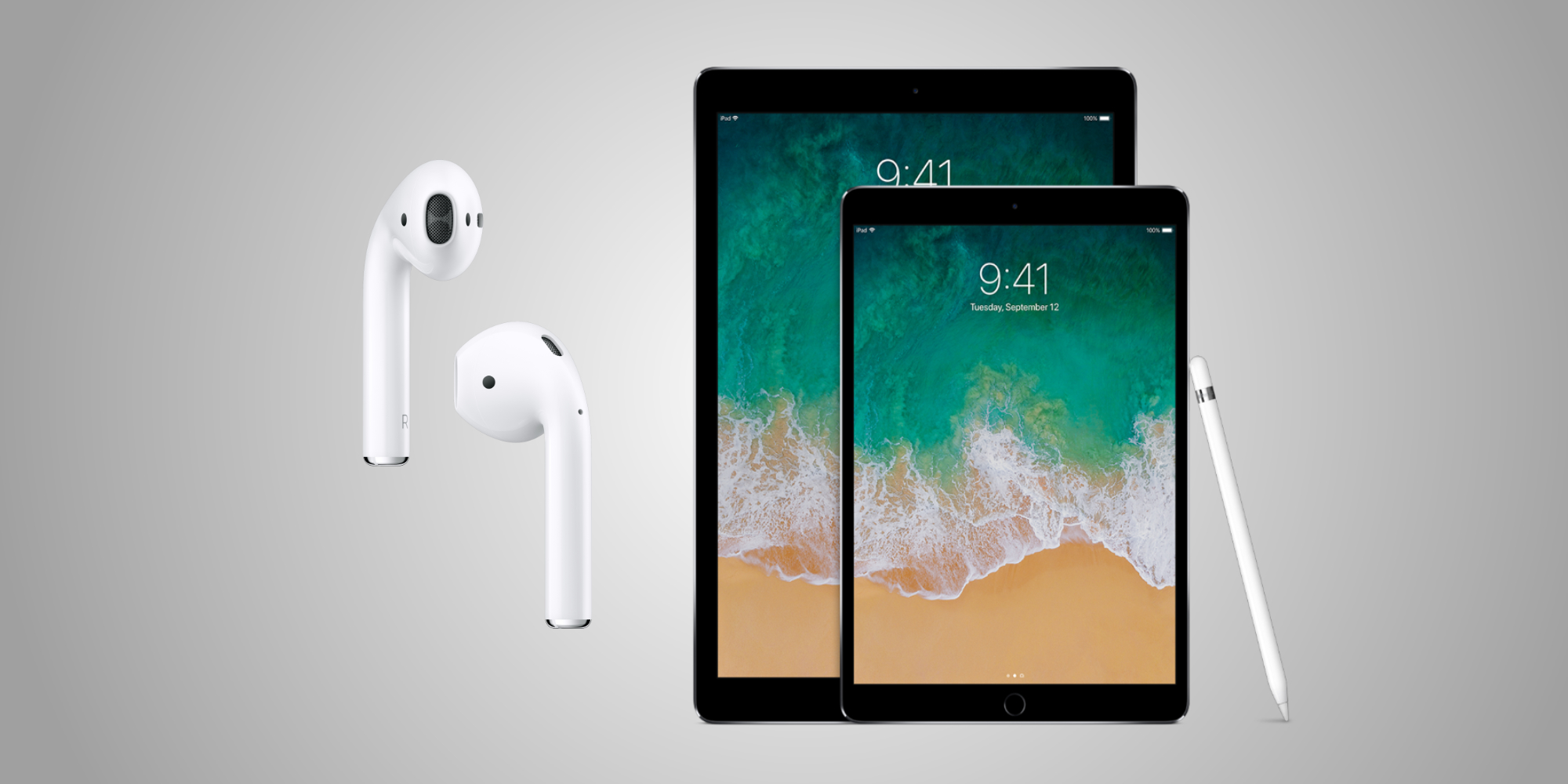

AirPods and iPads Top This Year’s Most Sought Gadgets for Cyber Monday


Year over year, Cyber Monday saw a significant increase in overall sales.


It actually managed to increase 16.8% from Cyber Monday in 2016: Black Friday took in $5.03 billion while Thanksgiving Day brought in $2.87 billion. That nets to $14.49 billion in sales through the holiday weekend.


Adobe’s statistics, using their Sensei and Analytics platforms, was able to analyze their data from over one trillion visit to 4,500 different real sites and included over 55 million SKUs.


Source: idownload

Windows
Mac OS
iOS
Linux
3uTools
Win 64-bit For this device
V9.01 2025-12-27
Download
Win 32-bit For this device
V9.01 2025-12-27
Download
3uTools
Intel Chip How to Identify Chip Type
V9.01 2025-12-31
Download
Apple Silicon
V9.01 2025-12-31
Download
How to Identify Chip Type
1.  Click the Apple icon in the top-left corner of the screen and select About This Mac.
2.  Check the Processor or Chip field to determine if it is "Intel" or "Apple".
Please use the 3uTools PC client to install the iOS client:
1、 Install either the Windows or Mac version of 3uTools on your computer
2、 Open the PC client and connect your device to the computer via USB cable
3、 After the connection is successful, wait for the computer to automatically install the mobile app for the device, or locate “Install Mobile App” on the computer and manually click to install.
3uTools
deb file
V3.01 2025-11-20
Download
rpm file
V3.01 2025-11-20
Download
Windows
Windows
iOS
iOS
Android
Android
TV
TV
3uAirPlayer
Win 64-bit For this device
V6.0.2 2025-11-19
Download
Win 32-bit For this device
V6.0.2 2025-11-19
Download
iOS Device Mirroring (No App Required)
1、 Install 3uAirPlayer on the Windows PC
2、 Open Control Center and select Screen Mirroring
3、 From the list, choose your PC to start mirroring
4、 Or connect your iOS device to the PC via USB to begin mirroring
Scan to get "3uAirPlayer" App
3uAirPlayer TV V1.0.18
2025-11-28
TV System Requirements: Android 7.0 or later
Download the TV installation package, copy it to a USB drive, insert it into your TV or set-top box, then select the file from the home screen to install.




