 NEWS
NEWS
China’s BOE Offers iPhone-exclusive OLED Production Lines As it Seeks to Take Business From Samsung
 11/29/2017
 3000
3000
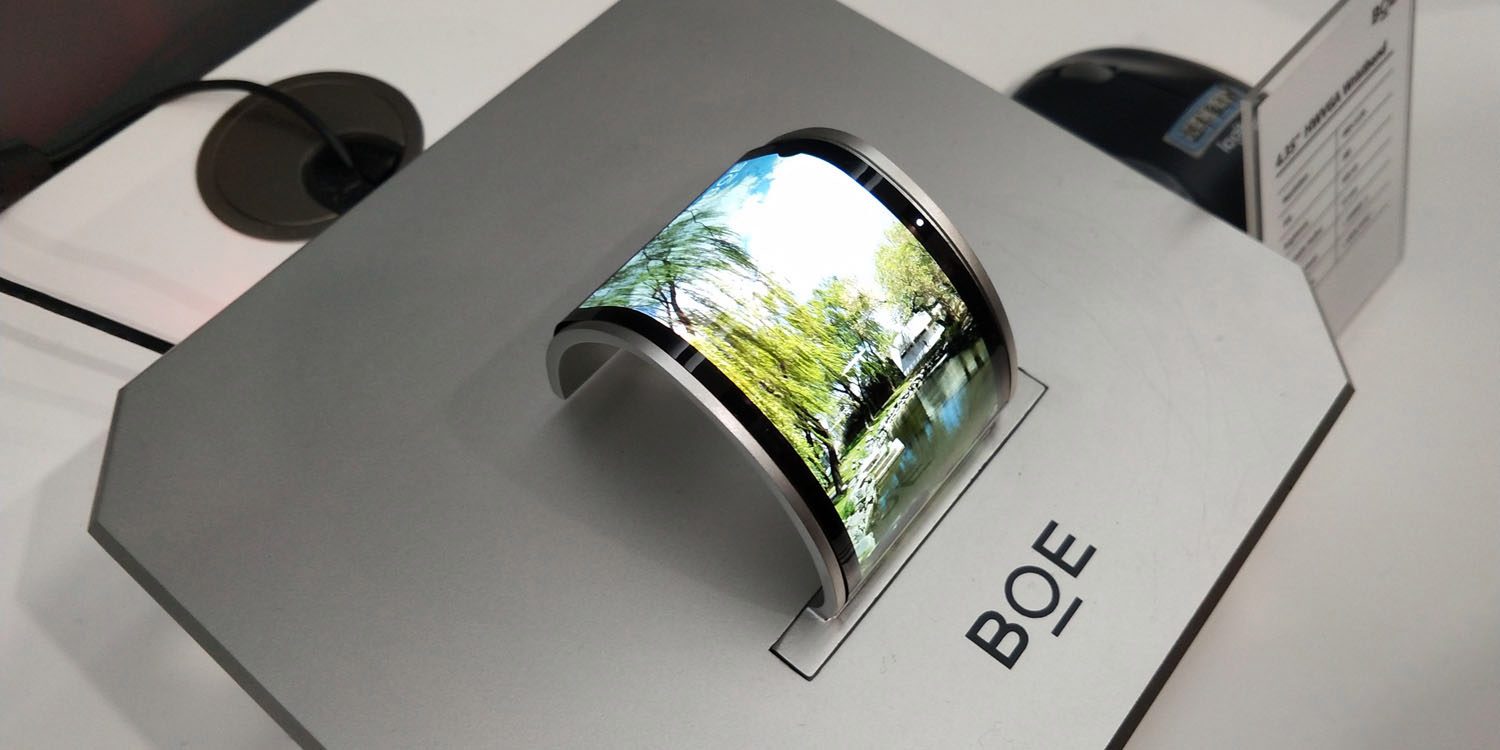
China’s largest display manufacturer, BOE, is reported to be making a serious bid to win OLED orders for future iPhones. It’s said to have offered to construct not just one but two large-scale OLED production lines which would be used exclusively for Apple orders.
Apple is currently dependent on Samsung for all its OLED panels for the iPhone X, a position the company almost certainly wants to change …
Korea’s ETnews reports that BOE made the multi-billion dollar offer to Apple during a recent visit.
Its plan is to satisfy Apple, which is thirsty for supply and demand of OLED, by constructing large-scale production lines exclusively for Apple. It was heard that BOE’s executives recently visited Apple and shared such business plan […]
According to representatives from multiple industries on the 27th, BOE has set a plan to use its B11 line, which is located in Sichuan, and B12 line that is currently in an investment process as production lines exclusively for Apple […] BOE is planning to invest $7.04 billion (46.5 billion Yuan) in total into B11 and it started ordering major equipment for front-end processes in this past June [but] has not finalized on its investments for B12 line.
It’s unclear whether this was a proactive approach by BOE, or whether the proposal was in response to a request by Apple.
Apple likes to have at least two suppliers for major components, both to reduce risk and to increase its negotiating power. LG has so far been seen as the front-runner to win some of Apple’s OLED orders, with a report back in the summer suggesting that the Cupertino company invested $2.7B in an LG production line to be used exclusively for iPhone screens.
BOE is currently said to be lagging behind Samsung and LG in its technical capabilities, but is keen to catch up.
BOE recently started mass-producing 6th generation flexible OLEDs. It showed off its technical skills by holding a large-scale event last month in order to commemorate shipping of its products. At this event, BOE introduced a prototype of a panel that is similar to notch cut display of iPhone X.
The report may also fan rumors of a future foldable iPhone display, noting that 40% of the two production lines in question are said to be earmarked for foldable OLED panels. An Apple patent application for a foldable display was published earlier this month.
Source: 9to5mac










