 NEWS
NEWS
China Blocks LTE on Apple Watch Series 3
 10/20/2017
 3249
3249
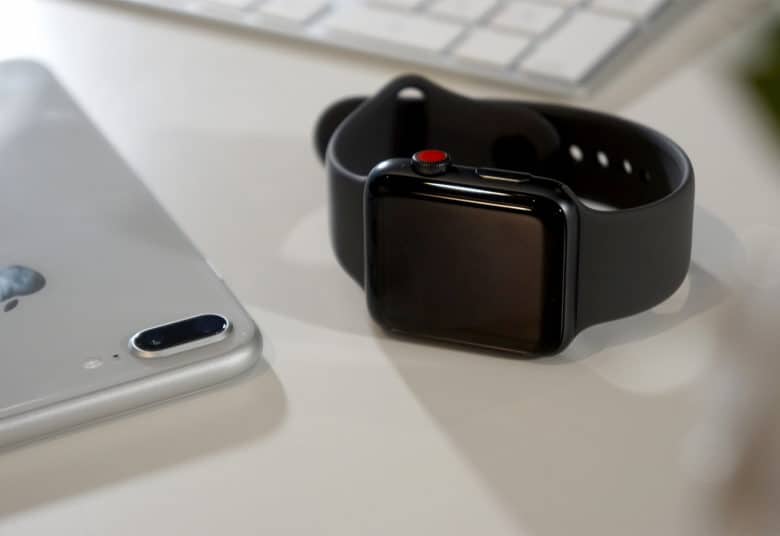
Apple fans in China who coughed up more cash for an Apple Watch with LTE almost certainly regret that decision today. The government has reportedly blocked the feature after brief availability with one carrier due to security concerns.
LTE connectivity is the key selling point of Apple Watch Series 3. It’s the only reason to opt for the most expensive model. It allows users to receive notifications and use apps without being tethered to an iPhone over Bluetooth, or a Wi-Fi network.
But in China, LTE connectivity on the new Apple Watch is dead for the vast majority.
“Industry analysts say the suspension likely stemmed from Chinese government security concerns to do with tracking users of the device,” reports The Wall Street Journal. It’s all due to Apple’s new eSIM, which works differently to a traditional SIM card.
What is an eSIM?
The eSIM is essentially a tiny chip that allows users to subscribe to any carrier they choose. Only a small few support it for now, but later on, it will allow you to easily switch carriers via software, rather than having to obtain a new SIM card.
Because the chip is installed by Apple, carriers and regulators don’t have the same control over it. In China, where there are strict regulations and all three major providers are state-owned, that’s a huge concern for the government.
“The eSIM (system) isn’t mature enough yet in China,” one analyst told WSJ. “The government still needs to figure out how they can control the eSIM.”
Apple Watch is banned for now
It seems LTE connectivity on Apple Watch will be blocked until that happens. New cellular subscriptions were cut off on September 28, though customers who already signed up remain connected for now.
China Unicom, the only carrier to support LTE on Apple Watch in China, says the feature was offered on a trial basis. It offers no information on if or when it might return. Apple says service has been “suspended” and directs fans to its carrier partner.
“We were informed by China Unicom that the new cellular feature on the Apple Watch Series 3 has been suspended,” a spokesperson said in a statement."
LTE could be back
Once China has properly studied the eSIM, LTE service for new customers could be restored. However, analysts warn that is likely to take months. It’s a major blow for Apple, which has been pushing hard to make its devices more popular in China.
Apple Watch Series 3 with LTE is now no different to a more affordable Apple Watch Series 3 with GPS.
Source: cult of mac










