
NEWS

Apple Pay Comes to Spain's CaixaBank With 13 Million People

10/19/2017

2650

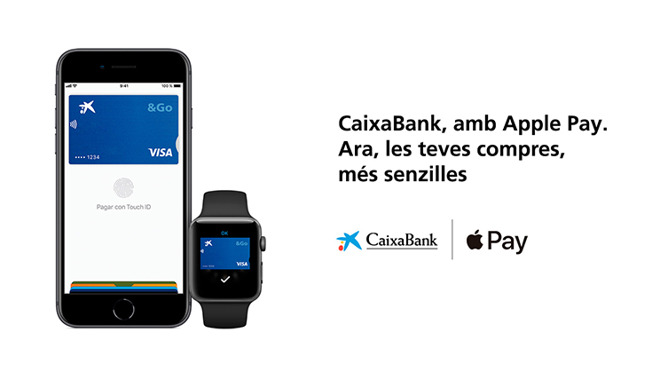
Spain's CaixaBank has officially added support for Apple Pay, expanding the platform's reach in the country by over 13 million people.


CaixaBank confirmed the rollout on Wednesday. The launch also includes imaginBank, its mobile-oriented brand.

Apple Pay Comes to Spain's CaixaBank With 13 Million People

Up until today CaixaBank had only promised Apple Pay by the end of 2017. Local site AppleSfera, however, noted that cards were already beginning to work earlier this week —something fairly common before a bank or retailer has made an Apple Pay announcement.


The change has yet to be reflected on Apple's roster of card issuers. Other issuers in Spain include boon, Carrefour, Edenred, Santander, and American Express.


Apple Pay has yet to reach a number of European countries, including major markets such as Germany. The platform could come to Sweden as soon as this month, and should arrive in Denmark and Finland in the near future.


Apple has also yet to deploy Apple Pay Cash, a feature promised alongside iOS 11. It's currently in testing though, and could appear in the final release of iOS 11.1.


Source: appleinsider


Windows
Mac OS
iOS
Linux
3uTools
Win 64-bit For this device
V9.01 2025-12-27
Download
Win 32-bit For this device
V9.01 2025-12-27
Download
3uTools
Intel Chip How to Identify Chip Type
V9.0 2025-12-02
Download
Apple Silicon
V9.0 2025-12-02
Download
How to Identify Chip Type
1.  Click the Apple icon in the top-left corner of the screen and select About This Mac.
2.  Check the Processor or Chip field to determine if it is "Intel" or "Apple".
Please use the 3uTools PC client to install the iOS client:
1、 Install either the Windows or Mac version of 3uTools on your computer
2、 Open the PC client and connect your device to the computer via USB cable
3、 After the connection is successful, wait for the computer to automatically install the mobile app for the device, or locate “Install Mobile App” on the computer and manually click to install.
3uTools
deb file
V3.01 2025-11-20
Download
rpm file
V3.01 2025-11-20
Download
Windows
Windows
iOS
iOS
Android
Android
TV
TV
3uAirPlayer
Win 64-bit For this device
V6.0.2 2025-11-19
Download
Win 32-bit For this device
V6.0.2 2025-11-19
Download
iOS Device Mirroring (No App Required)
1、 Install 3uAirPlayer on the Windows PC
2、 Open Control Center and select Screen Mirroring
3、 From the list, choose your PC to start mirroring
4、 Or connect your iOS device to the PC via USB to begin mirroring
Scan to get "3uAirPlayer" App
3uAirPlayer TV V1.0.18
2025-11-28
TV System Requirements: Android 7.0 or later
Download the TV installation package, copy it to a USB drive, insert it into your TV or set-top box, then select the file from the home screen to install.




