 NEWS
NEWS
Apple Leak Reveals Massive New iPhone Cancellation
 10/16/2017
 3198
3198
Ming-Chi Kuo is back again. Widely regarded as “the best
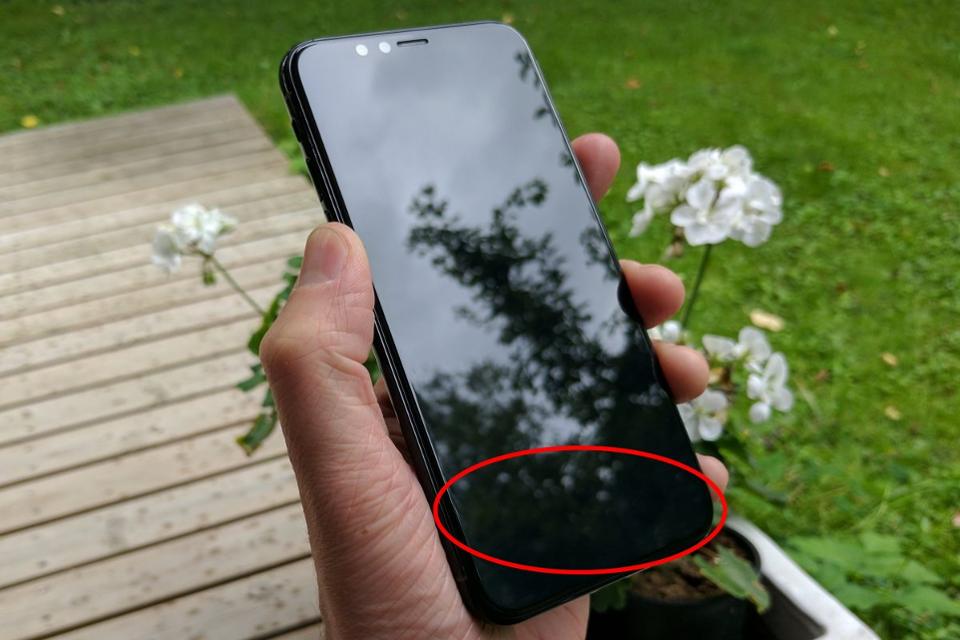
In a report obtained by Macrumors, Kuo states that Apple has decided to “abandon” the much loved Touch ID fingerprint sensor and it will not feature in any of the next generation of iPhones.
Gordon Kelly
Instead Kuo states Touch ID will be completely replaced by Face ID, its exciting yet polarising facial recognition technology which will debut in the upcoming iPhone X. The logic behind this is Apple believes it has “a competitive advantage via differentiation” according to Kuo, who says it will take several years for Android-based rivals to match it.
Needless to say this is a huge gamble for Apple to make, especially before Face ID has even hit the market and it is likely to prove controversial for a number of reasons.
Firstly - even if it works as well as Touch ID - there are many scenarios where the physical action of unlocking your phone by looking at it will not be as convenient or as subtle as using a fingerprint. This includes everything from trying to align your face while walking or running, using Apple Pay at a checkout or even quietly browsing your phone under the table during a dull meeting.
Apple
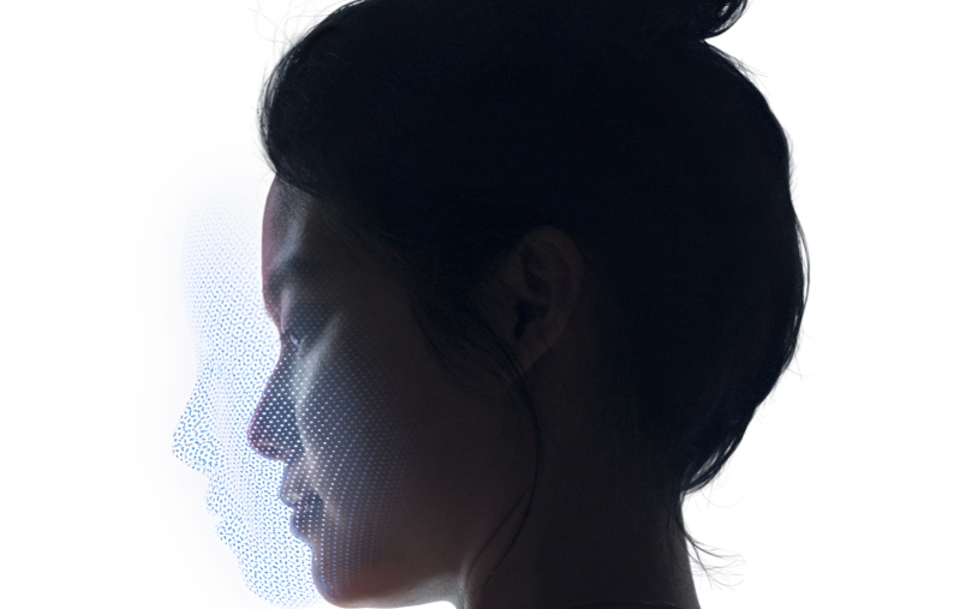
Secondly - while Apple promises it will not access your data - Face ID works by building a detailed 3D model of your face for identification. So if the idea of your phone collecting your fingerprints concerned you, then trading that for a digital record of the exact shape of your face is unlikely to be appealing.
Thirdly - biometrics work best in combination. For example: touching a fingerprint sensor while scanning your face. So Apple’s decision instead to swap one for the other does little to improve security over Touch ID, as tests have shown. And even Apple suggests Face ID should not be used by identical twins. Meanwhile is it better or worse that a thief needs your face or your finger to unlock your iPhone when stealing it?
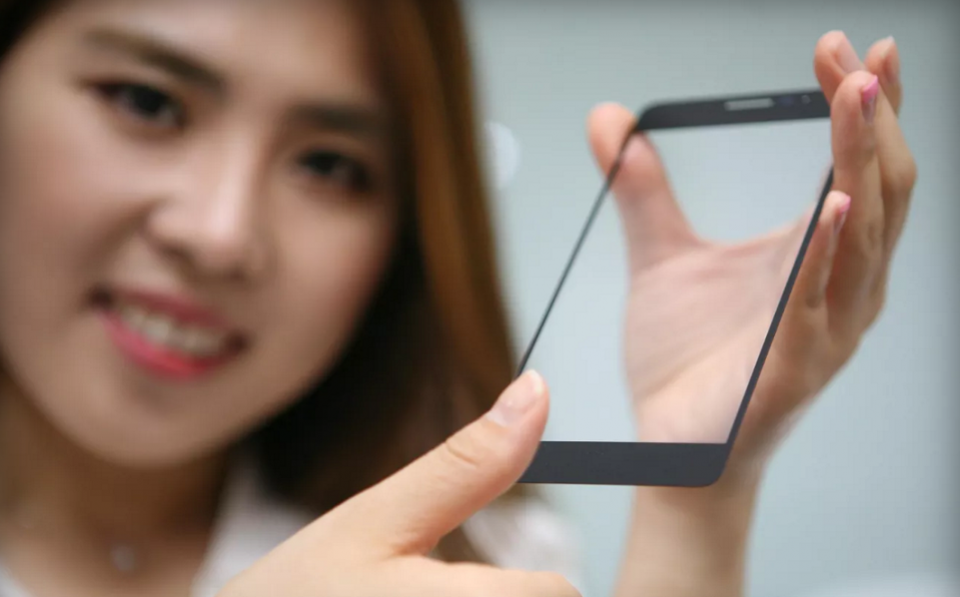
Of course Face ID is extremely exciting technology and in the case of the iPhone X it enables some great secret features, but there’s simply no reason to completely scrap Touch ID. It can be integrated into the power button, the back of the phone or (soon) under the display, having both Face ID and Touch ID would provide owners with choice, flexibility and greater security.
LG
Still Apple appears to ‘think different’ and Kuo says 2018 iPads will add Face ID as well (presumably also at the expense of Touch ID), though there’s no word on it arriving on MacBooks and Macs yet.
Furthermore history tell us Apple is famed for its ruthlessness in discarding older technologies, so perhaps we shouldn’t be surprised, and its decisions are often justified in the long term.
But while Face ID may prove every bit as fast and accurate as Touch ID there’s currently no evidence that having to look at your iPhone to unlock it is any quicker or more convenient than the instantaneous muscle memory that lets us do this right now with our thumbs.
Source: the forbes










