
NEWS

Wells Fargo Adds Apple Pay Support to More Than 5,000 ATMs

10/11/2017

2556

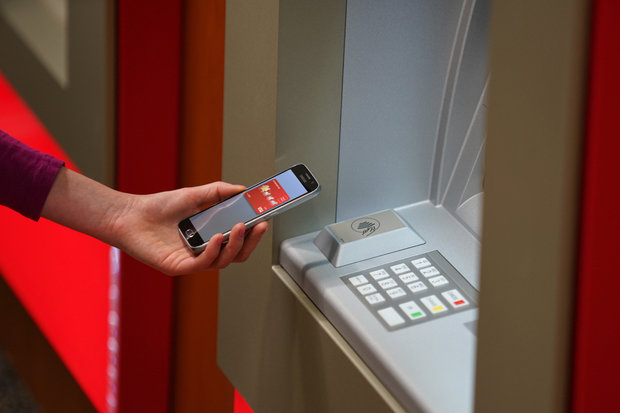
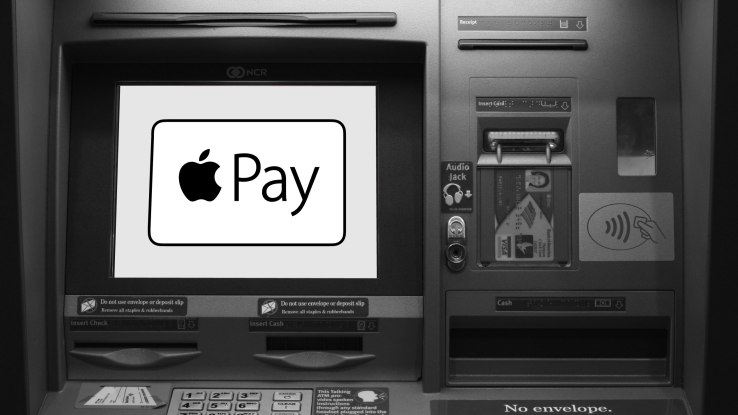
Wells Fargo today announced that NFC functionality is now available at more than 5,000 of its ATMs across the United States. 
 Wells Fargo Adds Apple Pay Support to More Than 5,000 ATMs
The technology enables customers to initiate an ATM transaction by holding their smartphone or wearable device with mobile payment functionality near an NFC-enabled ATM terminal and inputting their PIN. 

Supported digital wallets include Apple Pay, Android Pay, Samsung Pay, and the bank's own Wells Fargo Wallet for Android. 

Customers that have added their Wells Fargo debit card to Apple Pay, for example, can simply hold their iPhone near the ATM, enter their PIN, and complete a transaction, with no physical plastic card required. 

Wells Fargo said it plans to upgrade the rest of the company's more than 13,000 ATMs with NFC by 2019. NFC-enabled terminals are marked with the universal contactless card symbol. 

Earlier this year, Wells Fargo launched a separate 
one-time access code feature that lets customers authenticate at an ATM by entering an 8-digit code generated from the Wells Fargo app, along with their PIN, for card-free access. 

Bank of America also began 
rolling out Apple Pay support for withdrawing cash from hundreds of its ATMs last year.

 Wells Fargo Adds Apple Pay Support to More Than 5,000 ATMs


Source: macrumors

Windows
Mac OS
iOS
Linux
3uTools
Win 64-bit For this device
V9.01 2025-12-27
Download
Win 32-bit For this device
V9.01 2025-12-27
Download
3uTools
Intel Chip How to Identify Chip Type
V9.0 2025-12-02
Download
Apple Silicon
V9.0 2025-12-02
Download
How to Identify Chip Type
1.  Click the Apple icon in the top-left corner of the screen and select About This Mac.
2.  Check the Processor or Chip field to determine if it is "Intel" or "Apple".
Please use the 3uTools PC client to install the iOS client:
1、 Install either the Windows or Mac version of 3uTools on your computer
2、 Open the PC client and connect your device to the computer via USB cable
3、 After the connection is successful, wait for the computer to automatically install the mobile app for the device, or locate “Install Mobile App” on the computer and manually click to install.
3uTools
deb file
V3.01 2025-11-20
Download
rpm file
V3.01 2025-11-20
Download
Windows
Windows
iOS
iOS
Android
Android
TV
TV
3uAirPlayer
Win 64-bit For this device
V6.0.2 2025-11-19
Download
Win 32-bit For this device
V6.0.2 2025-11-19
Download
iOS Device Mirroring (No App Required)
1、 Install 3uAirPlayer on the Windows PC
2、 Open Control Center and select Screen Mirroring
3、 From the list, choose your PC to start mirroring
4、 Or connect your iOS device to the PC via USB to begin mirroring
Scan to get "3uAirPlayer" App
3uAirPlayer TV V1.0.18
2025-11-28
TV System Requirements: Android 7.0 or later
Download the TV installation package, copy it to a USB drive, insert it into your TV or set-top box, then select the file from the home screen to install.





