NEWS

Apple Releases New Betas for macOS, watchOS and tvOS

10/10/2017

2635

Apple Releases New Betas for macOS, watchOS and tvOS


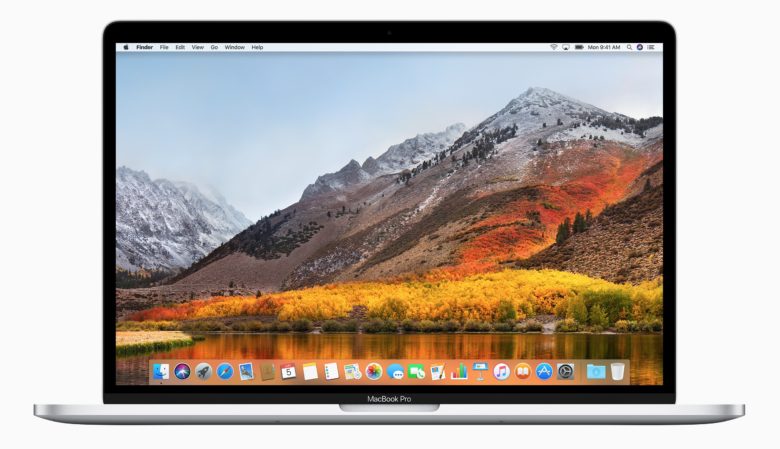
Along with dropping a new iOS 11.1 beta, Apple also released the second beta builds for macOS 10.13.1, tvOS 11.1 and watchOS 4.1.


The new batch of betas come about two weeks after Apple seeded the last set of betas to developers and come with a host of bug fixes and under-the-hood improvements for Apple’s platforms.


Registered developers can grab all three new betas from the Apple developer center. They can also be downloaded via over-the-air updates if you have the previous beta builds installed on your devices.


macOS 10.13.1 beta 2 supports the new Unicode 10 character set that includes hundreds of new emoji. Some of the new images include Woman with Headscarf, Bearded Person, Breastfeeding, Zombie, Person in Lotus Position and new food items such as Sandwich and Coconut. There are also some new faces, clothes, sports, food and dinosaurs. Most of the other changes in macOS 10.13.1 beta 2 are performance enhancements.


watchOS 4.1 adds the ability to stream Apple Music directly to the Apple Watch Series 3 over LTE. It also adds a new Radio app with access to Beats 1 radio. The rest of the additions are mostly bug fixes.

tvOS 11.1 appears to focus solely on under-the-hood improvements and comes with minimal feature improvements and UI changes.


Source: cult of mac


Windows
Mac OS
iOS
Linux
3uTools
Win 64-bit For this device
V9.01 2025-12-27
Download
Win 32-bit For this device
V9.01 2025-12-27
Download
3uTools
Intel Chip How to Identify Chip Type
V9.0 2025-12-02
Download
Apple Silicon
V9.0 2025-12-02
Download
How to Identify Chip Type
1.  Click the Apple icon in the top-left corner of the screen and select About This Mac.
2.  Check the Processor or Chip field to determine if it is "Intel" or "Apple".
Please use the 3uTools PC client to install the iOS client:
1、 Install either the Windows or Mac version of 3uTools on your computer
2、 Open the PC client and connect your device to the computer via USB cable
3、 After the connection is successful, wait for the computer to automatically install the mobile app for the device, or locate “Install Mobile App” on the computer and manually click to install.
3uTools
deb file
V3.01 2025-11-20
Download
rpm file
V3.01 2025-11-20
Download
Windows
Windows
iOS
iOS
Android
Android
TV
TV
3uAirPlayer
Win 64-bit For this device
V6.0.2 2025-11-19
Download
Win 32-bit For this device
V6.0.2 2025-11-19
Download
iOS Device Mirroring (No App Required)
1、 Install 3uAirPlayer on the Windows PC
2、 Open Control Center and select Screen Mirroring
3、 From the list, choose your PC to start mirroring
4、 Or connect your iOS device to the PC via USB to begin mirroring
Scan to get "3uAirPlayer" App
3uAirPlayer TV V1.0.18
2025-11-28
TV System Requirements: Android 7.0 or later
Download the TV installation package, copy it to a USB drive, insert it into your TV or set-top box, then select the file from the home screen to install.