 NEWS
NEWS
iPhone 7 Is Still the Most Popular Smartphone, Despite Sluggish Sales
 10/07/2017
 3166
3166
The iPhone 7 and 7 Plus delivered a one-two punch for Apple as the top-selling smartphones of 2017 so far, despite sluggish device sales overall. Apple’s top smartphones handily beat out Samsung’s best, but sales weren’t as good as the iPhone 6s and 6s Plus that came before, according to a new report from IHS Markit.
The top-place finish hides some worrying numbers for Apple. Overall sales were down compared to the iPhone that came before, and market share for the smaller iPhone continues to plummet.
In 2015, IHS’s numbers had the iPhone 6 at 10% market share. In 2016, the iPhone 6s had a 7% market share. In the same period in 2017, the iPhone 7 commanded just 5% of the market share.
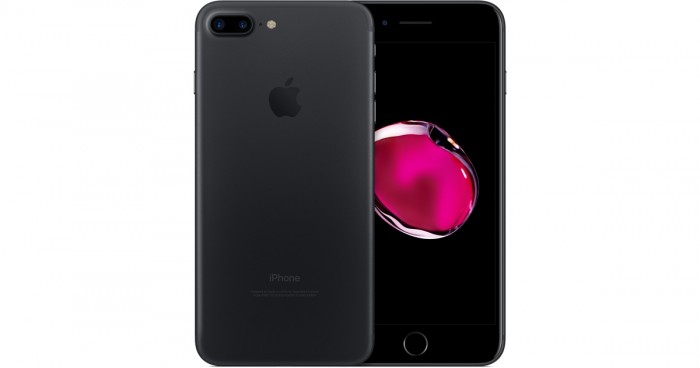
Some of that number is explained by the gradual move towards bigger phones, especially as the performance difference between the iPhone 7 and iPhone 7 Plus was more pronounced than the iPhone 6s and iPhone 6s Plus. But the overall trend for Apple is bad.
IHS points to increased competition from China and a more strategic outlook from Android manufacturers as the cause. “This is a direct result of smartphone OEM efforts to select and concentrate in order to improve product portfolios and increase profitability,” IHS’s Jusy Hong said. “In addition, more Chinese OEMs are selling their smartphone models outside of China, which intensifies competition and generates more globally popular models.”
Then, of course, there’s the so-called supercycle. Analysts have explained away lackluster iPhone 7 sales already by pointing to the upcoming iPhone X, saying that consumers have been delaying purchases until this year’s anticipated upgrade, at which point a “supercycle” of upgrades will happen. That hasn’t been the case so far with the iPhone 8 and 8 Plus — at least judging from the lack of lines — so there’s a lot resting on the $999 iPhone X.
Source: bgr










