
NEWS

Apple Acquired Computer Vision Photo Analysis Firm Regaind

09/30/2017

2563

Apple has acquired Regaind, a French startup that focused on using its computer vision API to recognize content within photos, TechCrunch reports. Apple issued the standard confirmation statement to TC when asked about the company purchase.
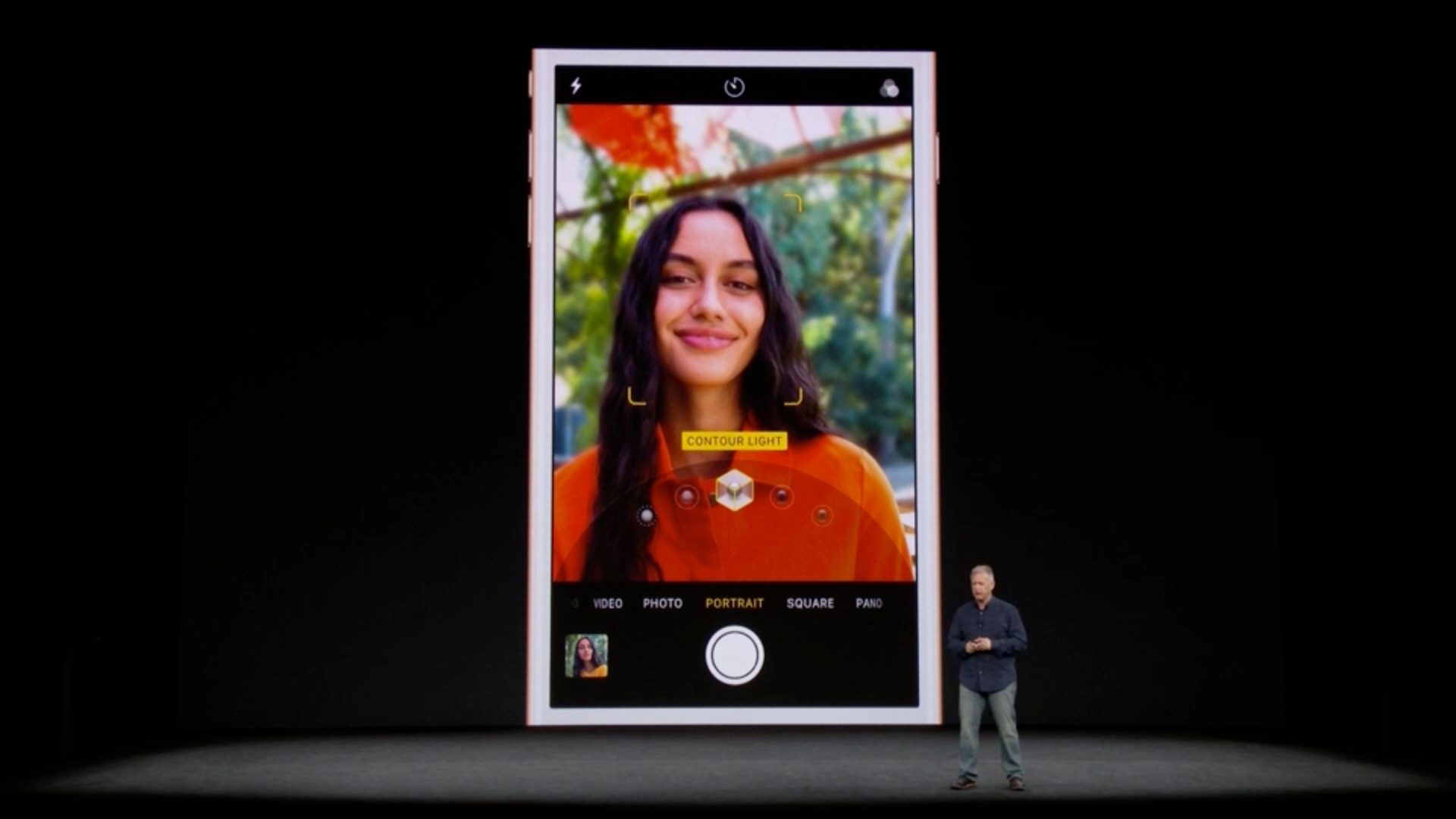
 

Apple Acquired Computer Vision Photo Analysis Firm Regaind


“Apple buys smaller technology companies from time to time, and we generally do not discuss our purpose or plans.”


Apple already ships features through its Photos app for searching for subjects like dogs and sunsets and Apple’s Memories feature intelligently creates collections of photos based on context, but TC notes that Regaind provided features not currently used in iOS to date:


Regaind goes one step further and can tell you the technical and aesthetical values of your photos. For instance, if you shoot a bunch of photos in burst mode, Regaind could automatically find the best shot and use it as the main shot in your photo library. Regaind could also hide duplicates.


Interestingly, Regaind also analyzes your face to determine your gender, age and emotion. It’s unclear if Apple had enough time to leverage Regaind with iOS 11. Apple may have combined Regaind technology with the new Face ID sensor in the iPhone X to reinforce animoji facial expressions for instance. And I’m sure there will be more to come.


Apple has a number of other machine learning and facial recognition firms it has acquired including Emotient, Perceptio, and Turi which have boosted the recent focus on AI features being highlighted in Apple’s software.


Source: 9to5mac

Windows
Mac OS
iOS
Linux
3uTools
Win 64-bit For this device
V9.0 2025-11-11
Download
Win 32-bit For this device
V9.0 2025-11-11
Download
3uTools
Intel Chip How to Identify Chip Type
V9.0 2025-12-02
Download
Apple Silicon
V9.0 2025-12-02
Download
How to Identify Chip Type
1.  Click the Apple icon in the top-left corner of the screen and select About This Mac.
2.  Check the Processor or Chip field to determine if it is "Intel" or "Apple".
Please use the 3uTools PC client to install the iOS client:
1、 Install either the Windows or Mac version of 3uTools on your computer
2、 Open the PC client and connect your device to the computer via USB cable
3、 After the connection is successful, wait for the computer to automatically install the mobile app for the device, or locate “Install Mobile App” on the computer and manually click to install.
3uTools
deb file
V3.01 2025-11-20
Download
rpm file
V3.01 2025-11-20
Download
Windows
Windows
iOS
iOS
Android
Android
TV
TV
3uAirPlayer
Win 64-bit For this device
V6.0.2 2025-11-19
Download
Win 32-bit For this device
V6.0.2 2025-11-19
Download
iOS Device Mirroring (No App Required)
1、 Install 3uAirPlayer on the Windows PC
2、 Open Control Center and select Screen Mirroring
3、 From the list, choose your PC to start mirroring
4、 Or connect your iOS device to the PC via USB to begin mirroring
Scan to get "3uAirPlayer" App
3uAirPlayer TV V1.0.18
2025-11-28
TV System Requirements: Android 7.0 or later
Download the TV installation package, copy it to a USB drive, insert it into your TV or set-top box, then select the file from the home screen to install.




