 NEWS
NEWS
Tim Cook and Phil Schiller Promote Apple’s Updated Privacy Page
 09/30/2017
 3021
3021
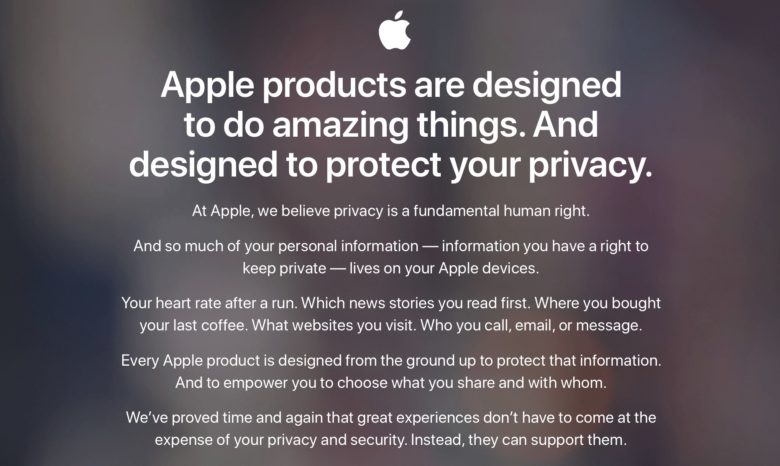
Apple takes user privacy pretty darn seriously, and it’s launched an updated webpage with a new look and information to underline exactly that point.
Shared on Twitter by both Tim Cook and Phil Schiller, the webpage lays out some of Apple’s beliefs on the topic, including the fact that it considers, “privacy is a fundamental human right,” and that it doesn’t want any of your personal information — ranging from the news stories you read to your heart rate after a run — to be shared against your will.
Apple wants you to know how seriously it takes your privacy
At Apple, we believe privacy is a fundamental human right. Read the latest on our efforts to protect your data: https://t.co/5Nl278U3oy
— Tim Cook (@tim_cook) September 28, 2017
“We’ve proved time and again that great experiences don’t have to come at the expense of your privacy and security,” the webpage notes. “Instead, they can support them.”
It goes on to detail some of the steps that Apple has taken in the interests of user privacy. These include Touch ID and other password systems to ensure that only you can physically access your device, a clarification that Siri does not gather user data, the privacy policy for Apple Pay, and more.
The page also includes links to a more in-depth privacy policy, information about how users can manage the privacy options on their iOS and macOS devices, and Apple’s transparency policy.
While its approach to privacy has garnered criticism, Apple has stuck to its guns in this area. Most notably, it had a standoff with the FBI last year, when it was suggested that Apple should be willing to create a backdoor to iOS devices in the interests of helping law enforcement fight terror-related incidents.
Designed to protect privacy#Apple https://t.co/OA2qxWvGnj
— Philip Schiller (@pschiller) September 29, 2017
Apple has gained a number of plaudits for its stance. Notably, it has received credit from the Electronic Frontier Foundation’s (EFF), who have stated that they, “commend Apple for its strong stance regarding user rights, transparency, and privacy.”
Apple’s privacy policy has also served as a good marketing tool for separating itself from other companies, such as Google, which monetize user data through advertising. Tim Cook memorably stated this distinction in an interview with Charlie Rose, during which he noted that, “you are not our product,” referring to selling the data produced by customers.
Source: cult of mac










