
NEWS

Bye-Bye Twitter App for Apple Watch

09/29/2017

2553

Twitter's Apple Watch app quietly disappears from Apple's App Store. You probably don't need it.
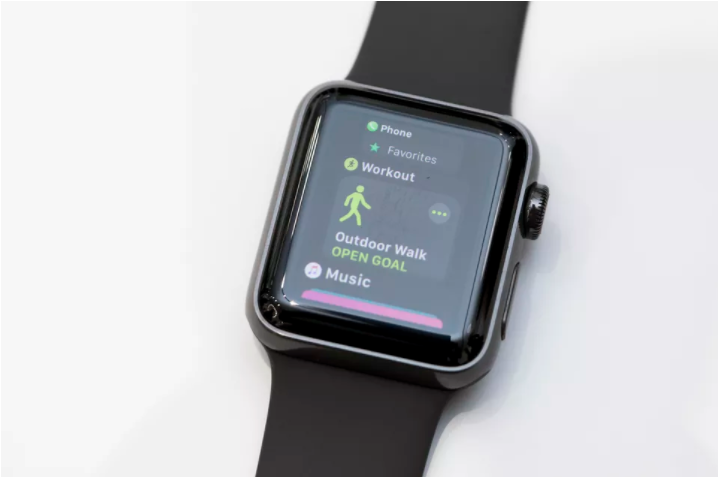

Bye-Bye Twitter App for Apple Watch


What happened to the Twitter app for Apple Watch? 


That's just what people who updated their iPhone version of the Twitter app are asking, after discovering Twitter's companion app for the Apple Watch has vanished from the App Store. 


Apple Watch users turned to the app to look at recent tweets, check out top trends and send tweets using the Watch's voice-to-text feature. Now it's gone.


So what gives? 


When asked for a comment, Twitter said: "We heard from people that notifications were the most helpful part of the Apple Watch Twitter experience. With this, we are focusing on supporting more robust, media-rich notifications. We are committed to providing the very best Twitter experience on iPhone, iPad, Apple TV and Apple Watch, and we'll continue to iterate and improve our apps across all platforms."


Not exactly the most helpful response, we know. 


We do know that Twitter hasn't updated its Apple Watch App for a while. And we know that Apple Watch owners can still get Twitter notifications thanks to the fact that Apple's watchOS mirrors iPhone notifications. 


So while we can't say if Twitter will replace the app anytime soon -- if at all -- we can say it might not be anything you need, anyway. 


Source: cnet

Windows
Mac OS
iOS
Linux
3uTools
Win 64-bit For this device
V9.0 2025-11-11
Download
Win 32-bit For this device
V9.0 2025-11-11
Download
3uTools
Intel Chip How to Identify Chip Type
V9.0 2025-12-02
Download
Apple Silicon
V9.0 2025-12-02
Download
How to Identify Chip Type
1.  Click the Apple icon in the top-left corner of the screen and select About This Mac.
2.  Check the Processor or Chip field to determine if it is "Intel" or "Apple".
Please use the 3uTools PC client to install the iOS client:
1、 Install either the Windows or Mac version of 3uTools on your computer
2、 Open the PC client and connect your device to the computer via USB cable
3、 After the connection is successful, wait for the computer to automatically install the mobile app for the device, or locate “Install Mobile App” on the computer and manually click to install.
3uTools
deb file
V3.01 2025-11-20
Download
rpm file
V3.01 2025-11-20
Download
Windows
Windows
iOS
iOS
Android
Android
TV
TV
3uAirPlayer
Win 64-bit For this device
V6.0.2 2025-11-19
Download
Win 32-bit For this device
V6.0.2 2025-11-19
Download
iOS Device Mirroring (No App Required)
1、 Install 3uAirPlayer on the Windows PC
2、 Open Control Center and select Screen Mirroring
3、 From the list, choose your PC to start mirroring
4、 Or connect your iOS device to the PC via USB to begin mirroring
Scan to get "3uAirPlayer" App
3uAirPlayer TV V1.0.18
2025-11-28
TV System Requirements: Android 7.0 or later
Download the TV installation package, copy it to a USB drive, insert it into your TV or set-top box, then select the file from the home screen to install.




