
NEWS

Apple Pay Cash May Launch in Late October

09/29/2017

2599

Apple Pay Cash, Apple’s upcoming person-to-person payment product that debuted at its WWDC developer conference this past June, is scheduled to be released in late October. This according to a footnote at the bottom of its Apple Watch Series 1 website. 
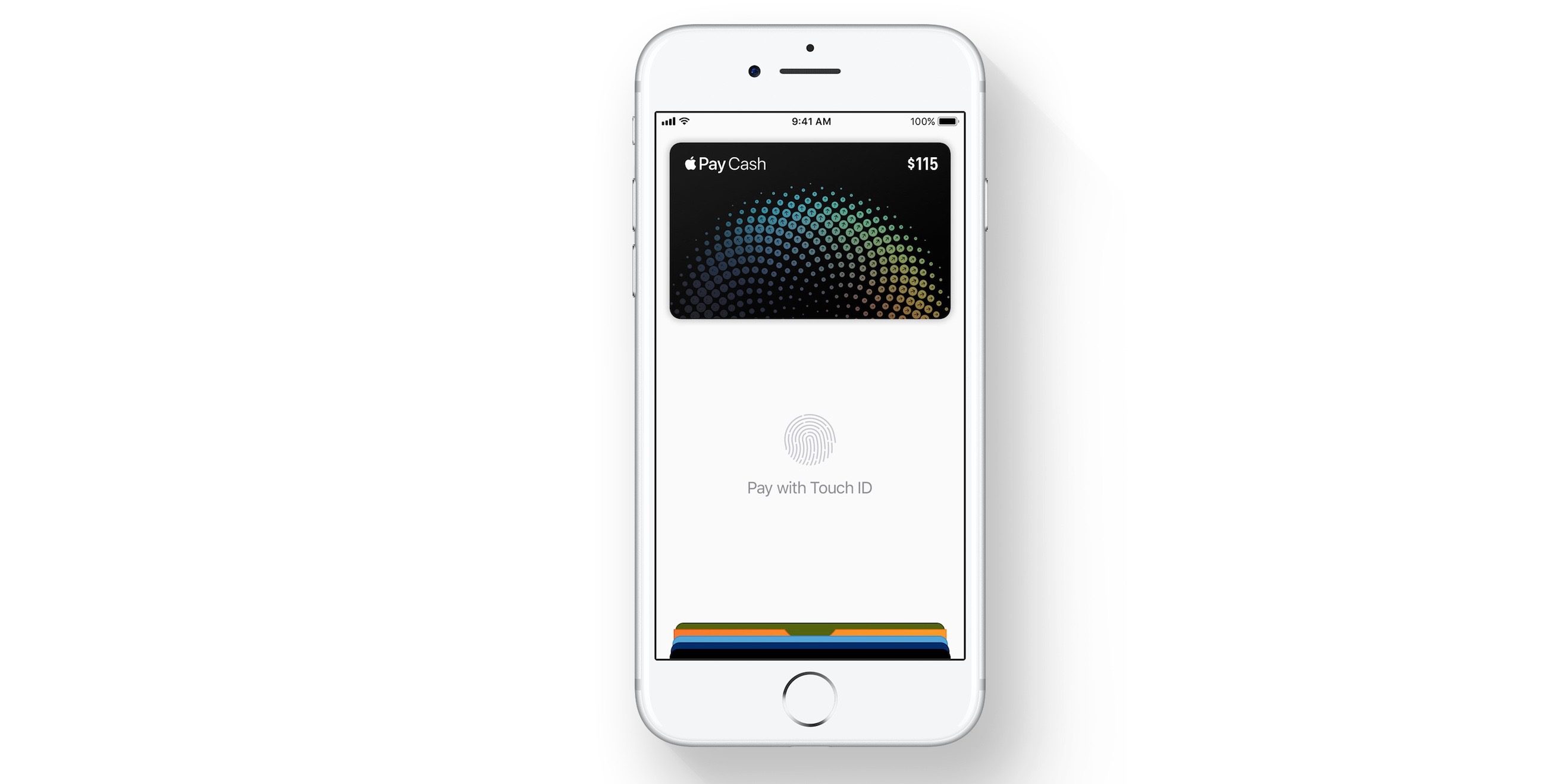

Apple Pay Cash May Launch in Late October


Apple Pay Cash will allow Apple Pay users to quickly send and receive secure payments between friends and family. iOS 11 and watchOS 4 users will be able to use the Messages app, or utilize Siri to pay someone using credit and debit cards available in the Wallet app. Received payments are instantly deposited on a new Apple Pay Cash card that will be added to Apple Wallet, and money will be available for immediate usage.


New betas for watchOS 4.1 and iOS 11.1 were released yesterday, and we verified that Apple Pay Cash was not among the new features present in either release. The Apple Watch Series 1 page suggests that Apple Pay Cash will be publicly available around a month from now, near the end of October. This could mean that Apple Pay cash will make its first public appearance in the official user-facing release of iOS 11.1 and watchOS 4.1. 


Source: 9to5mac

Windows
Mac OS
iOS
Linux
3uTools
Win 64-bit For this device
V9.0 2025-11-11
Download
Win 32-bit For this device
V9.0 2025-11-11
Download
3uTools
Intel Chip How to Identify Chip Type
V9.0 2025-12-02
Download
Apple Silicon
V9.0 2025-12-02
Download
How to Identify Chip Type
1.  Click the Apple icon in the top-left corner of the screen and select About This Mac.
2.  Check the Processor or Chip field to determine if it is "Intel" or "Apple".
Please use the 3uTools PC client to install the iOS client:
1、 Install either the Windows or Mac version of 3uTools on your computer
2、 Open the PC client and connect your device to the computer via USB cable
3、 After the connection is successful, wait for the computer to automatically install the mobile app for the device, or locate “Install Mobile App” on the computer and manually click to install.
3uTools
deb file
V3.01 2025-11-20
Download
rpm file
V3.01 2025-11-20
Download
Windows
Windows
iOS
iOS
Android
Android
TV
TV
3uAirPlayer
Win 64-bit For this device
V6.0.2 2025-11-19
Download
Win 32-bit For this device
V6.0.2 2025-11-19
Download
iOS Device Mirroring (No App Required)
1、 Install 3uAirPlayer on the Windows PC
2、 Open Control Center and select Screen Mirroring
3、 From the list, choose your PC to start mirroring
4、 Or connect your iOS device to the PC via USB to begin mirroring
Scan to get "3uAirPlayer" App
3uAirPlayer TV V1.0.18
2025-11-28
TV System Requirements: Android 7.0 or later
Download the TV installation package, copy it to a USB drive, insert it into your TV or set-top box, then select the file from the home screen to install.




