 NEWS
NEWS
Apple's Former GPU Maker Imagination Agrees to £550 Million Sale
 09/25/2017
 3266
3266
Imagination Technologies, the UK-based chip maker that used to provide Apple with its mobile graphics components, has agreed to sell itself to Canyon Bridge, a Silicon Valley-based private equity firm backed by the Chinese fund Yitai Capital. The news, first reported today by the Financial Times, comes nearly six months after Apple, Imagination’s biggest customer, announced that it would no longer require the company’s services. Canyon Bridge is paying £550 million ($743.2 million) for the deal.
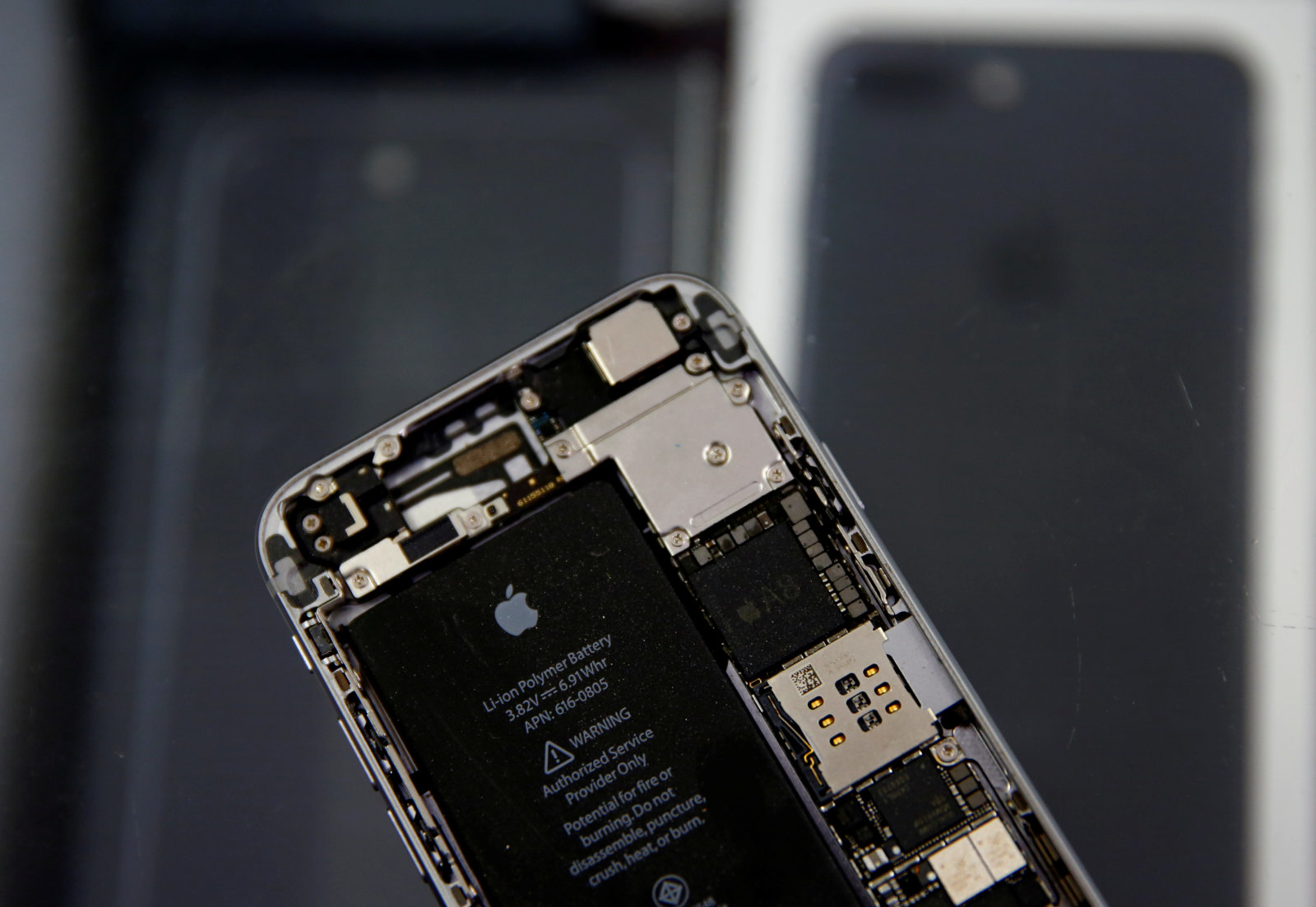
Apple’s announcement, back in April, halved Imagination’s stock price almost overnight, creating a existential crisis for the firm. At the time, Apple confirmed it was bringing mobile graphics development in-house, a move that eventually manifested itself in the A11 Bionic chip revealed during the iPhone 8 and iPhone X hardware event earlier this month. The chip, designed specifically to help with graphics-intensive operations like artificial intelligence and augmented reality, is part of a big push to differentiate Apple’s smartphone line from competitors’, relying on the company’s signature optimization of hardware and software.
In June, Imagination said it was putting itself up for sale. The company had been looking into taking legal action to explore whether Apple could bring GPU development in-house without infringing on its technology. “Apple has not presented any evidence to substantiate its assertion that it will no longer require Imagination’s technology, without violating Imagination’s patents, intellectual property, and confidential information,” the company said earlier this year. In its note to investors, Imagination says that it remains “in dispute with Apple,” yet it’s unclear when and under what terms a settlement might occur.
Source: theverge










