 NEWS
NEWS
Apple Releases watchOS 4 With New Watch Faces, Siri Improvements, and More
 09/20/2017
 3644
3644
Apple today released watchOS 4, the newest version of the operating system designed to run on the Apple Watch. watchOS 4 is a significant update that brings a whole host of new features from new watch faces to tools that will better motivate you to get moving.
watchOS 4 can be downloaded through the dedicated Apple Watch app on the iPhone by going to General --> Software Update. To install the new software, the Apple Watch needs to have at least 50 percent battery, it needs to be placed on a charger, and it needs to be in range of the iPhone. 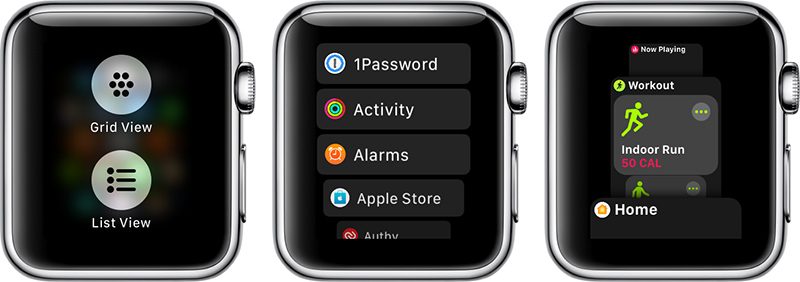
Apple has added three new watch faces in watchOS 4. There's a Siri watch face that offers dynamic, personalized information that changes throughout the day, a Kaleidoscope face that uses your own photos, and a Toy Story face starring Jessie, Woody, and Buzz Lightyear. 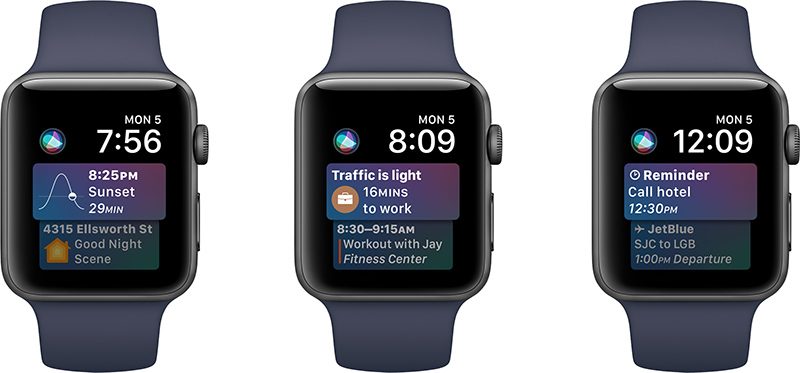
In watchOS 4, Apple wants to motivate you to close your activity rings. There are new notifications when you're close to meeting a goal, more exciting animations when you reach your fitness target, and personalized monthly fitness challenges based on your own activity history. 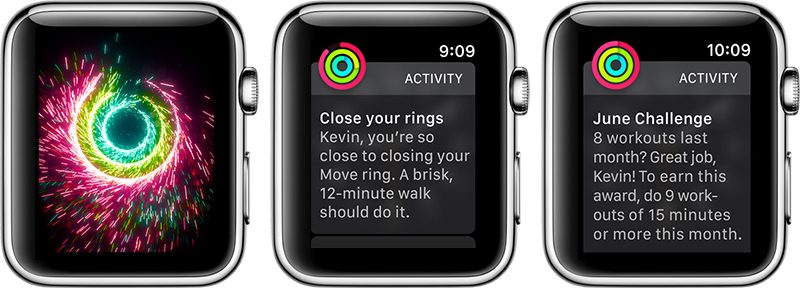
There are several interface improvements, including a new vertical dock, a Quickstart interface when starting a workout, a better interface and more options in Apple Music, access to Apple News, new gestures in Mail, new complications for unread messages and Now Playing songs, and more. 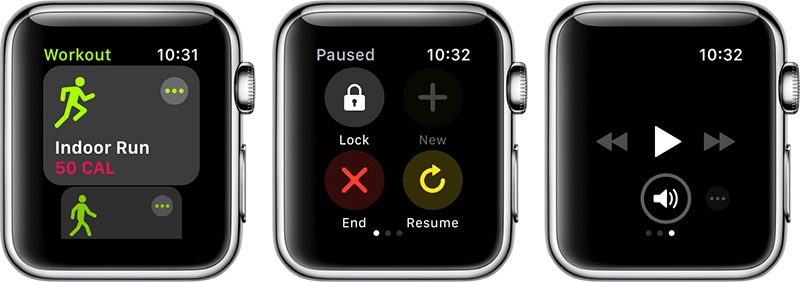
New workout options have been added, like High Intensity Interval Training and improvements for swim workouts, and the Apple Watch is now able to integrate with gym equipment over Bluetooth. The heart rate app is also getting some improvements that will give you more insight into what's going on with your heart, offering up resting heart rate, recovery rate after exercise, and notifications if your heart rate gets alarmingly high when you're not active. 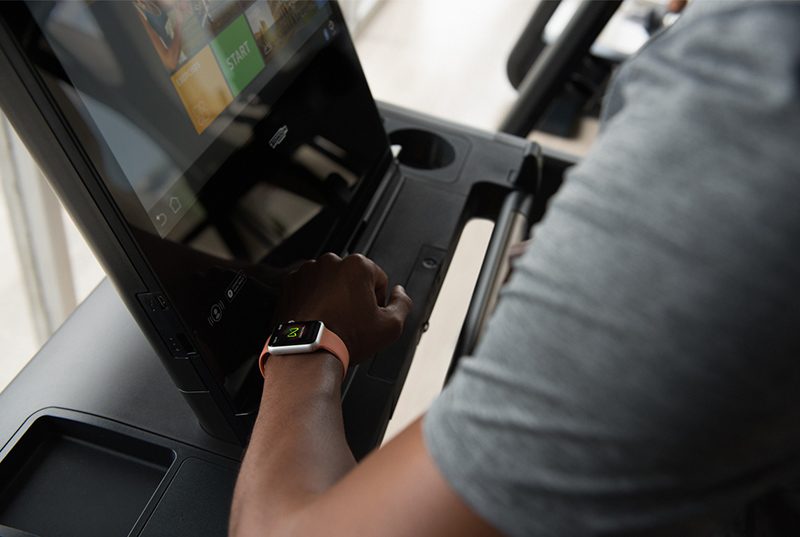
A new Flashlight option is available in Control Center for running or walking at night, person-to-person Apple Pay is coming to the Messages app starting this fall, and third-party apps are faster than ever with better load times and a more responsive interface, plus developers have access to even more features like the heart rate monitor, accelerometer, and gyroscope. 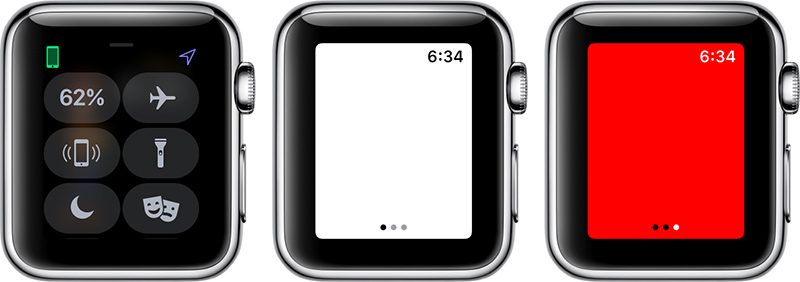
watchOS 4 is compatible with all available Apple Watch models, including the original Apple Watch, Series 1, Series 2, and Series 3.
Source: macrumors










