 NEWS
NEWS
Apple Touch ID Is Dead?
 09/19/2017
 3652
3652
Apple threw its fingerprint reader under the bus as it promoted its new Face ID, suggesting that the former technology is headed for the scrap heap.
Ahead of the launch of the iPhone X, Apple's (NASDAQ:AAPL) premium smartphone with an all-new, full-face OLED display, The Wall Street Journal (subscription required) reported that the company had, at the last minute, scrapped plans to include an in-display Touch ID sensor, saying that integrating the technology had "proved difficult."
This move, the report says, set volume production of the iPhone X back by "about a month," an assertion that appears to be supported by the fact that Apple won't be taking pre-orders for the device until Oct. 27, with general availability on Nov. 3.
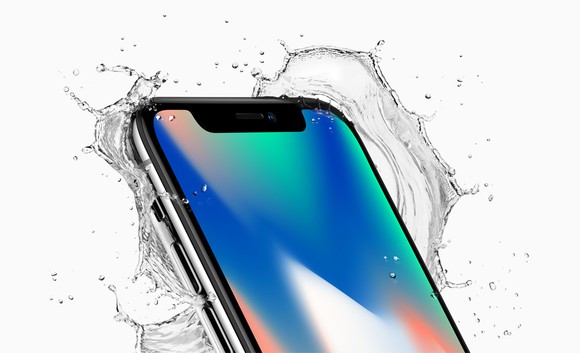
Apple's iPhone X with water splashing behind it.
There has been some speculation that Apple might bring the technology back in a successor to the iPhone X. On the surface, this makes sense -- Apple would have additional time to work out the kinks in the technology to make it viable for deployment in an iPhone that'll likely ship in the tens, if not hundreds, of millions in a year.
During Apple's iPhone X launch presentation, Apple marketing chief Phil Schiller described Face ID as "better" than Touch ID.
Not only did Apple tout the ease of Face ID compared to Touch ID, but the company also claimed that Face ID is more secure than Touch ID.
After such a pitch, it's probably not reasonable to expect Apple to -- in about a year's time -- tell customers that it added back an "inferior" feature into its next-generation iPhones.
Apple could do it if it had to, but...
To be clear: If customer reception for Face ID is poor (something that I, frankly, doubt will be the case given how impressively the technology seemed to work in the demonstrations), I could see Apple bringing back Touch ID and spinning it as a means of augmenting the security of the Face ID technology.
Indeed, when KGI Securities analyst Ming-Chi Kuo first reported that Apple was looking to add facial recognition to the iPhone X (long before much was known about the device), it was supposed to be included in addition to Touch ID at first, not in place of it (though, reportedly, Kuo said that Apple's long-term goal was to replace Touch ID with facial recognition altogether).
Source: fool










