NEWS

Apple Music’s Clive Davis Documentary Premieres October 3rd

09/19/2017

2518

Apple Music’s Clive Davis Documentary Premieres October 3rd


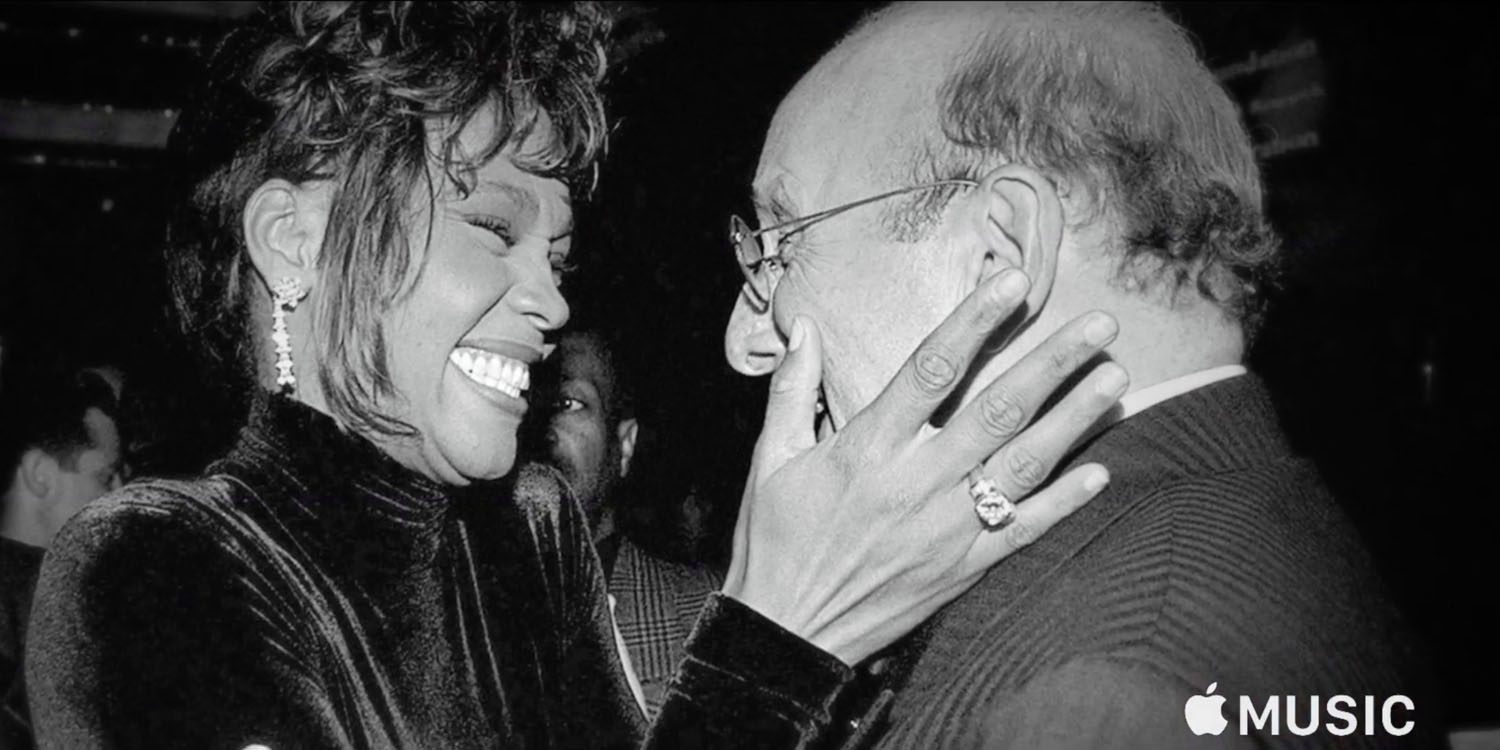
The documentary film Clive Davis: The Soundtrack of Our Lives, which opened the Tribeca Film Festival in April and was picked up by Apple, will premiere on Apple Music on October 3rd. The film is based on Davis' autobiography and joins other Apple exclusives like 808: The Movie, Taylor Swift's 1989 world tour film and The Cash Money Story: Before Anythang.


View full video here


The Davis documentary features interviews with artists whose careers were shaped by Davis as well as archival footage. Davis who was instrumental in bringing performers like Bruce Springsteen, Whitney Houston, Aretha Franklin, The Grateful Dead and Janis Joplin -- along with many, many others -- to the forefront, has had a long and incredibly influential career, which is captured in the film. You can check out the trailer below.


Source: engadget

Windows
Mac OS
iOS
Linux
3uTools
Win 64-bit For this device
V9.0 2025-11-11
Download
Win 32-bit For this device
V9.0 2025-11-11
Download
3uTools
Intel Chip How to Identify Chip Type
V9.0 2025-12-02
Download
Apple Silicon
V9.0 2025-12-02
Download
How to Identify Chip Type
1.  Click the Apple icon in the top-left corner of the screen and select About This Mac.
2.  Check the Processor or Chip field to determine if it is "Intel" or "Apple".
Please use the 3uTools PC client to install the iOS client:
1、 Install either the Windows or Mac version of 3uTools on your computer
2、 Open the PC client and connect your device to the computer via USB cable
3、 After the connection is successful, wait for the computer to automatically install the mobile app for the device, or locate “Install Mobile App” on the computer and manually click to install.
3uTools
deb file
V3.01 2025-11-20
Download
rpm file
V3.01 2025-11-20
Download
Windows
Windows
iOS
iOS
Android
Android
TV
TV
3uAirPlayer
Win 64-bit For this device
V6.0.2 2025-11-19
Download
Win 32-bit For this device
V6.0.2 2025-11-19
Download
iOS Device Mirroring (No App Required)
1、 Install 3uAirPlayer on the Windows PC
2、 Open Control Center and select Screen Mirroring
3、 From the list, choose your PC to start mirroring
4、 Or connect your iOS device to the PC via USB to begin mirroring
Scan to get "3uAirPlayer" App
3uAirPlayer TV V1.0.18
2025-11-28
TV System Requirements: Android 7.0 or later
Download the TV installation package, copy it to a USB drive, insert it into your TV or set-top box, then select the file from the home screen to install.