 NEWS
NEWS
Apple Watch Series 3 cellular Apple Music streaming coming in October
 09/15/2017
 3208
3208
Apple Watch Series 3 owners opting for LTE may be sold on Apple Music streaming straight to the device —but the feature won't arrive until a software patch arrives "soon."
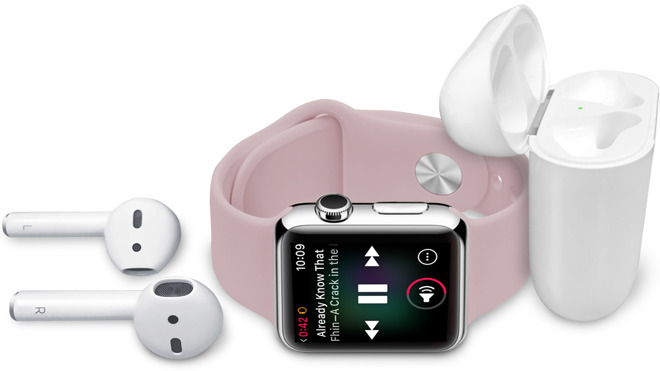
Apple notes that the redesigned Music app will automatically sync playlists, along with the user's most listened-to music —the same way that the Apple Watch has played and stored music for some time. However, Chief Operating Officer Jeff Williams noted during the release event that cellular Apple Watch connectivity to Apple Music was "coming next month" —meaning October and not when the device ships to customers.
Apple's materials about the Apple Watch are consistent with that timeframe, but less precise. The release with details about the Apple Watch says that the update will arrive "later in the fall."
With the update, the new Radio app will allow listeners to access Beats 1 live or any Apple Music radio station on the device and away from the connected iPhone.
Apple also confirmed to AppleInsider at Tuesday's release event that an Apple Music subscription is not required to stream music to the device using LTE. Users with iTunes Match subscriptions can stream owned music as well.
As before, iTunes Match is limited to 100,000 songs. Purchases from the iTunes store made with the same Apple ID being used for iTunes Match don't count towards the 100,000 song limit.
Apple's iTunes Match service costs $24.99 per year. Apple Music costs $9.99 for a single user per month, or $14.99 per month for a family plan allowing for multiple users.
Preorders for the Apple Watch Series 3 begin on Friday, Sept. 15. Shipment is expected to commence on Sept. 22.
Source: appleinsider










