 NEWS
NEWS
AirPods Shipping Estimates Improve to 1 to 2 Weeks
 09/08/2017
 3686
3686
Apple is one step closer to achieving supply/demand balance for its AirPods, and the highly desired earphones are now shipping out from the online Apple Store in just one to two weeks in the United States, Canada, UK, Australia, and several other countries around the world.
According to Apple's website in the United States, AirPods ordered today will be delivered between September 21 and September 28, the best estimates we've seen since the AirPods became available for purchase. 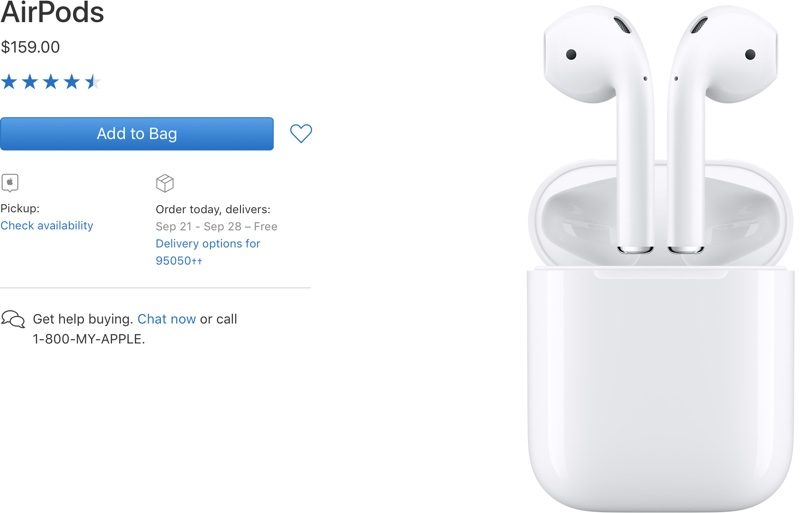
AirPods have been in short supply since launch. For many weeks, AirPods shipping estimates were at six weeks, but stock improved enough in early August that shipping estimates dropped to four weeks. Later in the month, estimates improved to two to three weeks before hitting one to two weeks today.
At this rate, Apple will be close to achieving an adequate supply later this month or at the beginning of October.
During Apple's third quarter earnings call, Apple CEO Tim Cook said Apple had boosted AirPods production capacity and was "working very hard" to get AirPods to customers as quickly as possible.
Though AirPods have been hard to come by from the online Apple Store, Apple retail stores have occasionally received stock and third-party retailers like Best Buy and various carrier stores have been able to offer AirPods with faster shipping on a regular basis.
Priced at $159, Apple's wire-free AirPods have been incredibly popular thanks to features like long battery life, a simple charge case, infrared sensors to detect when they're in the ear, touch-based gestures, and the W1 chip that improves Bluetooth connection and facilitates quick transfers between different devices.
Source: macrumors










