 NEWS
NEWS
Apple Acknowledges Siri Leadership Has Officially Moved From Eddy Cue to Craig Federighi
 09/04/2017
 3451
3451
Apple has updated its executive leadership page to acknowledge that software engineering chief Craig Federighi now officially oversees development of Siri. The responsibility previously belonged to Apple's services chief Eddy Cue. 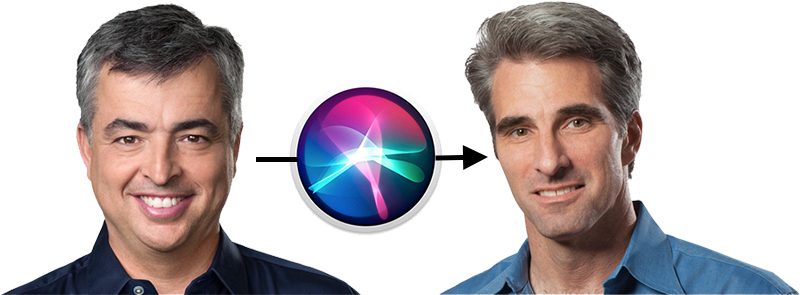
Craig Federighi is Apple’s senior vice president of Software Engineering, reporting to CEO Tim Cook. Craig oversees the development of iOS, macOS, and Siri. His teams are responsible for delivering the software at the heart of Apple’s innovative products, including the user interface, applications and frameworks.
Apple's leadership page is only now reflecting Federighi's role as head of Siri, but the transition has been apparent for several months, based on recent interviews and stage appearances at Apple's keynotes.
At WWDC 2016, for example, Federighi and Apple marketing chief Phil Schiller joinedDaring Fireball's John Gruber to discuss how Apple was opening Siri up to third-party developers with SiriKit later that year.
At WWDC 2017, Federighi was on stage to discuss improvements to Siri in iOS 11, including more natural voice, built-in translation capabilities, and advances in machine learning and artificial intelligence.
Cue continues to oversee the iTunes Store, Apple Music, Apple Pay, Apple Maps, iCloud, and the iWork and iLife suites of apps, and handing off Siri should allow him to focus more on Apple's push into original content.
Apple's updated leadership page also now lists profiles for recently promoted employees Deirdre O'Brien, Vice President of People, and Isabel Ge Mahe, Vice President and Managing Director of Greater China.
Source: macrumors










