 NEWS
NEWS
Carpool Karaoke Episode with Linkin Park Frontman May Not Run
 08/11/2017
 3614
3614
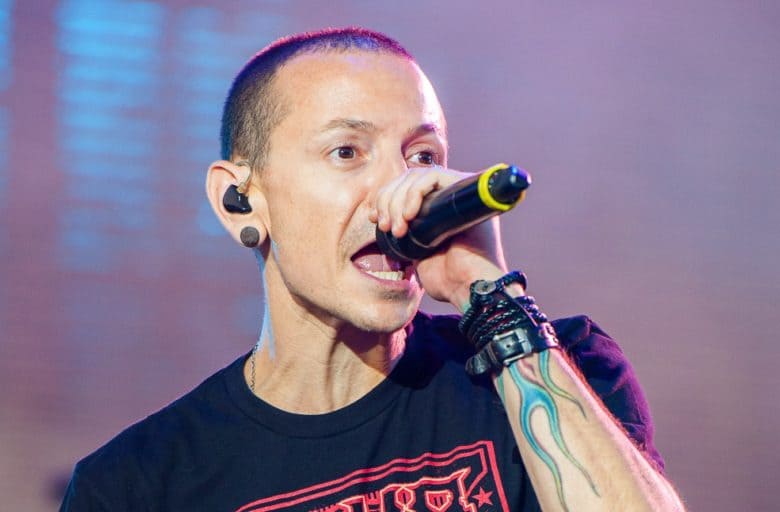
Apple’s new Carpool Karaoke series may not have found favor with critics, but it’s still stuffed full of musical celebrities — ranging from Metallica to Ariana Grande to Will Smith.
One name you might not find among them, however, is Linkin Park frontman Chester Bennington — who recorded an episode of the show last month, just six days before his untimely death at the age of 41. However, according to Apple it might not run.
Fun day with @kenjeong @CarpoolKaraoke @AppleMusic - stay tuned. pic.twitter.com/v8tSBG1cwF
— LINKIN PARK (@linkinpark) July 14, 2017
As per Carpool Karaoke producer and star James Corden, the decision whether or not to air the episode is being left in the hands of Bennington’s friends and family.
“We will approach it in whichever manner his family or the people that were involved in that episode, however they would like it to be handled,” Corden told the Associated Press. “We will navigate it as delicately as possible and just adhere to whatever wishes they would want because I don’t think there’s any other way we could deal with it, really. It’s completely up to them and that’s a conversation we haven’t even thought about having right now… It’s a tragedy.”
The episode in question was scheduled to air in October, and featured the band singing its hits, alongside actor Ken Jeong. Bennington’s widow Talinda sent a message on Twitter reading, “Thank you @CarpoolKaraoke.”
There’s no word yet on whether or not the episode will air. I was a big Linkin Park fan, but as much as I’d love to see another performance from the group, in my personal opinion it feels too soon to release this footage, shot just days before Bennington’s death.
Carpool Karaoke debuted on Apple Music earlier this week, featuring Will Smith and James Corden in the first episode. New episodes will arrive every week.
Source: cult of mac










