 NEWS
NEWS
A Top Apple Designer Says Technological Change Will 'Happen Sooner Than we Think'
 07/18/2017
 3316
3316
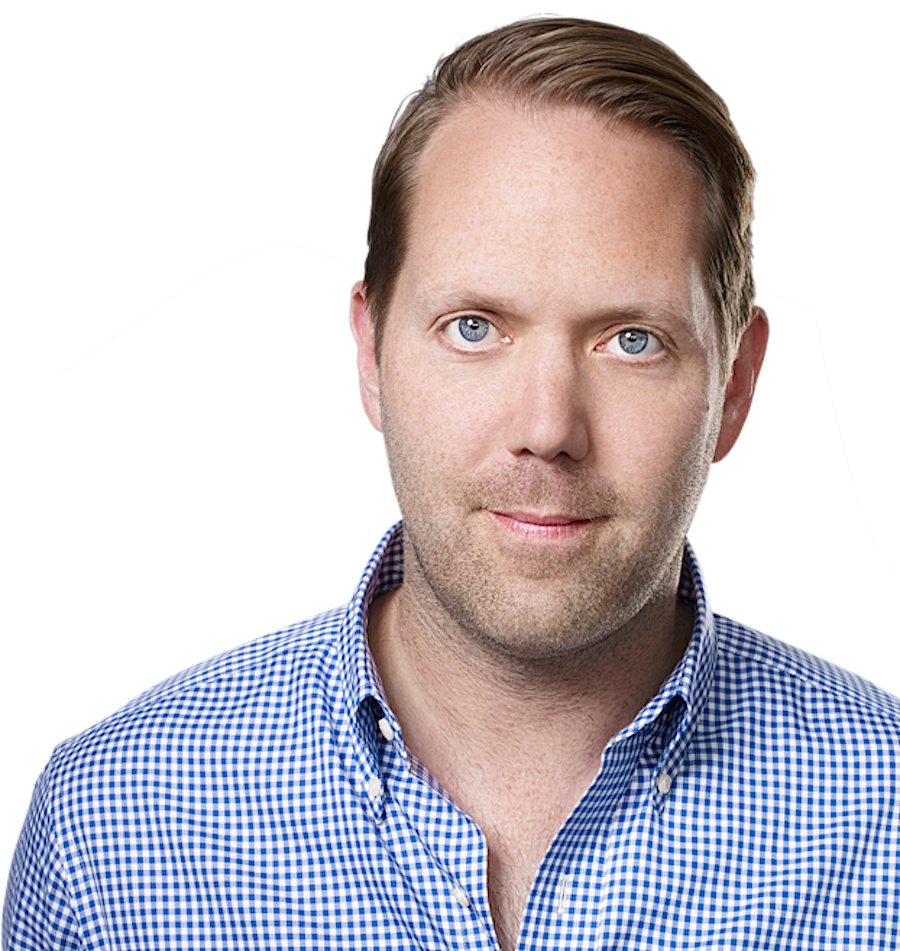
The man in charge of designing Apple's iPhone user interface gave a rare public speech last week where he discussed Apple's design philosophy and its office culture.
Alan Dye, Apple's VP of user interface design, gave a rare public talk at the Science Museum of Virginia last week.
Dye is one of two designers who took over day-to-day responsibilities for Apple chief design officer Jony Ive in 2015, and he's in charge of the way that users tell Apple's software what to do and the animations and interactions that make up how it responds, Wired reported in 2014.
He doesn't give many public speeches — Virginia Governor Terry McAuliffe wrote to Apple CEO Tim Cook directly in order to convince Dye to speak, the newspaper reported.
Dye was speaking at the opening of an exhibit that looked at Leonardo da Vinci's inventions, and Dye saw a direct comparison between the computer products Apple builds and what da Vinci dreamed up in his notebooks.
"And I really think we’re at a very similar point in time now, where I think technology is advancing at such a fast pace that we do have to start thinking about what’s out there a bit further, because that’s going to happen sooner than we think," Dye said at his talk, according to the Dispatch.
Apple is rumored to be working on self-driving car technology as well as augmented-reality glasses that integrate the real and virtual worlds. Dye would be involved in the early stages of user interface planning for either project.
According to Dye, one of his goals when designing Apple's software is to avoid making it "feel as if a ‘designer’ has been involved."
“What we really love is when we make a product or an experience and it works in such a way that you just imagine that there’s no other way that it could have worked, and that the solution we’ve come up with is just inevitable,” Dye said.
Dye's been working at Apple since 2006, at first designing its iconic packaging, and more recently, as the leader of its user interface team.
However, despite his official leadership role at the world's most valuable publicly-traded company, he remains humble. "I’m scared to death that at some point I’m going to get found out. You know, Tim [Cook] is going to realize the truth about me, which is I’m terrible," he said in an interview in 2015.
Source: BI










