 NEWS
NEWS
Why iPhone Manufacturing Jobs Aren't Coming Back To The U.S.
 05/03/2017
 4270
4270
It's going to take a lot more than concrete and machines to manufacture iPhones in the U.S. Dejian Zeng, a graduate student at NYU's Wagner School of Public Service, who spent last summer working undercover building iPhones at Pegatron, one of Apple's manufacturing partners.
After returning from the trip, which was organized by NYU and China's Labor Watch, Zeng said he's convinced that U.S. workers aren't going to be shuffling into factories to build iPhones any time soon. How exactly does a student at a prestigious U.S. university end up in China, sitting quietly on a stool, inserting parts into iPhones, one by one?
Through his decision to spend six weeks in a factory working 12 hours shifts Monday through Saturday, mostly during the night, and what he discovered along the way. Now that he's seen how a Chinese iPhone factory operates, Zeng doesn't believe that Apple or other companies will be able to build competitive factories in the U.S., no matter what politicians want them to do.
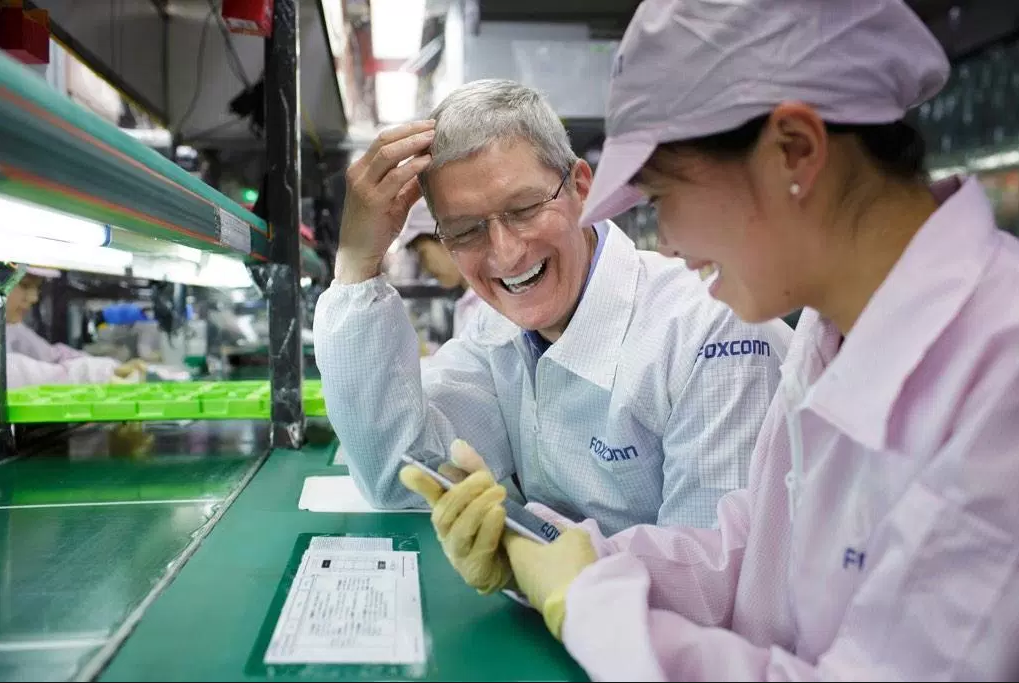
Meanwhile, Zeng also said that factories are starting to appear in other countries where human labor costs are even cheaper than in China. "China is developing. Prices for food and housing are increasing, so you have to increase wages accordingly. The government set minimum wages, and wages are going up, so the cost for labor is going up. Other places like Bangladesh, the wages are really low. They're shutting down factories in China and moving to where labor costs are lower. Factories used to be in America, then they moved to China, and now they're moving over to Vietnam and Bangladesh."
If President Trump wants iPhones manufactured in the U.S., Apple will need to front the cost to pay the much higher wages required in the U.S., which means that consumers will have to be willing to pay more. Either that, or it will have to rely a lot more on machines, which won't create jobs, and might end up taking them.
Source: cnbc










