
NEWS

A Jailbreak For tvOS 10.1.1 Seems Feasible And In preparation

03/30/2017

2946

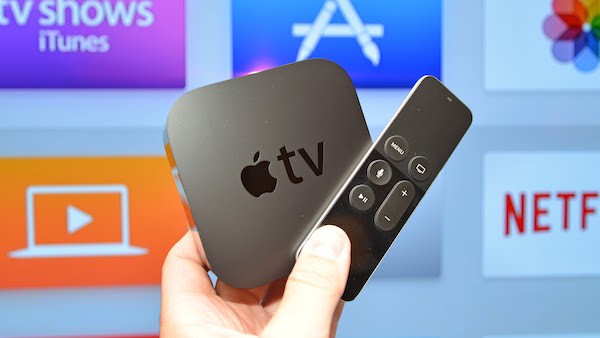
The jailbreaks also exist for the Apple TV and in particular the Apple TV 4th generation. The last one is called LiberTV and supports tvOS 9.1 up tvOS 10.1. Good news however, it seems that tvOS 10.1.1 can also have the right to its jailbreak using other flaws.

A Jailbreak For  tvOS 10.1.1 Seems Feasible And In preparation


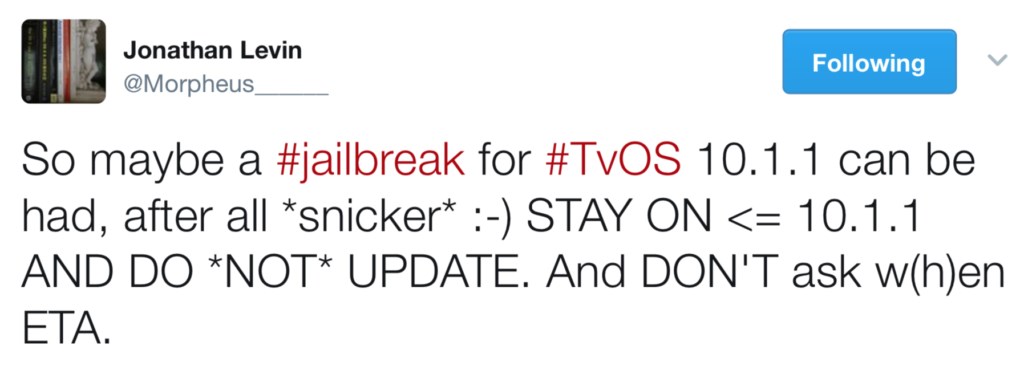
The hacker Jonathan Levin, who proposed the jailbreak LiberTV, announced the news on Twitter. "So there may be a jailbreak for tvOS 10.1.1 that can be done, after all." It recommends that interested users stay on tvOS 10.1.1 or earlier. It indicates otherwise that it should not update and not ask when the jailbreak will be ready for tvOS 10.1.1.

A Jailbreak For  tvOS 10.1.1 Seems Feasible And In preparation


Apple offers tvOS 10.2 since last night to the public. However, it is possible to switch to tvOS 10.1.1 at the time these lines are written because Apple always signs the previous update. Thus, there will be no blocking in case of installation.


If you've switched to tvOS 10.2 and want to go back to tvOS 10.1.1, download the firmware here, connect the Apple TV via a USB cable to your computer and manually install tvOS 10.1.1 via iTunes. This process also works if you are on a previous version of tvOS and want to switch on tvOS 10.1.1 directly.


Source: iphoneaddict


Windows
Mac OS
iOS
Linux
3uTools
Win 64-bit For this device
V9.0 2025-11-11
Download
Win 32-bit For this device
V9.0 2025-11-11
Download
3uTools
Intel Chip How to Identify Chip Type
V9.0 2025-12-02
Download
Apple Silicon
V9.0 2025-12-02
Download
How to Identify Chip Type
1.  Click the Apple icon in the top-left corner of the screen and select About This Mac.
2.  Check the Processor or Chip field to determine if it is "Intel" or "Apple".
Please use the 3uTools PC client to install the iOS client:
1、 Install either the Windows or Mac version of 3uTools on your computer
2、 Open the PC client and connect your device to the computer via USB cable
3、 After the connection is successful, wait for the computer to automatically install the mobile app for the device, or locate “Install Mobile App” on the computer and manually click to install.
3uTools
deb file
V3.01 2025-11-20
Download
rpm file
V3.01 2025-11-20
Download
Windows
Windows
iOS
iOS
Android
Android
TV
TV
3uAirPlayer
Win 64-bit For this device
V6.0.2 2025-11-19
Download
Win 32-bit For this device
V6.0.2 2025-11-19
Download
iOS Device Mirroring (No App Required)
1、 Install 3uAirPlayer on the Windows PC
2、 Open Control Center and select Screen Mirroring
3、 From the list, choose your PC to start mirroring
4、 Or connect your iOS device to the PC via USB to begin mirroring
Scan to get "3uAirPlayer" App
3uAirPlayer TV V1.0.18
2025-11-28
TV System Requirements: Android 7.0 or later
Download the TV installation package, copy it to a USB drive, insert it into your TV or set-top box, then select the file from the home screen to install.




