
NEWS

Tim Cook and Google's CEO Sundar Pichai Spotted Having Discussions Over Dinner

03/13/2017

2751

Apple's CEO Tim Cook and Google's CEO Sundar Pichai were spotted having Vietnamese food in Palo Alto this week. It is unclear what the CEO of two of the most powerful tech companies in the world were discussing about over dinner.
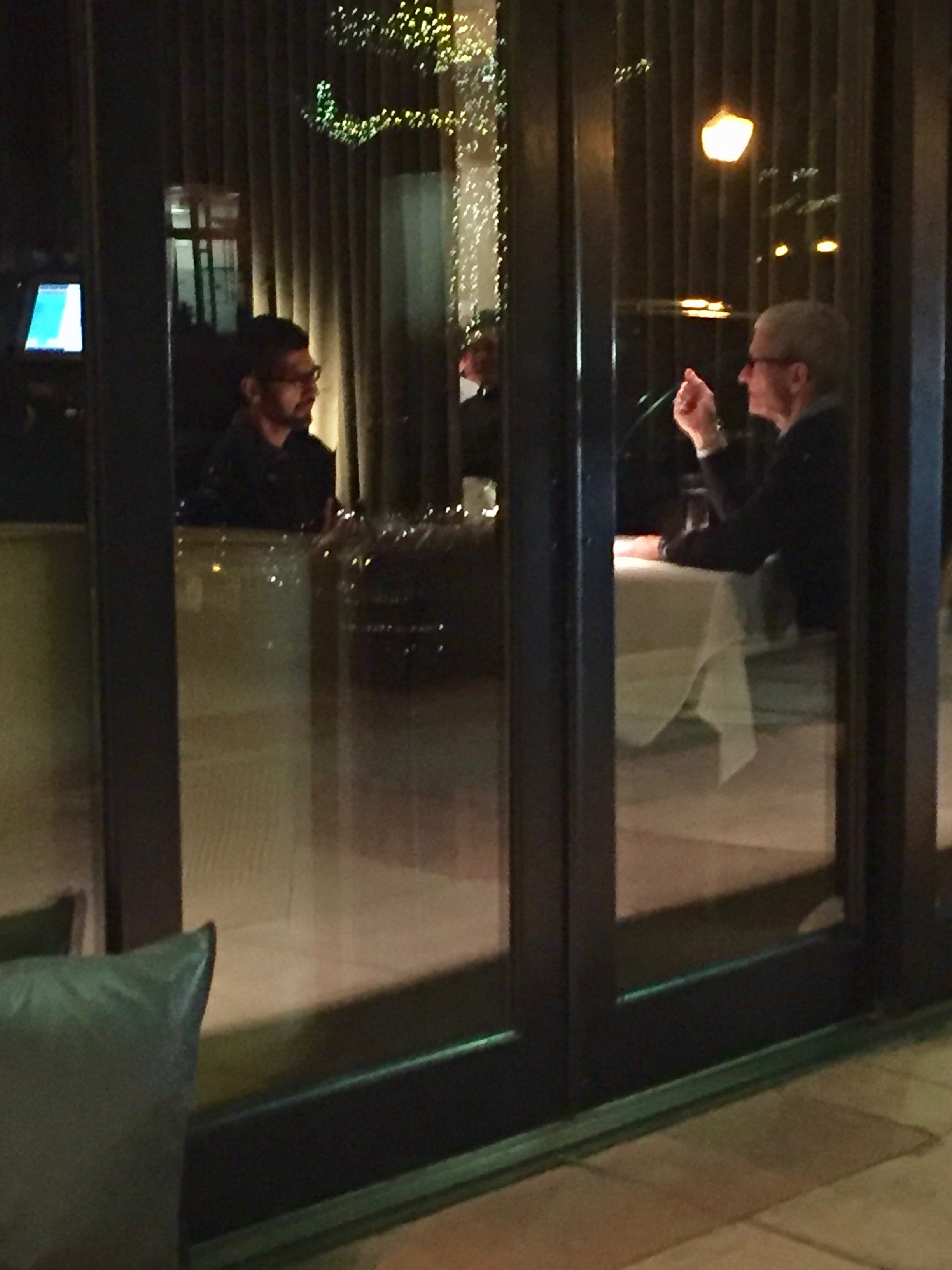

Tim Cook and Google's CEO Sundar Pichai Spotted Having Discussions Over Dinner


It is possible that the two CEOs were talking about the various Trump policies, the immigration ban imposed by him, and how the two companies together can help Silicon Valley from the President’s poorly thought out policies and rules down the line.


Both companies have previously taken a jibe at each other, but considering the times, it is important for the future of Silicon Valley that two of the biggest tech companies work together to be prepared for what President Trump throws their way.


What do you think are the CEOs of two of the largest tech companies in the world talking about? Drop a comment and let us know!



Windows
Mac OS
iOS
Linux
3uTools
Win 64-bit For this device
V9.0 2025-11-11
Download
Win 32-bit For this device
V9.0 2025-11-11
Download
3uTools
Intel Chip How to Identify Chip Type
V9.0 2025-12-02
Download
Apple Silicon
V9.0 2025-12-02
Download
How to Identify Chip Type
1.  Click the Apple icon in the top-left corner of the screen and select About This Mac.
2.  Check the Processor or Chip field to determine if it is "Intel" or "Apple".
Please use the 3uTools PC client to install the iOS client:
1、 Install either the Windows or Mac version of 3uTools on your computer
2、 Open the PC client and connect your device to the computer via USB cable
3、 After the connection is successful, wait for the computer to automatically install the mobile app for the device, or locate “Install Mobile App” on the computer and manually click to install.
3uTools
deb file
V3.01 2025-11-20
Download
rpm file
V3.01 2025-11-20
Download
Windows
Windows
iOS
iOS
Android
Android
TV
TV
3uAirPlayer
Win 64-bit For this device
V6.0.2 2025-11-19
Download
Win 32-bit For this device
V6.0.2 2025-11-19
Download
iOS Device Mirroring (No App Required)
1、 Install 3uAirPlayer on the Windows PC
2、 Open Control Center and select Screen Mirroring
3、 From the list, choose your PC to start mirroring
4、 Or connect your iOS device to the PC via USB to begin mirroring
Scan to get "3uAirPlayer" App
3uAirPlayer TV V1.0.18
2025-11-28
TV System Requirements: Android 7.0 or later
Download the TV installation package, copy it to a USB drive, insert it into your TV or set-top box, then select the file from the home screen to install.



