 NEWS
NEWS
Siri's Multiple Language Support Still Its Biggest Strength Over Other Virtual Assistants
 03/10/2017
 3673
3673
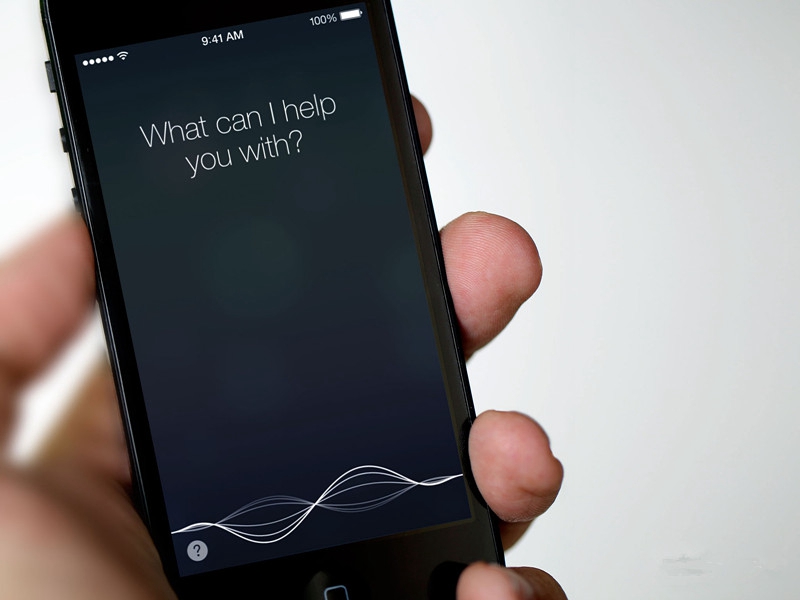
The behind-the-scenes look appears amid claims that Apple has squandered its lead in the voice-assistant space, with Amazon, Google, and Microsoft all advancing the features of their respective assistants recently.
But for a smartphone market in which most sales are outside the U.S., Siri's big advantage over the other assistants is underlined in the number of languages it can speak. Microsoft is said to have an editorial team of 29 people who work to customize Cortana for local markets, while Google and Amazon say they plan to add more languages soon. But it's a game of catch-up: Apple already has 21 languages, localized for 36 countries. That compares favorably to Microsoft's Cortana (eight), Google Assistant (four), and Amazon's Alexa (two).
"At Apple, the company starts working on a new language by bringing in humans to read passages in a range of accents and dialects, which are then transcribed by hand so the computer has an exact representation of the spoken text to learn from, said Alex Acero, head of the speech team at Apple. Apple also captures a range of sounds in a variety of voices. From there, a language model is built that tries to predict words sequences.
Then Apple deploys “dictation mode,” its text-to-speech translator, in the new language, Acero said. When customers use dictation mode, Apple captures a small percentage of the audio recordings and makes them anonymous. The recordings, complete with background noise and mumbled words, are transcribed by humans, a process that helps cut the speech recognition error rate in half."
Once the required amount of data has been gathered and a voice actor has recorded the Siri responses in a new language, Siri is released with answers to what Apple believes will be the most common questions. Siri then learns more about what users ask, with additional tweaks made via updates every two weeks.
The drawback to Apple's script-writing approach is that it does not scale, according to Charles Jolley, creator of an intelligent assistant named Oslo. "You can't hire enough writers to come up with the system you'd need in every language. You have to synthesize the answers," he told Reuters. "That's years off."
But it's something the founders of Viv – Siri's original creators – are actively working on. "Viv was built to specifically address the scaling issue for intelligent assistants," said Dag Kittlaus, the CEO and co-founder of Viv, which was acquired by Samsung last year. "The only way to leapfrog today's limited functionality versions is to open the system up and let the world teach them."
Consumers should soon get a taste of how far they've come. Viv technology will power Bixby, Samsung's new virtual assistant, set to feature in the Galaxy S8, which launches at the end of this month.jjh
Source: Macrumors










