NEWS
iOS 27.3 Beta Hints at ChatGPT and Claude Support for Apple HomeView
 11/06/2026
 98
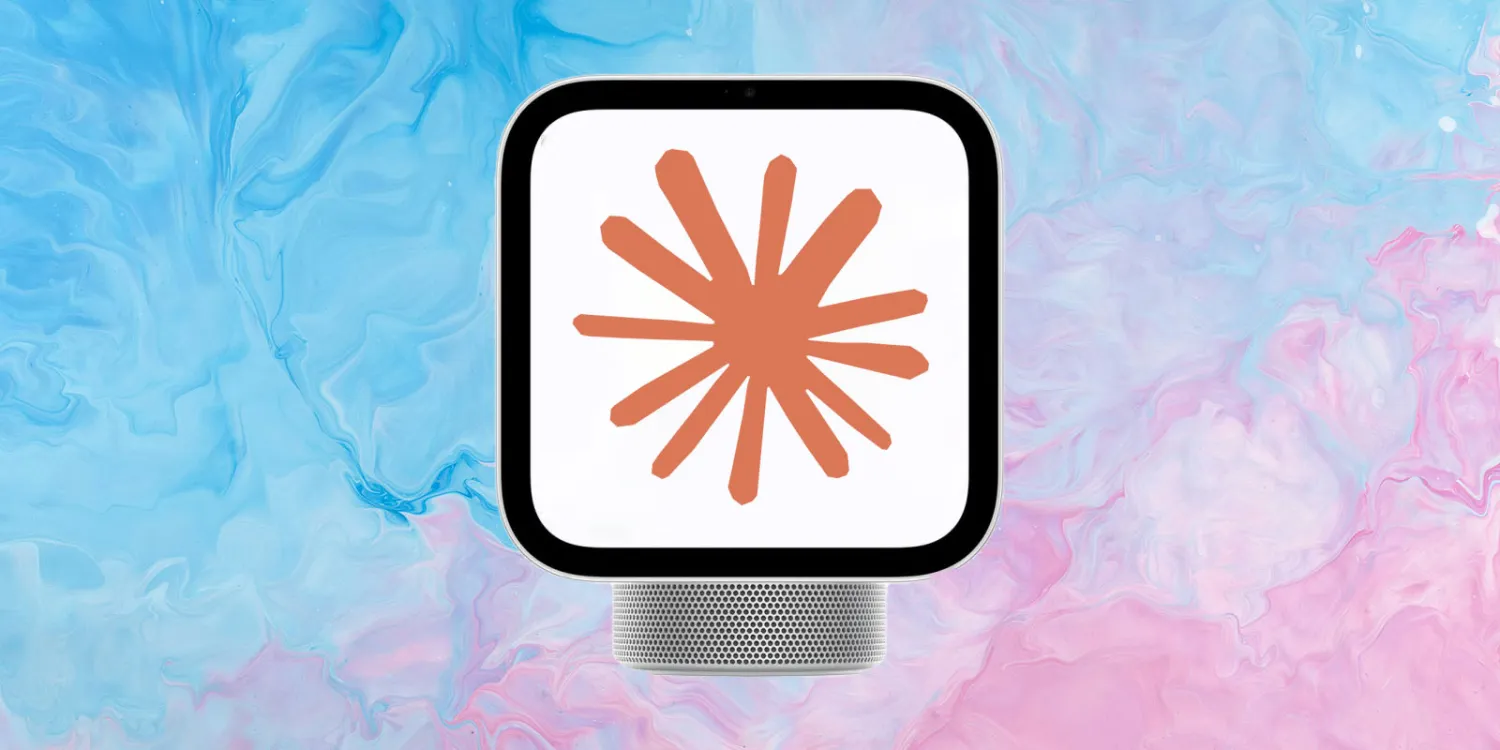
Apple's upcoming HomeView smart home device could support third-party AI chatbots, including ChatGPT and Claude, according to code discovered in the iOS 27.3 beta.
The finding suggests Apple may be opening HomeView to conversational AI apps beyond its own services, potentially giving users more flexibility in how they interact with the smart home device.
iOS 27.3 Code Reveals a Conversational Apps Category
Leaker pdfu first hinted at the possibility earlier this month after discovering an unused software flag called ConversationalApps. At the time, the finding suggested that third-party AI services such as ChatGPT and Claude might eventually be available on HomeView.
In a follow-up post on November 5, the leaker said the feature was happening, pointing to changes in the iOS 27.3 beta.
According to pdfu, PebblePlay, described as HomeView's CarPlay bridge, now includes a new Conversational Apps category in the beta.
Apple uses app categories to determine which types of third-party applications are permitted to run on a platform. Similar restrictions and categories are already used with CarPlay.
The discovery suggests that Apple is laying the groundwork for conversational AI applications to run on HomeView.
More AI Integration Features Found in the Beta
The iOS 27.3 beta reportedly contains several other changes related to the new category, including:
●Bidirectional audio routing: Provides groundwork for two-way audio communication between apps and the device.
●Session management: Adds infrastructure for managing conversational app sessions.
●Interruption handling: Establishes support for handling interruptions during active sessions.
However, the leaker notes that these features are not fully implemented yet. The code indicates that Apple is preparing the necessary infrastructure, but it does not confirm exactly how third-party AI apps will work when HomeView launches.
Could ChatGPT and Claude Become HomeView Options?
If Apple enables third-party conversational apps, HomeView users could potentially choose between Apple's own AI services and external assistants such as ChatGPT or Claude.
This would be a notable development for Apple's smart home strategy. Rather than limiting users to a single AI ecosystem, HomeView could become a platform for multiple conversational assistants.
The same leaker recently discovered evidence suggesting that HomeView may also be capable of functioning as a HomeKit security camera, pointing to a broader range of potential uses.
Apple has not officially confirmed third-party AI support, and the features discovered in beta software could change before public release.
Source: 9to5mac