NEWS
iPhone 20 Pro May Keep Dynamic Island Despite 2027 Redesign
 11/05/2026
 169
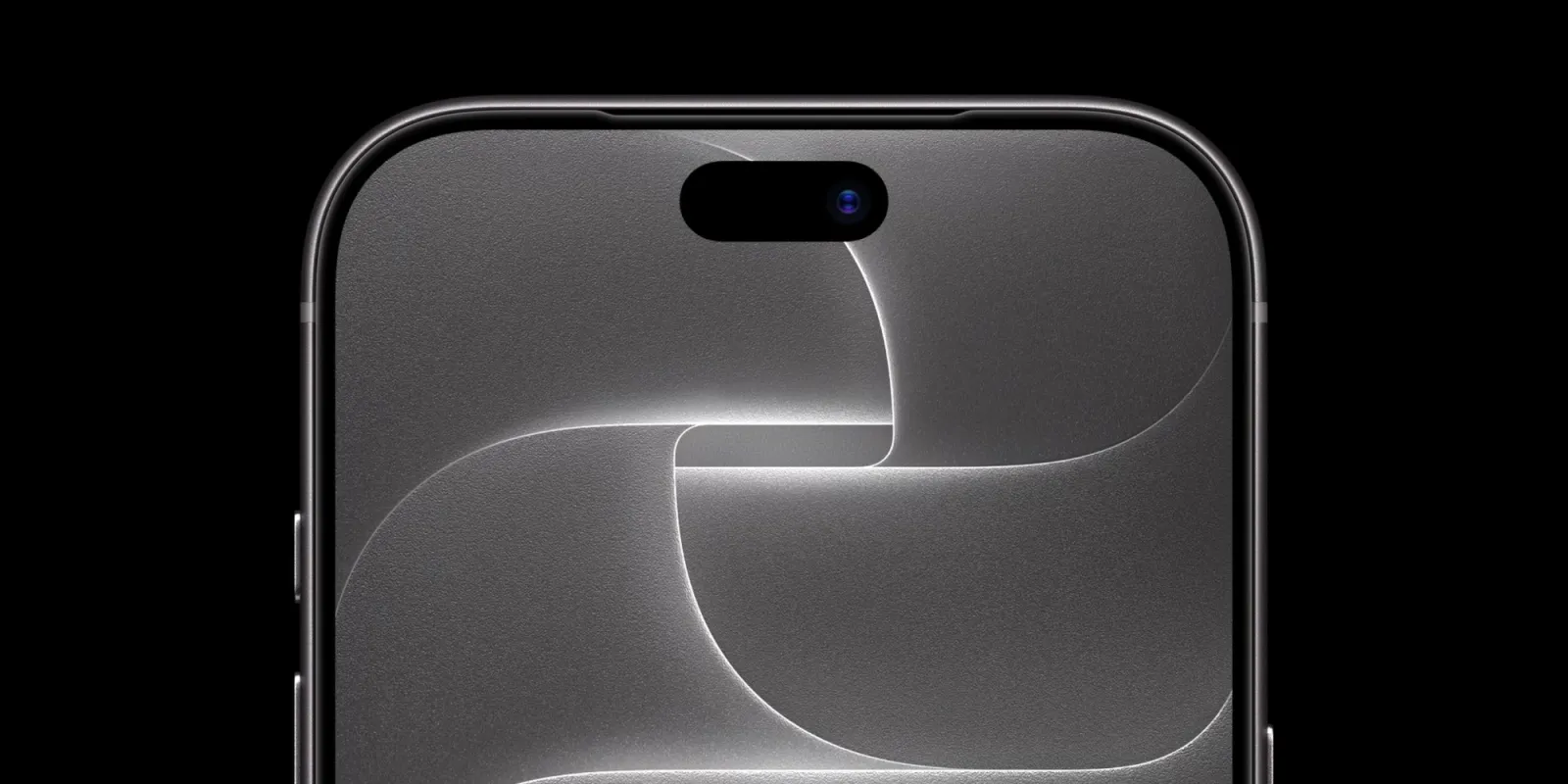
Apple is reportedly preparing a major redesign for its iPhone Pro lineup next year to celebrate the iPhone's 20th anniversary. However, a new leak suggests that one long-awaited feature may not arrive just yet: a completely uninterrupted display without camera or sensor cutouts.
According to Weibo leaker Digital Chat Station, Apple's anniversary iPhone will still feature display holes for the Dynamic Island, rather than adopting the fully cutout-free design rumored in earlier reports.
iPhone 20 Pro Could Feature a Quad-Curved Display
Apple is rumored to be planning a significant design overhaul for its 2027 iPhone Pro models, potentially marking the 20th anniversary of the original iPhone.
One of the expected changes is a quad-curved display that wraps around all four edges of the device. This design could create an almost bezel-free appearance, making the screen look as though it extends seamlessly across the front of the phone.
Earlier rumors also suggested that Apple might eliminate the Dynamic Island entirely, moving the front-facing camera and Face ID components beneath the display to achieve a true all-screen design.
However, the latest leak casts doubt on that possibility.
Dynamic Island Is Reportedly Staying
In a follow-up post on Weibo, Digital Chat Station responded to a question about whether the rumored iPhone 20 Pro Max would retain the Dynamic Island or feature a completely hole-free display.
The leaker indicated that the display would still have holes, suggesting that the Dynamic Island will remain part of the anniversary iPhone's design.
It is not yet clear whether the Dynamic Island will retain the same size as the one expected on the iPhone 18 Pro models. However, if Apple continues to use its current Face ID system, a similar display cutout may be necessary.
This means that even with a more immersive, curved display, Apple's 2027 flagship could still have a visible interruption at the top of the screen.
Apple's 20th Anniversary iPhone Could Still Be a Major Upgrade
The latest leak does not rule out a dramatic redesign. A quad-curved display, slimmer bezels, and other potential changes could still make the 2027 iPhone Pro models look significantly different from their predecessors.
Meanwhile, Digital Chat Station recently outlined Apple's expected early 2027 iPhone lineup, which could include the iPhone 18e, iPhone 18, and iPhone Air 2. The standard iPhone 18 is also rumored to receive two upgrades inspired by the Pro lineup.
As with all early leaks, Apple's final design plans could change before launch.
Source: 9to5mac