 NEWS
NEWS
iPhone Duo Benchmark Reveals A20 Pro Performance and 12GB RAM
 10/15/2026
 260
260
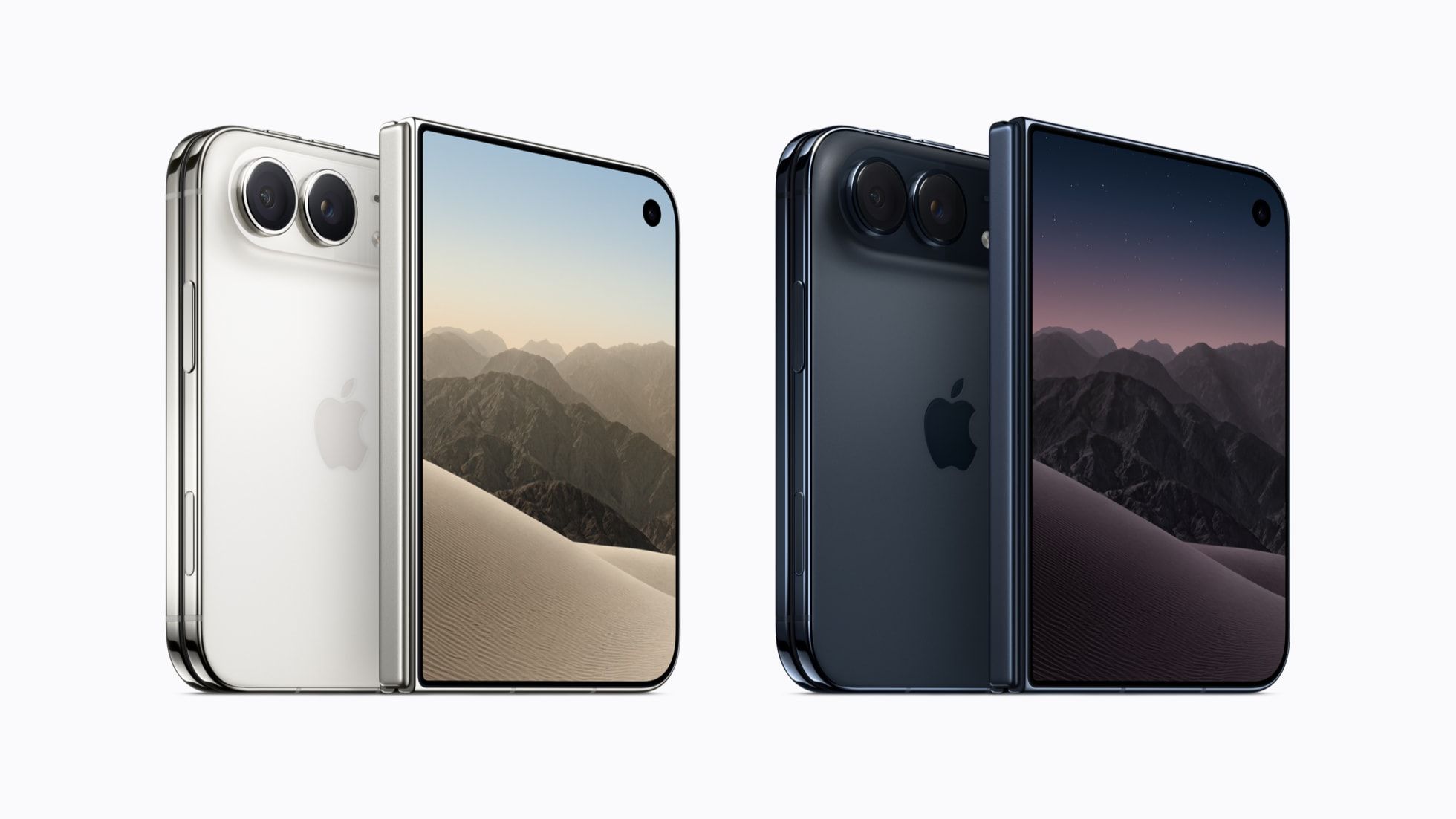
iPhone Duo Benchmark Results
Apple's upcoming iPhone Duo has appeared in an early Geekbench 7 benchmark, offering a first look at the performance of its A20 Pro chip. The results suggest that Apple's first foldable iPhone delivers processing power comparable to the iPhone 18 Pro lineup.
The device, identified as iPhone19,4, is running iOS 27.1. It recorded a single-core score of 3,986 and a multi-core score of 11,067 in Geekbench 7.
These results are broadly in line with benchmark scores from the iPhone 18 Pro and iPhone 18 Pro Max. However, this is only one benchmark result, and performance can vary between tests.
The listing also reports approximately 11.3GB of available memory, indicating that the iPhone Duo is equipped with 12GB of RAM.
Both the iPhone Duo and iPhone 18 Pro models use Apple's A20 Pro chip, built on a 2nm process and featuring a six-core CPU and a seven-core GPU. This shared hardware helps explain their similar benchmark performance.
3uTools's View
The early benchmark suggests that Apple's first foldable iPhone will offer flagship-level processing power comparable to its Pro models. With 12GB of RAM, the iPhone Duo also appears well-equipped for multitasking and demanding applications.
However, benchmark scores alone cannot determine real-world performance, especially for a foldable device with two displays. Sustained performance, thermal management, and software optimization will be worth watching in independent reviews.










