 NEWS
NEWS
Apple Reportedly Puts AI Pendant on Hold as Wearable Strategy Shifts
 09/23/2026
 1248
1248
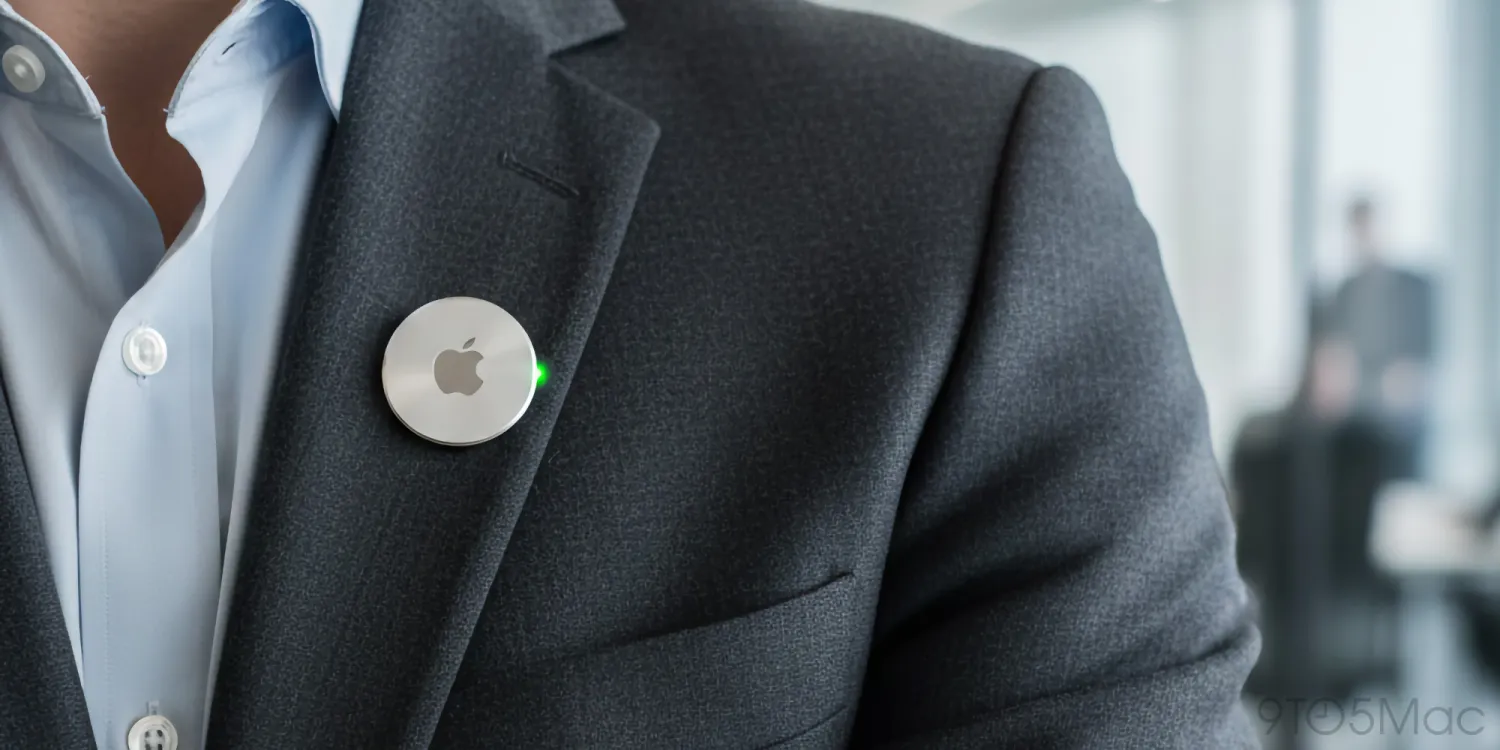
Apple has reportedly put its rumored AI-powered wearable pendant on hold, according to Bloomberg's Mark Gurman.
The company has been exploring several new AI-focused wearable devices as it expands Apple Intelligence beyond the iPhone and Mac. However, Apple's current strategy appears to be shifting toward existing products such as the Apple Watch, while other AI wearables remain in development.
Apple’s AI Pendant Project Has Been Postponed
The rumored device was reportedly designed as a small camera-equipped pendant that users could wear around their neck, attach to clothing, or place elsewhere on their body.
According to Gurman's previous reports, the wearable was envisioned as an always-on camera for the iPhone, with a built-in microphone that could provide input to Siri.
The camera would continuously capture visual information, which could then be processed by Apple's AI systems and the new Siri AI.
However, Apple has now reportedly postponed the project, and there is currently no indication of when development might resume.
Apple Is Focusing AI Efforts on the Apple Watch
Instead of moving forward with the pendant, Apple is reportedly focusing more heavily on bringing AI capabilities to the Apple Watch.
The newly released Apple Watch Series 12 and Apple Watch Ultra 4 introduce new AI-related features, including Audio Intelligence and deeper Siri AI integration.
This approach allows Apple to add AI capabilities to an existing product category rather than immediately introducing an entirely new wearable device.
AI Wearables Are Still an Emerging Market
The AI boom has resulted in significant advances in software, but entirely new AI hardware categories have been slower to develop.
Several companies have experimented with AI-first wearables. Humane's Ai Pin, for example, failed to establish a sustainable consumer market, while Meta's AI-powered smart glasses have gained more traction but remain a relatively niche category.
Apple appears to be taking a more cautious approach by integrating AI into products that already have an established user base.
Apple Is Still Developing Other AI Wearables
The cancellation or postponement of the pendant doesn't mean Apple has abandoned AI wearables altogether.
According to Gurman, Apple is also working on camera-equipped AirPods and smart glasses, which are reportedly targeted for 2027.
The company is also exploring a screen-free health-focused wearable that could compete with products such as WHOOP.
Details about this health wearable remain limited, but its screen-free design suggests Apple could be exploring a more focused approach to health and fitness tracking rather than creating another general-purpose smartwatch.
What Comes Next for Apple AI Wearables?
For now, Apple's wearable AI strategy appears to be centered around several existing and upcoming product categories.
The Apple Watch is becoming a more important platform for Siri and AI-powered features, while camera-equipped AirPods and smart glasses could eventually provide Apple with new ways to capture and understand the user's surroundings.
Meanwhile, the AI pendant appears to be on hold.
Whether Apple eventually revives the project remains unclear, but the move suggests the company may be prioritizing AI features that can be integrated naturally into its existing ecosystem before launching another entirely new device category.
Source: 9to5mac










