NEWS

Apple May Bring iPhone Duo Display Technology to iPhone Pro in 2029

09/23/2026

154

Apple May Bring iPhone Duo Display Technology to iPhone Pro in 2029


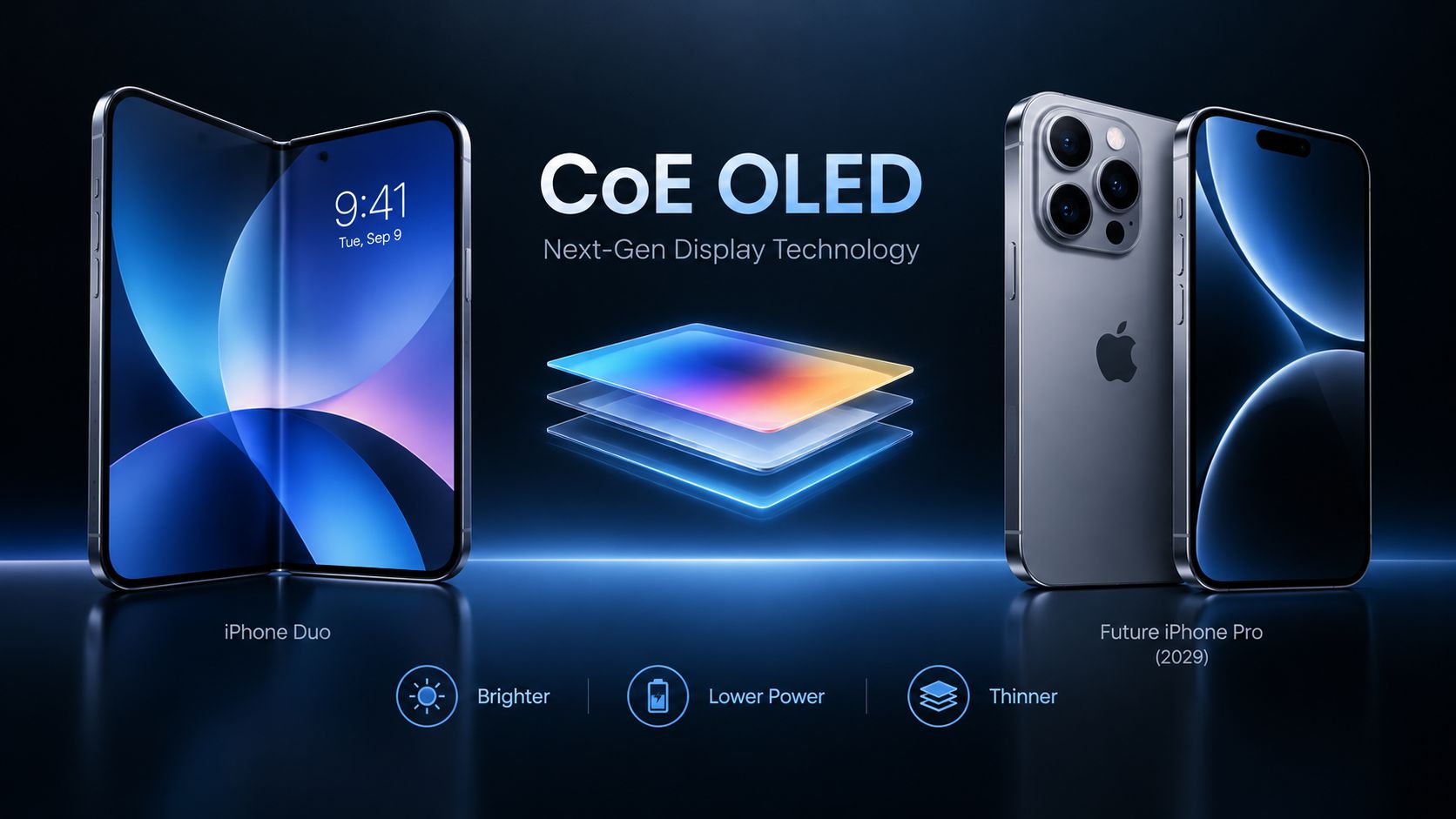
Apple could bring a display technology associated with its new iPhone Duo to future iPhone Pro models as early as 2029, according to display research firm UBI Research.


The technology, known as Color Filter on Encapsulation (CoE), removes the conventional polarizing layer from an OLED panel and places a color filter directly over the encapsulation layer.


This approach could allow more light to pass through the display, potentially improving brightness while reducing power consumption. It could also make the display thinner, leaving more internal space for components such as the battery and cameras.


CoE OLED technology has already been commercialized by Samsung under its Eco² OLED branding. However, removing the polarizer also creates challenges in controlling reflections, outdoor visibility, viewing angles, contrast, and color accuracy.


UBI Research expects Apple to bring the technology to its conventional iPhone Pro and Pro Max models in 2029. This remains a research-based forecast rather than an Apple-confirmed product plan.


3uTools's View


If Apple adopts CoE OLED in future iPhone Pro models, the technology could bring meaningful improvements in display efficiency, brightness, and device thickness. For users, the biggest potential benefit may be better display performance without increasing power consumption.


Windows
Mac OS
iOS
Linux
3uTools
Win 64-bit For this device
V9.09 2026-09-20
Download
Win 32-bit For this device
V9.09 2026-09-20
Download
3uTools
Intel Chip How to Identify Chip Type
V9.07 2026-09-20
Download
Apple Silicon
V9.07 2026-09-20
Download
How to Identify Chip Type
1.  Click the Apple icon in the top-left corner of the screen and select About This Mac.
2.  Check the Processor or Chip field to determine if it is "Intel" or "Apple".
Please use the 3uTools PC client to install the iOS client:
1、 Install either the Windows or Mac version of 3uTools on your computer
2、 Open the PC client and connect your device to the computer via USB cable
3、 After the connection is successful, wait for the computer to automatically install the mobile app for the device, or locate “Install Mobile App” on the computer and manually click to install.
3uTools
deb file
V9.02 2026-08-19
Download
rpm file
V9.02 2026-08-19
Download
Windows
Windows
iOS
iOS
Android
Android
TV
TV
3uAirPlayer
Win 64-bit For this device
V6.0.7 2026-08-25
Download
Win 32-bit For this device
V6.0.7 2026-08-25
Download
Scan to get "3uAirPlayer" App
Requires iOS 15.0 or later
Scan to get "3uAirPlayer" App
Requires Android 7.0 and up
3uAirPlayerTV
 
TV System Requirements: Android 7.0 or later
Download the TV installation package, copy it to a USB drive, insert it into your TV or set-top box, then select the file from the home screen to install.