 NEWS
NEWS
iOS 27 Introduces New Standalone Siri App With Apple Intelligence
 09/22/2026
 1404
1404
Apple has released iOS 27 to the public, bringing a wide range of new Siri and Apple Intelligence features to compatible iPhone models.
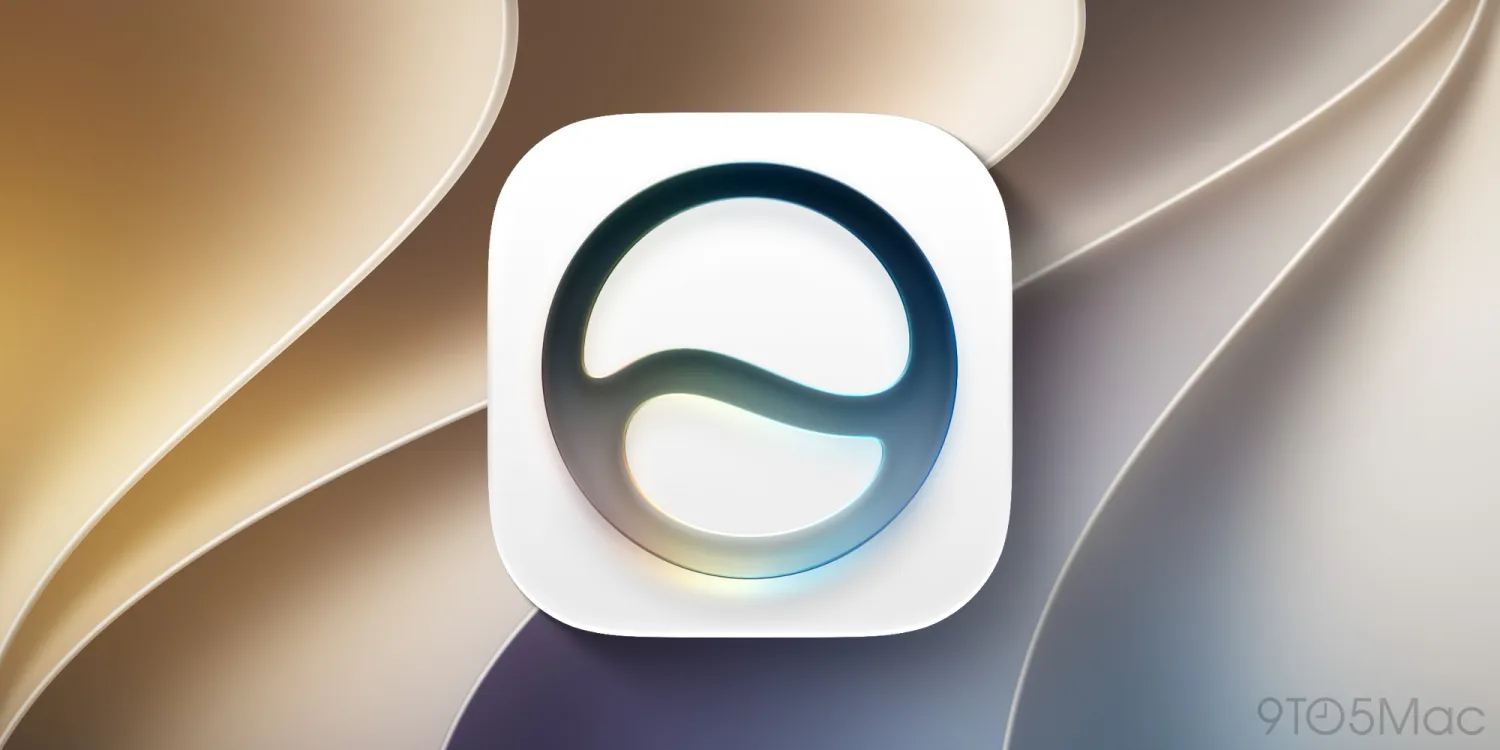
Among the biggest changes is the introduction of an entirely new Siri app. For the first time, Siri is available as a dedicated, pre-installed app on the iPhone, giving users a new way to interact with Apple's AI assistant.
The new Siri app is also coming to Mac, iPad, Apple Vision Pro, and Apple Watch through their respective operating system updates.
Siri Becomes a Standalone App
After updating to iOS 27, eligible iPhone users will see a new Siri icon on the Home Screen.
Instead of interacting with Siri only through voice commands or system interfaces, users can now open the dedicated Siri app to access previous conversations and start new ones.
The app uses a chat-style interface, with previous Siri conversations displayed in a chronological stream.
Users can also upload photos and files directly to the Siri app for analysis.
Siri Conversations Sync Across Apple Devices
The new Siri app is connected to iCloud, allowing conversations to sync across supported Apple devices.
This means users can start a conversation on their iPhone and continue it later on a Mac, iPad, or other compatible Apple device.
The Siri app will also be available with:
●macOS 27
●iPadOS 27
●visionOS 27
●watchOS 27
This gives Siri a more consistent experience across Apple's ecosystem.
Siri AI Gets Deeper Apple Intelligence Integration
The standalone Siri app is closely connected to the new Siri AI and Apple Intelligence features introduced with iOS 27.
Siri can provide access to broad world knowledge while also using relevant personal context from the user's device.
With permission, Siri can reference information such as:
●Messages
●Emails
●Photos
●Other personal information
This allows Siri to answer more personalized questions rather than simply responding to general requests.
Siri Can Understand What's on Your Screen
Another major capability is Siri's ability to understand what is currently displayed on the iPhone screen.
Users can ask Siri questions about the content they're viewing, allowing the assistant to provide explanations or additional information based on the current context.
Combined with Apple's broader Visual Intelligence features, this gives Siri a much deeper understanding of what users are doing on their devices.
Siri App Requires an Apple Intelligence-Compatible iPhone
The new Siri app isn't available on every iPhone running iOS 27.
Because it relies on Apple Intelligence, the feature requires an Apple Intelligence-compatible iPhone, starting with the iPhone 15 Pro generation.
Supported models include:
●iPhone 15 Pro
●iPhone 15 Pro Max
●iPhone 16
●iPhone 16e
●iPhone 16 Plus
●iPhone 16 Pro
●iPhone 16 Pro Max
●iPhone 17
●iPhone 17e
●iPhone Air
●iPhone 17 Pro
●iPhone 17 Pro Max
Older iPhone models that can run iOS 27 but don't support Apple Intelligence will not receive the standalone Siri app.
Apple Is Adding More Built-In Apps to iPhone
The new Siri app continues Apple's recent trend of adding more dedicated apps to the iPhone.
Apple introduced Image Playground with iOS 18.2 in December 2024, followed by the Preview and Games apps with iOS 26.
With iOS 27, Siri joins these newer system apps and gives Apple's AI assistant a more visible and dedicated place within the iPhone experience.
A New Chapter for Siri on iPhone
The standalone Siri app represents a significant change in how Apple wants users to interact with its AI assistant.
Instead of treating Siri as a voice-only system feature, Apple is turning it into a persistent, cross-device AI experience that can remember conversations, analyze files and images, understand screen content, and use personal context to provide more relevant responses.
As Apple continues expanding Apple Intelligence, the new Siri app could become one of the central interfaces for AI features across the company's ecosystem.
Source: 9to5mac










