 NEWS
NEWS
Apple Designers Explain the Design Behind iPhone Duo
 09/21/2026
 1188
1188
Apple Designers Explain the Design Behind iPhone Duo
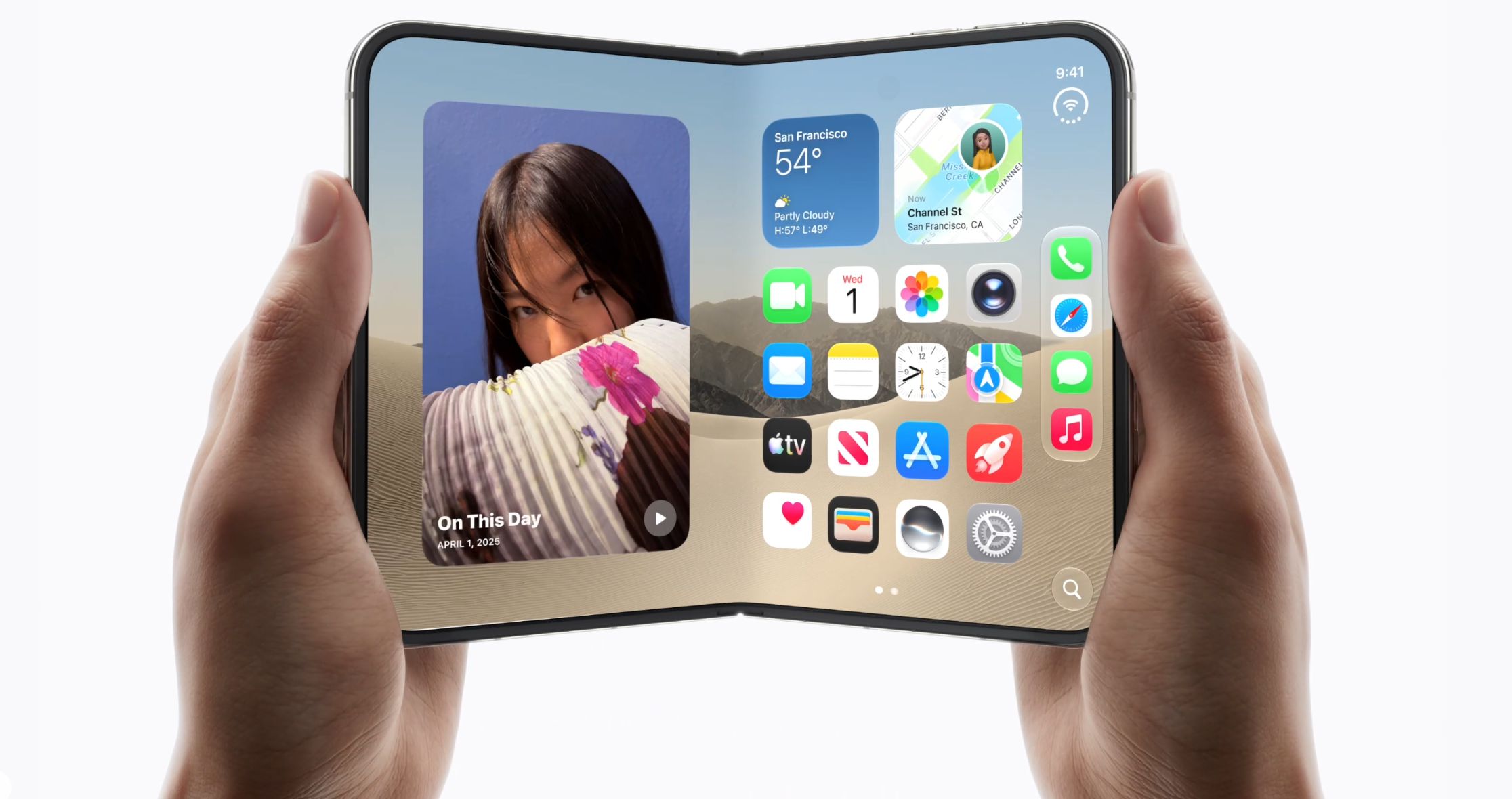
Apple designers have revealed more about the thinking behind the iPhone Duo, the company's first foldable iPhone. The team explained how Apple approached the device's hardware, software, and different ways of using its foldable display.
Designed for Multiple Modes
The iPhone Duo is designed to work in several configurations. It can be used as a compact phone when closed, opened for a larger display, or partially folded for different viewing and interaction scenarios.
Apple's design team focused on making these transitions feel natural rather than simply placing a traditional iPhone interface on a foldable screen.
iOS Adapts to the Fold
The software experience was developed alongside the hardware. iOS can adapt its interface to different display states, including the outer screen, inner screen, and partially folded position.
Apple has also provided developers with guidance for adapting apps to the Duo's larger display and foldable form factor, including how to position controls and content around the fold.
More Possibilities for Developers
Apple expects developers to explore new ways to use the Duo's flexible design. As apps take advantage of its larger display and different positions, new experiences could emerge beyond traditional smartphone use.
3uTools' View
The iPhone Duo is not simply a larger iPhone that folds. Apple's bigger challenge is making iOS and third-party apps work naturally across multiple screen configurations. How developers use this flexibility will likely shape the Duo experience over time.
Source: Apple Developer, GQ










