 NEWS
NEWS
Apple Watch Series 12 and Ultra 4: What to Expect
 08/31/2026
 1049
1049
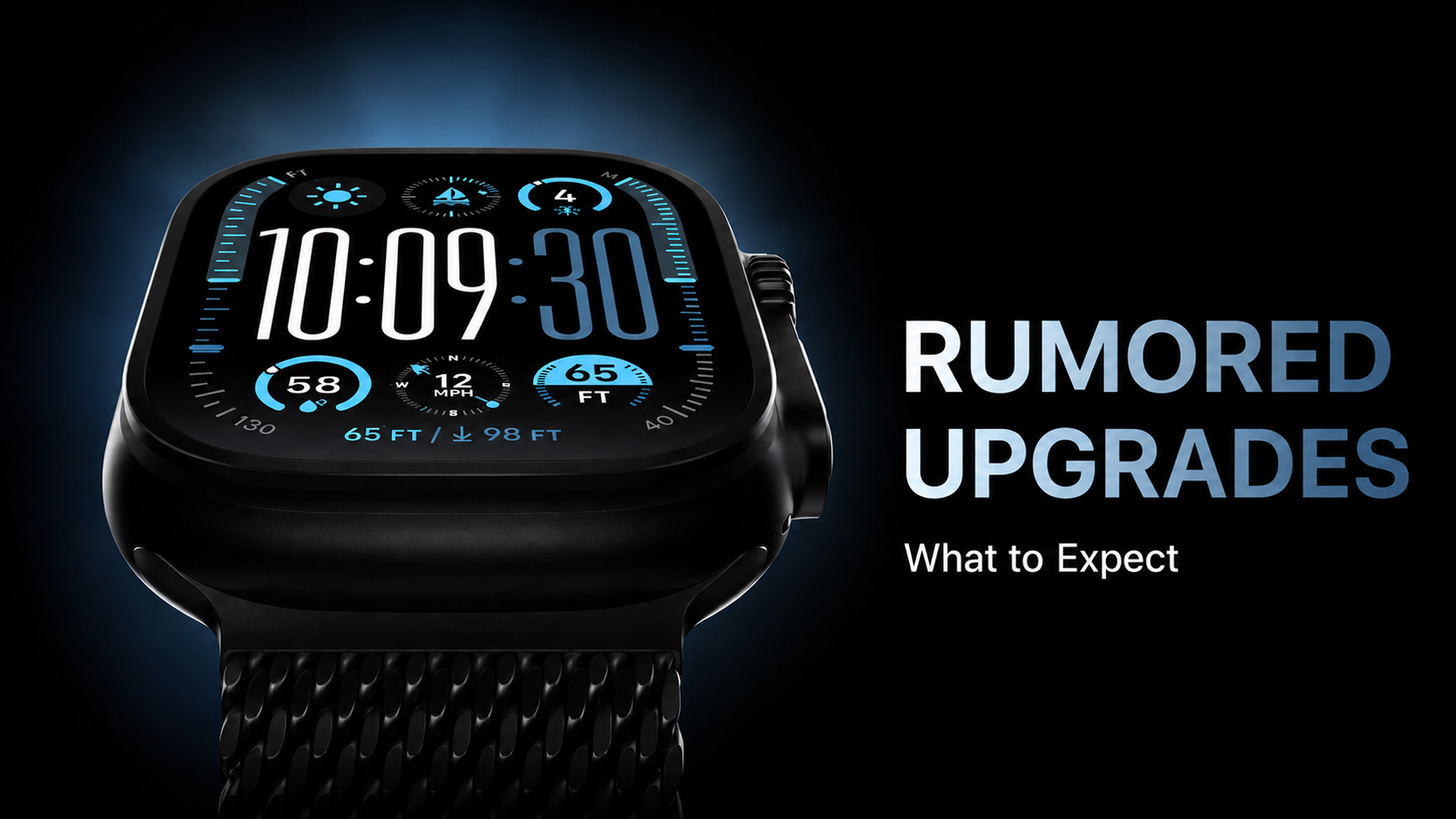
Apple is expected to unveil the Apple Watch Series 12 and Apple Watch Ultra 4 on September 9, and Bloomberg’s Mark Gurman has shared more details about what could be coming.
Despite earlier rumors suggesting that Touch ID might arrive on the Apple Watch this year, Gurman says neither the Series 12 nor Ultra 4 is expected to receive a major design overhaul. Both models should largely retain the look of the current Series 11 and Ultra 3.
One notable change could be the return of a ceramic case option. Apple has reportedly tested both white and dark gray ceramic finishes, similar to the premium ceramic Apple Watch Series 3 introduced in 2017.
On the performance side, the new watches are expected to receive a faster chip, potentially marking the first significant Apple Watch performance upgrade in several years. The Series 11 and Ultra 3 currently use the same S10 chip found in the Series 10 and Ultra 2.
Health and fitness tracking could also see meaningful improvements. Apple is reportedly testing a feature that would allow the heart-rate sensor to continuously collect data throughout the day. The company is also working on redesigned Health and Fitness apps with more wellness-focused metrics, taking inspiration from popular platforms such as Whoop and Oura.
However, the Apple Watch SE 4 is not expected to launch this year.
Looking further ahead, Apple is reportedly developing a major Apple Watch redesign, although Gurman believes it is still at least one or two years away. Apple is also continuing work on blood sugar monitoring technology, with a potential launch target as early as 2030.










