 NEWS
NEWS
M6 Mac mini: Three things Apple didn’t highlight in the announcement
 08/28/2026
 3717
3717
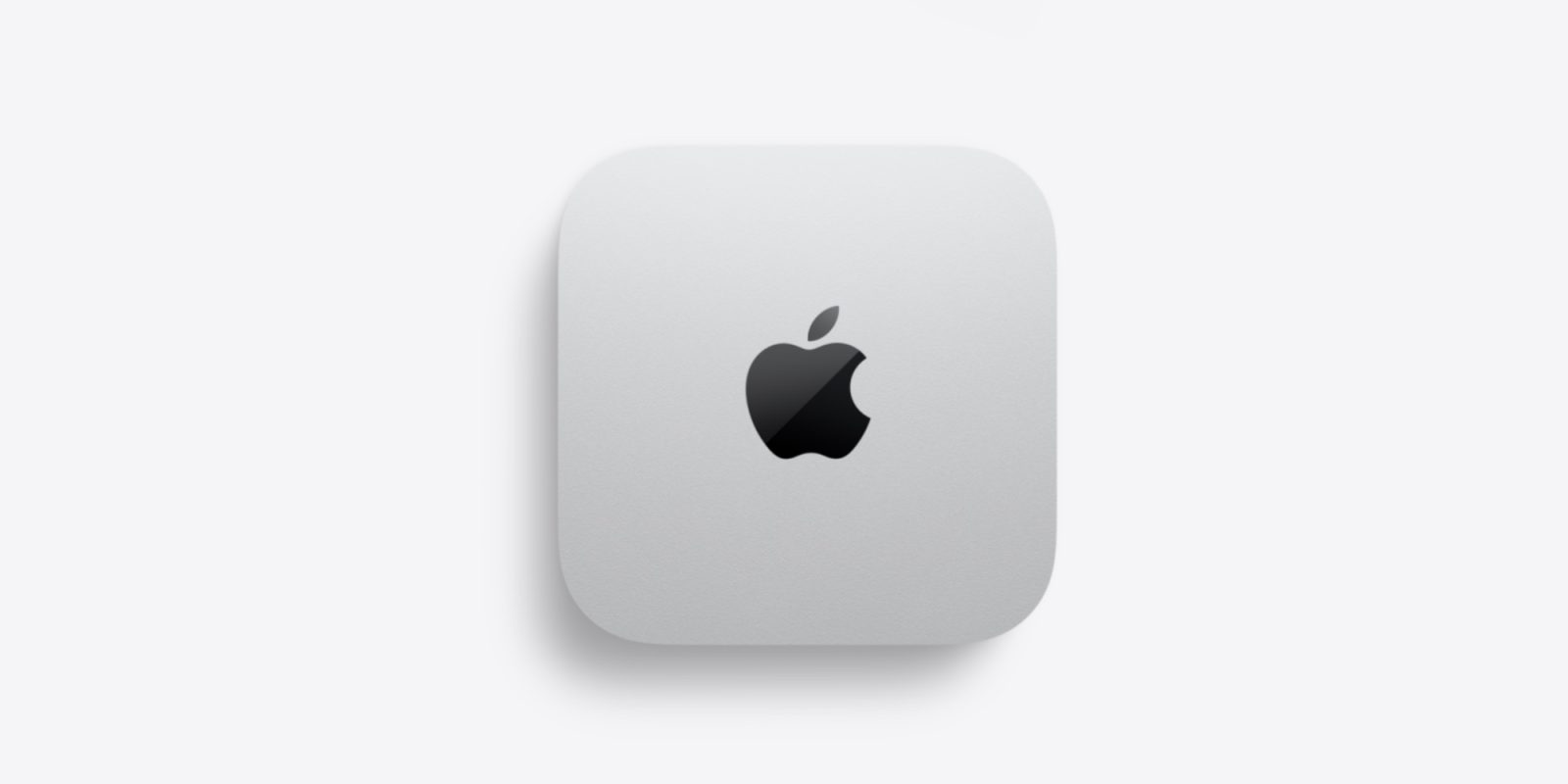
A new Mac mini with M6 and M5 Pro was unveiled this week, but we’ve since learned three things about the product that weren’t highlighted by Apple.
#1: Memory bandwidth varies among configurations

If you’re planning to order a Mac mini, the pre-order page doesn’t tell the full story about a key spec: memory bandwidth. Digging into the technical specs reveals that your RAM choice might directly impact overall memory bandwidth.
The base M6 Mac mini with 16GB of RAM offers 153GB/s memory bandwidth. But if you upgrade to 24GB or 32GB of RAM, that number bumps up to 170GB/s.
Meanwhile, you’ll need to choose M5 Pro to get the maximum memory bandwidth of 307GB/s.
Every configuration is still an improvement over the M4 models, but it’s worth noting the differences.
#2: N1 chip brings Thread support
When Apple announced the new Mac mini, it highlighted Wi-Fi 7 and Bluetooth 6 support. Both are upgrades from the M4 model’s Wi-Fi 6E and Bluetooth 5.3.
But digging into the technical specs reveals that the M6 Mac mini includes an Apple-designed N1 chip. As a result, the Mac mini also has Thread support.
Thread has been part of the iPhone since the iPhone 15 Pro, with Apple touting its benefits for smart home accessories and automation. But it’s new to the Mac mini.
#3: macOS Golden Gate is preinstalled
If you try to avoid installing new macOS versions right away, it’s worth knowing that the M6 Mac mini ships with macOS Golden Gate.
Apple doesn’t explicitly say that anywhere on its website. However, the company reportedly confirmed to John Gruber that the new version of macOS is preinstalled.
This isn’t too surprising, since the M6 Mac mini won’t ship until September 22. macOS 27 will likely be released the week beforehand—on or around September 14. But anyone uneasy about upgrading to the latest software should take note.
Source: 9to5mac










