 NEWS
NEWS
Apple's Camera AirPods May Launch as 'AirPods Pro,' Not 'AirPods Ultra'
 08/19/2026
 717
717
The camera-equipped AirPods that we've confirmed Apple is working on are likely going to be part of the AirPods Pro lineup rather than separate "AirPods Ultra."
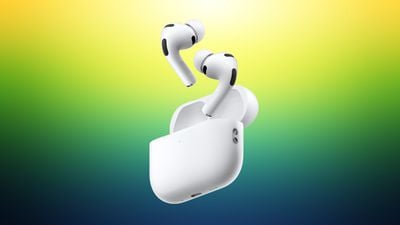
A macOS Tahoe 26.7 file that references the new AirPods is labeled "AirPods Pro," hinting at the new name. It's possible that's a placeholder name, so AirPods Ultra isn't entirely out of the question, but given Apple put a full video of the new AirPods in the software, there isn't much need for a placeholder.
Bloomberg's Mark Gurman said in March that Apple was considering several devices with the Ultra name, including the foldable iPhone Ultra, AirPods Ultra, and an OLED MacBook Ultra, but that may not be a term we see for the new AirPods. He suggested Apple might use the name because the camera-equipped AirPods were expected to be more expensive than the $249 AirPods Pro 3, so Apple's "Pro" choice could also be a hint that pricing won't be too far off the current model.
Rumors about camera-equipped AirPods have been a little confusing, and that could account for any naming discrepancies. Most of the rumors about the AirPods with a camera were about a product with the codename B798. In June, Gurman said the camera AirPods had been delayed because of issues with Siri AI, and would not launch until September 2027 alongside the 20th anniversary iPhone.
In early August, Gurman revised his launch timing and said Apple was close to debuting camera AirPods with the codename B790. The B790 AirPods had apparently been progressing alongside the B798 model, and Gurman said the company "famously creates competing versions of the same product internally," with B790 closer to launch than B798.
It's not known if there are differences between the B790 and B798 products Apple has been working on, but it looks like we're going to see the camera AirPods this year. The AirPods video in macOS Tahoe 26.7 suggests the device is near-ready to launch.
The camera in the AirPods will not be used for capturing photos and videos and will instead feed visual information to Siri AI for an easier-to-use version of Visual Intelligence.
Source: Macrumors










