 NEWS
NEWS
Apple Watch Rethink Could See Debut of Round Model, Screenless Fitness Tracker, and More
 08/10/2026
 632
632
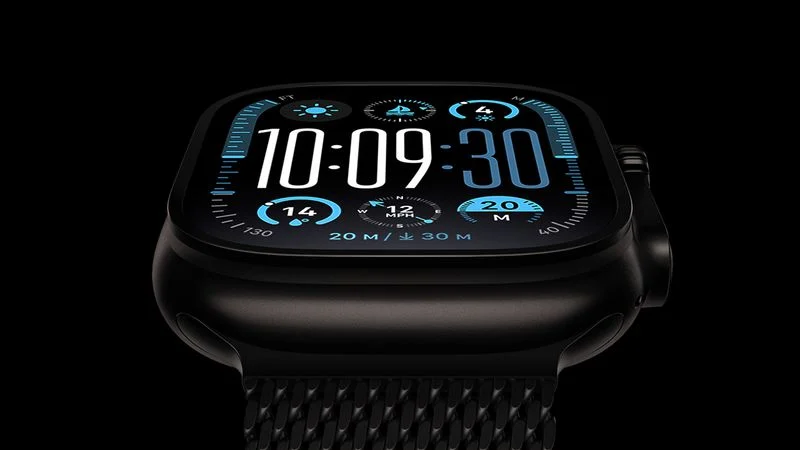
Apple is re-evaluating the Apple Watch lineup and considering a host of radical new designs, according to Bloomberg's Mark Gurman.
In today's edition of his "Power On" newsletter, Gurman compared plans for the Apple Watch's evolution to the "revolutionary design change" that the foldable iPhone represents. It will be "something that transforms the product for a new era." Apple's industrial design team has reportedly been "exploring a broader rethink of its smartwatches" for some time, with several directions under evaluation.
The company is apparently taking the resurgence of fitness bands without screens and smart rings seriously. As a result, the company is considering new Apple Watch-style devices with no display, as well as new Apple Watches with different types of screen and various new sizes.
Apple has also contemplated giving the Apple Watch a round display, but Gurman cautioned that such a device is unlikely to be released. The company has also considered introducing new premium variants designed to sit above the Ultra and Hermès models, alongside even more affordable options in addition to the Apple Watch SE.
The company has not yet settled on a direction for the product line, but it is said to be "determined to reinvent the lineup in response to growing competition." It also plans to make its wearables more AI-focused, with ambitious long-term plans to revamp the Health app.
Gurman believes that the Apple Watch revamp "could be as significant as the iPhone's transformation from a slab design into a foldable device." Apple purportedly hopes to reinvigorate its Wearables, Home and Accessories segment, which has struggled to generate growth over recent years.
Source: Macrumors










